
ViewSonic · ViewBoard IFP63 series
ViewSonic IFP6563-1C 65-inch 4K interactive display

ViewSonic Platinum Tier 1 Partner
We work closely with ViewSonic to secure competitive pricing for your project.
Buying multiple displays? Ask us for a tailored deal.
- Visa
- Mastercard
- American Express
- PayPal
Seen it cheaper? We price-match genuine like-for-like quotes. How it works
- Sourced through UK distribution
- UK manufacturer warranty
- UK-based engineers
- No import duty or customs charges
- GBP pricing, UK VAT invoices
A 65-inch 4K interactive display for teaching rooms and meeting spaces, with EDLA-certified Android 15, 50-point PCAP touch, a built-in microphone array and front USB-C carrying up to 65W of charge.
TopAV buying advice
Is the ViewSonic IFP6563-1C right for your classroom?
The one to shortlist when the room also runs video calls.
Shortlist this ViewBoard for a seminar room, training room or meeting space that has to do annotation and conferencing from the same panel. Unlike the cheaper IFP35-1 series it carries a microphone array, a subwoofer, NFC sign-in and a top plate for a camera, which is what the extra spend buys. For a primary classroom, check both back-row readability and whether younger pupils can reach the writing area.
Reasons to shortlist it
- 50-point PCAP touch with palm rejection that works with both passive and active pens, so a hand can rest on the glass while writing. A pen sensor starts Write Away annotation when a stylus is lifted to the screen, without opening an app first.
- A built-in 8-microphone array, two 20W speakers and a 20W subwoofer, plus a top plate and a 15W USB-C port for mounting a camera, so a room this size can hold a video call from the panel itself.
- 16GB of RAM and 128GB of storage on an octa-core CPU built from four A76 and four A55 cores, with EDLA-certified Android 15, so Google Play, managed accounts and MDM policies behave the way your IT team already expects.
- Three USB-C ports: the front one carries video, touch, 100M Ethernet and 65W of charge over one cable, the rear one raises power delivery to 100W, and the top one supplies 15W for a camera.
- We are a ViewSonic Platinum partner, so warranty and replacement go through us rather than a queue.
Check before you choose
- 65 inches may be too small for detailed content at the back of a long room. Compare viewing distances before settling on this size, and note that brightness is 450 nits, so daylight control still matters.
- This is the expensive end of ViewSonic's interactive range. If the room never hosts a video call, you are paying for a microphone array, subwoofer and NFC reader you will not use; a panel without them may fit the brief for less.
- Write Away colour switching relies on the optional VB-PEN-201 active stylus, and the panel ships with two passive pens. EDLA certification is not a substitute for an IT compatibility check, and the price excludes the mount, installation and any Windows slot-in PC.
See the 65" on your wall, to scale
On a phone, point your camera at the wall and see the 65" there at its real size. On a computer, upload a photo of the wall (or scan the QR code to take one with your phone and it will appear here) and drag the display around it to scale.
Not sure 65" is the right size for the room? The screen size calculator shows how far a 65" display carries for presentations, touch work and video.
What to plan before installing the IFP6563-1C
01
Size & sightlines
Measure the longest viewing distance and allow space around the display for access and writing. Check the writing area is reachable for the shortest person who will use it.
02
Mount & connections
Check wall construction, mounting height, power and data. The panel is 1493.3 x 909.3 x 78.8mm and 42.1kg before packaging, with two gigabit RJ45 ports, an OPS slot and a Wi-Fi slot to plan around. ViewSonic lists a 600 x 400 mm VESA pattern.
03
Software & installation
Confirm the supplied software configuration with your IT team, including whether you need the optional Advanced licence for broadcast and ECO scheduling in Manager. Tell us if you need mounting, cabling or a camera.
Display price is for the panel. Installation and optional equipment are quoted separately. Purchase-order terms are available to approved education customers.
Build a quote you can compare
Include these details in your project enquiry so the quote covers the room as well as the screen.
- Number of displays, site postcode and required date.
- Furthest viewing distance and available wall space.
- Wall type, fixed mount or adjustable trolley, and cable routes.
- Laptop model, teaching apps, and any camera or Windows PC needs.
Ask for separate equipment, delivery, installation and licence costs, with a total including VAT. Confirm warranty coverage and any registration requirements before placing the order.
Complete your setup
What else the IFP6563-1C needs
The price above is for the display on its own. A wall mount or trolley is a separate purchase, and installation is quoted per site. Add what you need here and it joins the same basket.
Choose a mount
Professional Installation
Want it installed by our AV experts? We offer professional on-site installation including mounting, cable management, and system configuration.
Compare your shortlist
ViewSonic IFP6563-1C vs IFP7563-1C: 65-inch or 75-inch?
Choose around the room and the content people need to read, not the model number.
| Feature | IFP6563-1C | IFP7563-1C |
|---|---|---|
| Panel Size | 65" | 75" |
| Resolution | UHD 3840x2160 | UHD 3840x2160 |
| Touch Points | 50 (Windows / Android) | 50 (Windows / Android) |
| RAM | 16GB LPDDR | 16GB LPDDR |
| USB-C Power Delivery | 65 W (front port) | 65 W (front port) |
Specifications checked on 13 September 2026: ViewSonic ViewBoard IFP6563-1C (opens in a new tab), ViewSonic ViewBoard IFP7563-1C (opens in a new tab) and ViewSonic UK ViewBoard warranty (opens in a new tab). Buying advice is based on published specifications; confirm the supplied configuration for either model.
See this 65-inch display to scaleViewSonic IFP6563-1C specifications and documents
ViewSonic specifications (opens in a new tab)Choose a section to view its specifications.
Display (31)
- Display diagonal
- 165.1 cm (65")
- Contrast ratio (typical)
- 5000:1
- Touchscreen
- Yes
- Accuracy touch
- Active pen: ±1.0mm, Passive pen: ±1.5mm
- Touchscreen type
- Projected Capacitive (PCAP)
- Number of simultaneous touchpoints
- 50
- Touch resolution
- 32767 x 32767 pixels
- Panel type
- ADS
- Viewing angle, vertical
- 178°
- Viewing angle, horizontal
- 178°
- Touch technology
- Multi-touch
- Display resolution
- 3840 x 2160 pixels
- Display number of colours
- 1.07 billion colours
- LED backlighting type
- Direct-LED
- Maximum refresh rate
- 60 Hz
- Anti-glare screen
- Yes
- Native aspect ratio
- 16:9
- LED backlight
- Yes
- DisplayPorts quantity
- 1
- DisplayPort version
- 1.2
- Panel Size
- 65"
- Display Area (mm)
- 1428.48mm(H) x 803.52mm(V) (64.5" diagonal)
- Aspect Ratio
- 16:9
- Resolution
- UHD 3840x2160
- Brightness
- 450 nits
- Contrast Ratio
- 5000:1
- Viewing Angles
- H = 178, V = 178 typ.
- Backlight Life
- 50,000 Hours (typ.)
- Touch Points
- 50 (Windows / Android)
- DisplayPort Input
- 1 (DP 1.2)
- USB-B Touch Ports
- 3 (1 front USB 2.0; rear touch 1 USB 3.0, touch 2 USB 2.0)
Connectivity (27)
- AC input voltage
- 100 - 240 V
- Wi-Fi
- Yes
- Ethernet LAN data rates
- 10,100,1000 Mbit/s
- Ethernet LAN
- Yes
- Wake-on-LAN ready
- Yes
- USB 2.0 ports quantity
- 1
- USB connector type
- USB Type-A, USB Type-B, USB Type-C
- Ethernet LAN (RJ-45) ports
- 2
- Microphone connectivity
- 3.5 mm
- Headphone connectivity
- 3.5 mm
- RS-232 ports
- 1
- USB Type-C ports quantity
- 3
- HDMI version
- 2.1
- S/PDIF out port
- Yes
- USB 3.2 Gen 1 (3.1 Gen 1) Type-A ports quantity
- 4
- Audio output
- 1
- USB Power Delivery up to
- 100 W
- USB Power Delivery (USB PD)
- Yes
- USB cable length
- 1.8 m
- HDMI Inputs
- 4 x HDMI 2.1 (1 front, 3 rear; rear HDMI 1 with CEC and ARC)
- HDMI Output
- 1 (4K at 60Hz)
- USB-C Ports
- 3 (front: DP 1.2, touch, 100M Ethernet, USB 3.2 Gen 1, 65W PD; rear: DP 1.2, touch, 100M Ethernet, USB 3.2 Gen 1, 100W PD; top: USB 3.2 Gen 1, 15W PD for camera mounting)
- USB-C Power Delivery
- 65 W (front port)
- USB-A Ports
- 5 (2 front and 2 rear USB 3.2 Gen 1, 1 rear USB 2.0 with OTG)
- LAN
- 2 x RJ45 (10/100/1000Mbps, Wake-on-LAN)
- Wi-Fi Slot
- Yes, 1 x Wi-Fi slot
- PIR Motion Sensor
- Yes
Audio (7)
- Built-in speaker(s)
- Yes
- Number of built-in speakers
- 2
- Speaker power
- 40 W
- Number of microphone arrays
- 8
- Built-in microphone
- Yes
- Speakers
- 2 x 20W plus 20W subwoofer
- Microphone
- Built-in 8-microphone array
Power & Physical (19)
- Power consumption (off)
- 0.5 W
- Pallet gross width
- 168 cm
- Pallet gross height
- 114 cm
- Width
- 1493.3 mm
- Depth
- 78.8 mm
- Product colour
- Black
- Height
- 909.3 mm
- Package width
- 1628 mm
- Package depth
- 185 mm
- Package height
- 1040 mm
- Package weight
- 50.3 kg
- Size Band
- 65 - 79"
- Power Consumption
- 88.5 W on, under 0.5 W off
- Voltage
- 100-240V AC
- VESA Mount
- 600 x 400 mm
- Dimensions (W x H x D)
- 1493.3 x 909.3 x 78.8 mm
- Packaged Dimensions
- 1628 x 1040 x 185 mm
- Weight
- 42.1 kg
- Gross Weight
- 50.3 kg
Certifications & Warranty (4)
- Sustainability certificates
- ENERGY STAR, EPEAT
- Compliance certificates
- BSMI, CB, CE, Federal Communications Commission (FCC), NCC, RoHS, WEEE, cTUVus
- Waste Electrical and Electronic Equipment (WEEE) compliance
- Yes
- Warranty
- 5 years manufacturer
General (61)
- Working area
- 1428.48 x 803.52 mm
- Response time
- 6.5 ms
- Haze rate
- 25%
- Remote control included
- Yes
- Energy efficiency class
- F
- Operating temperature (T-T)
- 0 - 40 °C
- Operating relative humidity (H-H)
- 20 - 80%
- Quantity per pack
- 1 pc(s)
- Pallet gross length
- 114 cm
- Products per master (outer) case
- 1 pc(s)
- Low Blue Light technology
- Yes
- Hardness
- 9H
- Operating system installed
- Android
- Built-in processor
- Yes
- User memory
- 128 GB
- Processor cores
- 8
- RAM capacity
- 16 GB
- Processor architecture
- ARM Cortex A76 + ARM Cortex A55
- Operating system version
- 15 EDLA
- Built-in subwoofer
- Yes
- Subwoofer RMS power
- 20 W
- Built-in projector
- No
- Near Field Communication (NFC)
- Yes
- Mean time between failures (MTBF)
- 50000 h
- Proximity sensor
- Yes
- Temperature sensor
- Yes
- Ambient light sensor
- Yes
- Humidity sensor
- Yes
- Card reader integrated
- Yes
- Compatible memory cards
- MicroSD (TransFlash)
- PM2.5 sensor
- Yes
- Stylus included
- Yes
- Cables included
- HDMI, USB, USB Type-C
- Quick start guide
- Yes
- Batteries included
- Yes
- Bundled software
- Basic Annotation Software: myViewBoard for Android Pro Annotation Software: myViewBoard for Windows (embedded in VPC) Pro Whiteboarding Software: TeamOne Wireless Presentation: AirSync Device Management: Manager ViewSonic Launcher: Yes
- Number of stylus pens
- 2
- Colours
- 1.07 billion (8-bit + FRC)
- Surface Treatment
- Pencil hardness 9H with AG + AF + anti-bacteria
- Bezel
- 3.8 / 3.8 / 11.3 / 32.5 mm
- Orientation
- Landscape
- Processor
- Octa-Core CPU (4 x A76 + 4 x A55)
- RAM
- 16GB LPDDR
- Storage
- 128GB eMMC
- Operating System
- EDLA-certified Android 15
- Type/ Tech
- PCAP
- Palm Rejection
- Yes, with both passive and active pens
- Write Away Pen Sensor
- Yes
- OPS Slot
- Yes, 1 x OPS slot
- Micro SD Slot
- Yes
- NFC Reader
- Yes
- Top Camera Plate
- Yes
- Light Sensor
- Yes
- Environmental Sensors
- Temperature, humidity, eCO2, VOCs and PM2.5 sensors
- Operating Temperature
- 0 to 40 °C
- Energy Star
- 8.0
- EEI Rating
- F
- In the Box
- 2 x touch pens (VB-PEN-101-2C), remote control, 2 x AAA batteries, 3m HDMI cable, 1.8m USB-C cable, 3m USB 2.0 touch cable, 3m power cord, RS232 adapter, 10 x screws (4 wall mount, 6 camera), quick start guide
- Compatible Slot-in PCs
- VPC3X Series, VPCF5-2A Series, VPCF5 Series, VPC-A31-O1
- Manufacturer part number
- IFP6563-1C
- GTIN
- 0766907034226
Specifications are ViewSonic's published figures. Checked on 13 September 2026. The buying advice is our own, from specifying and installing equipment like this in UK classrooms and meeting rooms.
ViewSonic IFP6563-1C questions answered
Who is the ViewSonic IFP6563-1C best suited to?
Consider it for a seminar room, training room or meeting room that has to do both annotation and video calls from one panel. Check that text is readable from the furthest seat before choosing 65 inches. If the room never hosts a call, a panel without the microphone array and subwoofer may suit the budget better.
What does EDLA certification mean for this display?
EDLA certification provides licensed Google services and Google Play access on the Android display. Ask your IT team to check account, app and device-management requirements before rollout; certification alone does not confirm compatibility with every institutional policy.
How is PCAP touch different from infrared touch?
PCAP is a capacitive layer laminated to the glass, where infrared reads beams across the surface just above it. ViewSonic lists 50 touch points with palm rejection for both passive and active pens, at a touch resolution of 32767 x 32767. In practice a laminated PCAP surface puts the writing point closer to the ink and is less affected by dust sitting on the bezel.
How much RAM and storage does the ViewSonic IFP6563-1C have?
16GB of LPDDR RAM and 128GB of eMMC storage, on an octa-core CPU of four A76 and four A55 cores, as listed in ViewSonic's specification table.
Which version of Android does the ViewSonic IFP6563-1C run?
Android 15, EDLA-certified, so Google Play and managed Google accounts are licensed on the device rather than side-loaded. ViewSonic states the platform supports a future OS upgrade. EDLA panels receive Google-licensed updates in service, so the build on a delivered unit can be later than the one it shipped with.
Can it host a video call without extra hardware?
Almost. The panel has a built-in 8-microphone array, two 20W speakers and a 20W subwoofer, so audio is covered, but there is no camera in the box. A top plate and a 15W USB-C port are provided for mounting one, and ViewSonic lists webcams as accessories. Ask for a quote naming the camera you need.
How many USB-C ports does it have and how much power do they deliver?
Three, per ViewSonic's specification table. The front port carries DisplayPort 1.2 video, touch, 100M Ethernet, USB 3.2 Gen 1 data and 65W of power delivery; the rear port is the same but delivers 100W; the top port supplies USB 3.2 Gen 1 and 15W for camera mounting. ViewSonic's marketing copy for the series claims a higher port count than its own specification table, so plan against the table.
What does the NFC reader do?
It lets a user tap a badge or card to sign in, which loads that person's own launcher, settings and connected storage instead of a shared desktop. It is most useful on a panel several people use in the same day, and it needs your IT team to link cards to accounts first.
Should I choose a 65-inch or a 75-inch interactive display?
Choose by viewing distance and the smallest text people need to read, not by room capacity alone. A 65-inch panel suits closer viewing and hands-on touch work. Compare a larger panel for longer rooms or detailed spreadsheets, using the screen-size calculator and a check of the available wall space.
How does the IFP6563-1C compare with the IFP7563-1C?
ViewSonic lists both with 4K resolution, 50-point PCAP touch, 16GB of RAM and front USB-C charging up to 65W. The IFP7563-1C has a larger 75-inch screen, weighs 56.1kg against 42.1kg and draws 101.1W in use against 88.5W. Compare readability from the furthest seat, wall space and the complete installation quote; the larger screen does not add more pixels.
How does the ViewSonic IFP6563-1C compare with a SMART Board or Clevertouch?
SMART builds its teaching workflow around SMART Notebook and Ink and Clevertouch around LYNX Whiteboard, while ViewSonic builds around myViewBoard, which on this model runs on Google EDLA-certified Android with 50-point PCAP touch and a rear USB-C port that delivers 100W. Our comparison guides use the IFP51 series as ViewSonic's reference model, and this IFP63 panel differs from it on USB-C power delivery. Our SMART Board vs ViewSonic and three-brand school comparison guides cover software, accounts and installed cost in detail.
Trusted by thousands of customers
Explore recent installations
See recent installations supplied by StriveAV, TopAV’s parent company. Customer names are masked for privacy.
Alternative products
Closest matches in this category on price and capability. Not sure which way to go? Our technical team will talk it through.
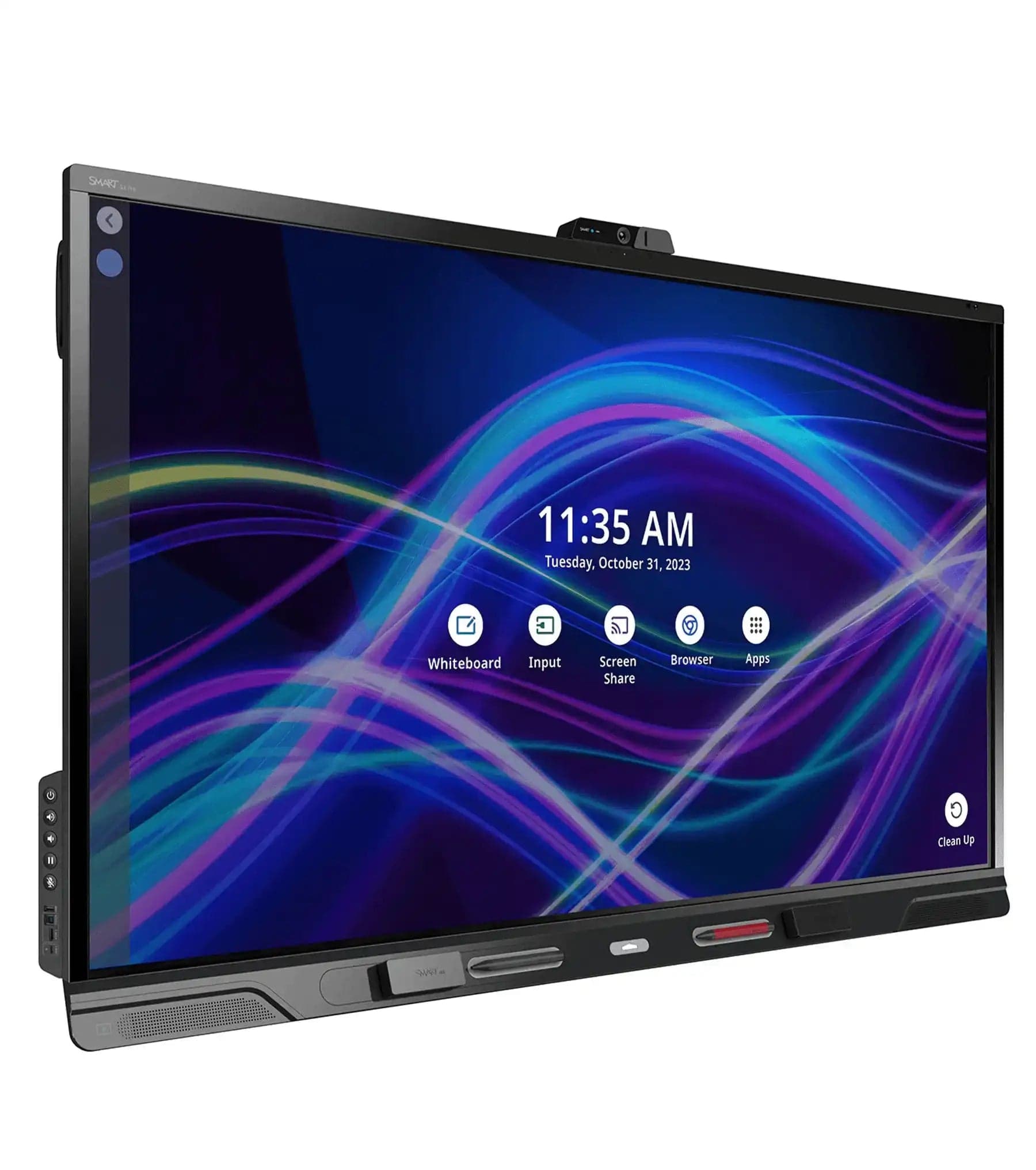
SMART Technologies QX Pro 65" Interactive Whiteboard
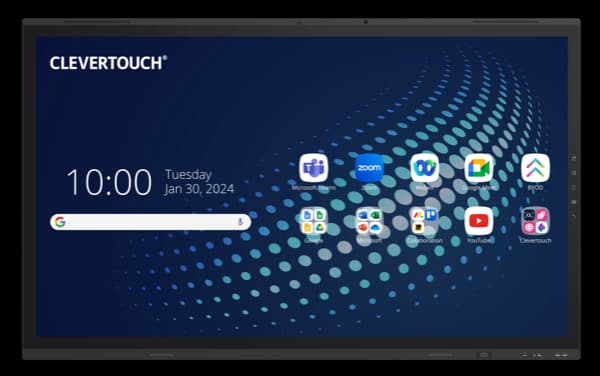
Clevertouch 65" UX PRO Edge, EDLA Certified
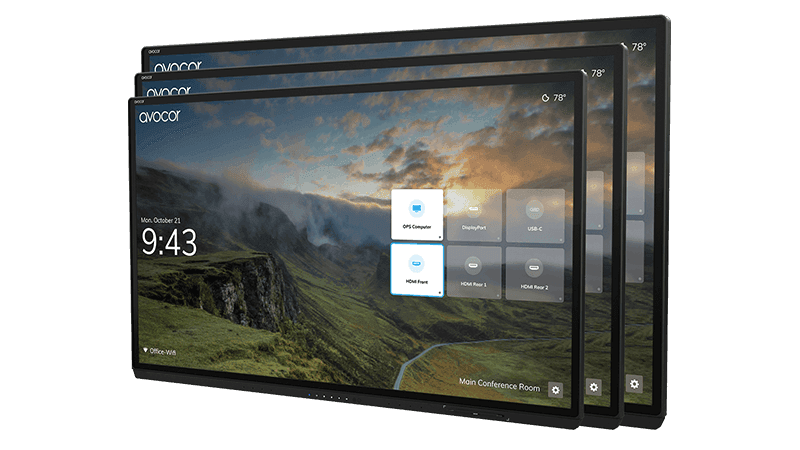
Avocor AVG-6560 65-inch G Series Interactive Display
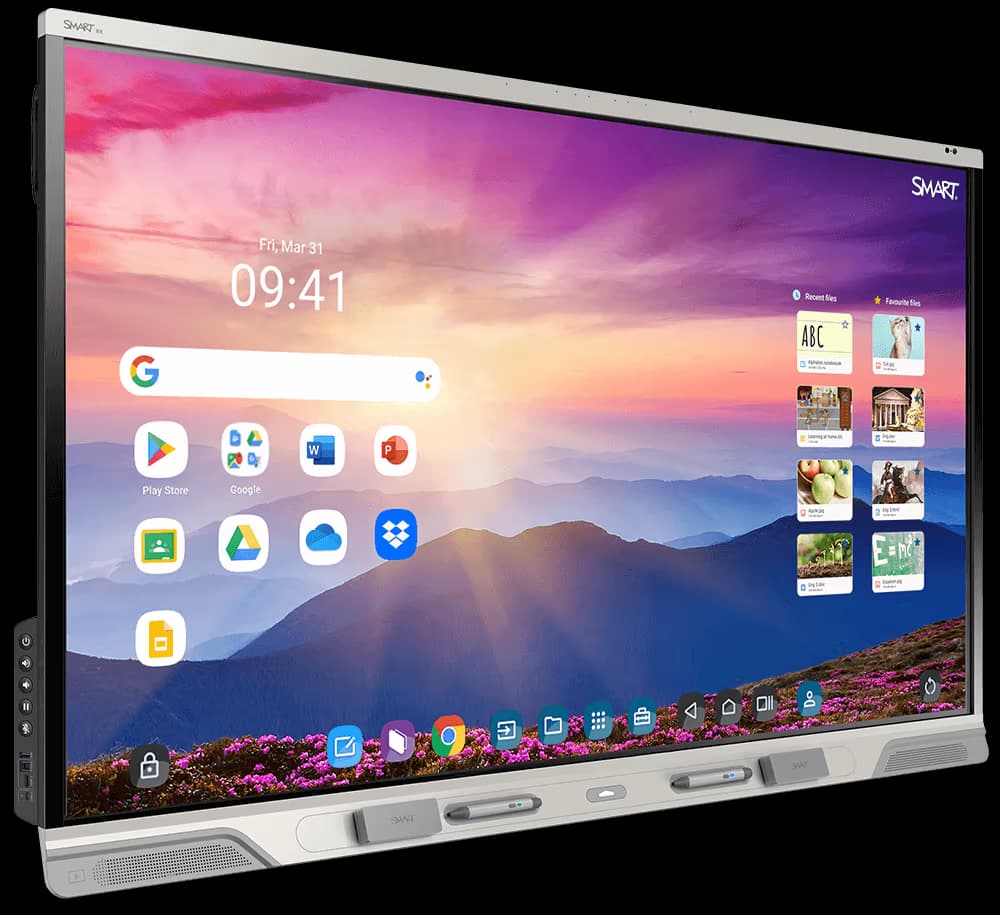
SMART Technologies Board 75" RX Series Interactive Display
Need help specifying this for your space?
Ask Andrew. He knows the full catalogue and can advise on installation, mounting and compatible AV systems.
Buying the ViewSonic IFP6563-1C from TopAV
Free standard mainland delivery
Stock and dispatch information are shown beside the live price. Delivery is separate from installation; confirm site access and any required delivery date with us.
Delivery options5-year manufacturer warranty
Ask us to confirm what the manufacturer cover includes and how service is arranged for your site. Unused items in original packaging can be returned within 14 days of delivery — see the returns policy for how business and consumer returns differ. Faulty items are covered under manufacturer warranty and by your statutory rights.
Returns termsCompare before committing
Already considering another brand or a larger screen? Compare the complete installed cost, your teaching software and long-term support requirements.
Browse other 65 - 79" touch screens