
Classroom buying guide · UK
65 vs 75 vs 86-inch interactive displays
Choose around viewing distance, text size and touch reach. A 75-inch screen gives about 33% more image area than 65 inches; 86 inches gives about 75% more. Check your room before choosing.
By TopAV · Meet the team · Updated
Compare the ViewSonic IFP51 sizes
These 65-, 75- and 86-inch models provide a same-family starting point. Confirm the supplied software configuration and mounting requirements for the size you choose.
Current catalogue prices, including VAT, for the display only. Delivery and installation depend on the order. Prices can change; check the product page and your itemised quote. The larger model is not necessarily the more expensive option.
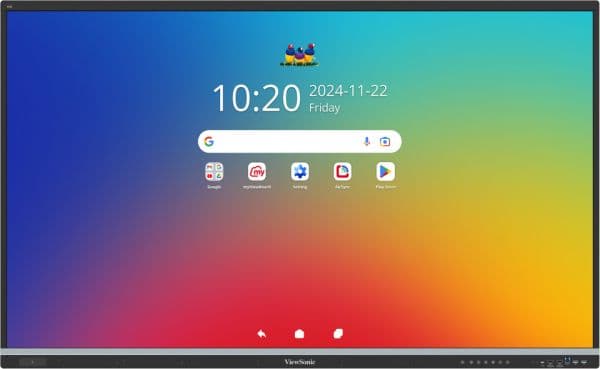
IFP6551-3C
ViewSonic IFP6551-3C 65-inch 4K ViewBoard Interactive Display
£2,467.22 inc. VAT
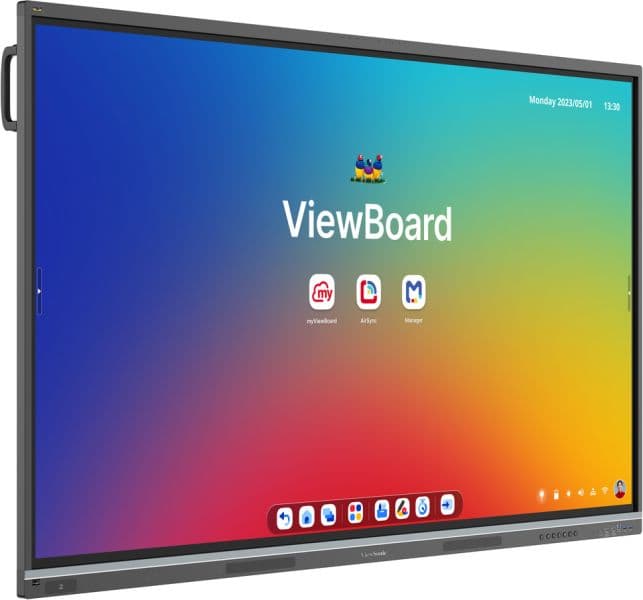
IFP7551-3C
ViewSonic IFP7551-3C 75" ViewBoard 4K Interactive Display
£2,869.14 inc. VAT
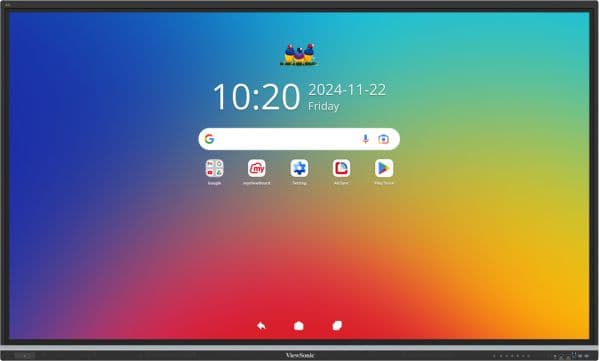
IFP8651-3C
ViewSonic IFP8651-3C 86-inch 4K ViewBoard Interactive Display
£3,591.85 inc. VAT
Buying for several rooms?
Compare 65, 75 and 86-inch ViewSonic IFP51 displays with the same mounting, installation, software and support requirements.
Ask for a tailored comparison quoteTen inches can change the whole image
Diagonal size is not width. These three 16:9 image areas are drawn to the same relative scale. They show the extra space a larger image occupies, before adding the display’s frame, speakers or mounting clearance.
Reference size
33% more area
75% more area
Approximate 16:9 image dimensions — excluding the display frame
65-inch
- Image width
- 1.44 m
- Image height
- 0.81 m
- Image area vs 65-inch
- Reference
75-inch
- Image width
- 1.66 m
- Image height
- 0.93 m
- Image area vs 65-inch
- +33%
86-inch
- Image width
- 1.90 m
- Image height
- 1.07 m
- Image area vs 65-inch
- +75%
| Nominal screen size | Image width | Image height | Image area vs 65-inch |
|---|---|---|---|
| 65-inch | 1.44 m | 0.81 m | Reference |
| 75-inch | 1.66 m | 0.93 m | +33% |
| 86-inch | 1.90 m | 1.07 m | +75% |
Calculated from the nominal diagonal and 16:9 geometry, rounded to two decimal places. Actual active diagonals can be slightly smaller. For installation, use the specific manufacturer’s overall dimensions, weight and clearance instructions.
See it to scale on your wall
Take or upload a photo of your wall, set the scale using a known measurement, then switch between 65, 75 and 86 inches on the same photo. Include a sheet of A4 paper flat against the wall to help set the scale.
This preview compares nominal 16:9 image sizes. It does not include the exact product frame, speakers, mount or ventilation clearance. Verify the manufacturer’s dimensions and installation requirements before ordering.
Start at the furthest seat
Measure from the screen to the furthest viewer, then look at the content. A slide with large headings is a different task from reading a worksheet or a spreadsheet. The table below uses the same 4× and 6× image-height planning rules as TopAV’s calculator; these are initial estimates, not guaranteed reading distances.
Initial viewing-distance estimates using image height
65-inch
- Small text / detailed content: 4× height
- 3.2 m
- Presentation content: 6× height
- 4.9 m
75-inch
- Small text / detailed content: 4× height
- 3.7 m
- Presentation content: 6× height
- 5.6 m
86-inch
- Small text / detailed content: 4× height
- 4.3 m
- Presentation content: 6× height
- 6.4 m
| Nominal screen size | Small text / detailed content: 4× height | Presentation content: 6× height |
|---|---|---|
| 65-inch | 3.2 m | 4.9 m |
| 75-inch | 3.7 m | 5.6 m |
| 86-inch | 4.3 m | 6.4 m |
Example: a pupil 5 metres away
Using the 6× starting point, 75 inches is the first of these three sizes above 5 metres. Using the more cautious 4× starting point for detailed content, none of the three reaches 5 metres. Consider larger text, a different layout, nearer seating or another display solution, then check it in the room.
Touch use adds a reach question
The largest affordable screen is not always the easiest to use. Check whether pupils and staff can reach the working area. An adjustable mount may help, but its movement, accessibility, cable routing and stability must suit the room.
Five checks before ordering
1. Take a wall measurement
Measure the usable width and height. Include sockets, switches, whiteboards, doors and any ventilation space the manufacturer requires.
2. Check the weakest sightline
Sit at the back and edges of the room. Use a real worksheet or lesson slide, rather than a full-screen promotional image, to judge readability.
3. Confirm mounting and access
Use the exact chassis dimensions, weight and VESA mounting pattern. Check the wall structure and the route through doors, stairs or lifts with the installer.
4. Plan comfortable touch access
Consider pupil height, wheelchair access and the teacher’s normal standing position. If proposing a trolley, check stability, storage and travel routes.
5. Compare the complete quote
Include the mount, cables, installation, any computer or camera, software, delivery and VAT. Do not assume a larger screen always costs more: compare current offers.
Want to compare sizes against your own wall? Use the wall visualiser above. Treat the preview as a planning aid and verify measurements before ordering.
Get a quote for your rooms
Common buying questions
Is a 75-inch screen much bigger than a 65-inch screen?
At the same 16:9 aspect ratio, a nominal 75-inch screen has approximately 33% more image area than a 65-inch screen. Its image is about 1.66 m wide rather than 1.44 m. The full display, mounting bracket and ventilation clearance need more space.
Does an 86-inch 4K screen show more detail than a 65-inch 4K screen?
Both have 3840 × 2160 pixels when specified as 4K UHD. The larger screen makes the same content physically larger at the same layout and scaling; it does not add pixels. Legibility also depends on text size, viewing distance, contrast and sightlines.
What size interactive display does a classroom need?
Measure the distance to the furthest pupil, check your smallest teaching text and consider who must reach the screen. Use the size table and calculator as a starting point, then test actual lesson content from the least favourable seats. Room capacity alone does not determine the right size.
Can an 86-inch display reuse our existing wall mount?
Do not assume it can. Check the specific display’s weight, VESA pattern, fixings, wall construction and required clearances, plus access through the building. An installer should confirm suitability before the equipment is ordered.
Sources and how we compare
Specifications were checked against the sources below on 13 September 2026. Recommendations are TopAV’s interpretation of published information and purchasing requirements, not results from a hands-on comparison test. Product prices and availability in this guide come from the current catalogue; confirm the full supplied specification and quote before ordering.
TopAV is part of StriveAV and is a ViewSonic Platinum Tier 1 Partner. We sell multiple display brands. Our customer map documents organisation supply records across brands; these are not product reviews or endorsements.