
Classroom buying guide · UK
BenQ Board vs Clevertouch for schools
BenQ Board Essential and Clevertouch IMPACT Lux are both education-focused options. Compare the way teachers prepare, teach and save lessons in EZWrite and LYNX, then check managed accounts, support and the complete room quote.
By TopAV · Meet the team · Updated
Compare current 65-inch listings
These are the BenQ RE6505E and Clevertouch IMPACT Lux listings. They are different generations and feature tiers, so a display-price gap is not a measure of classroom value. Confirm the exact SKU, supplied software, management terms and warranty on an itemised quote.
Current catalogue prices, including VAT, for the display only. Delivery and installation depend on the order. Prices can change; check the product page and your itemised quote. The larger model is not necessarily the more expensive option.
9H.FCRTK.DE2
BenQ RE6505E 65-inch Board Essential RE05E Interactive Display
£1,687.12 inc. VAT
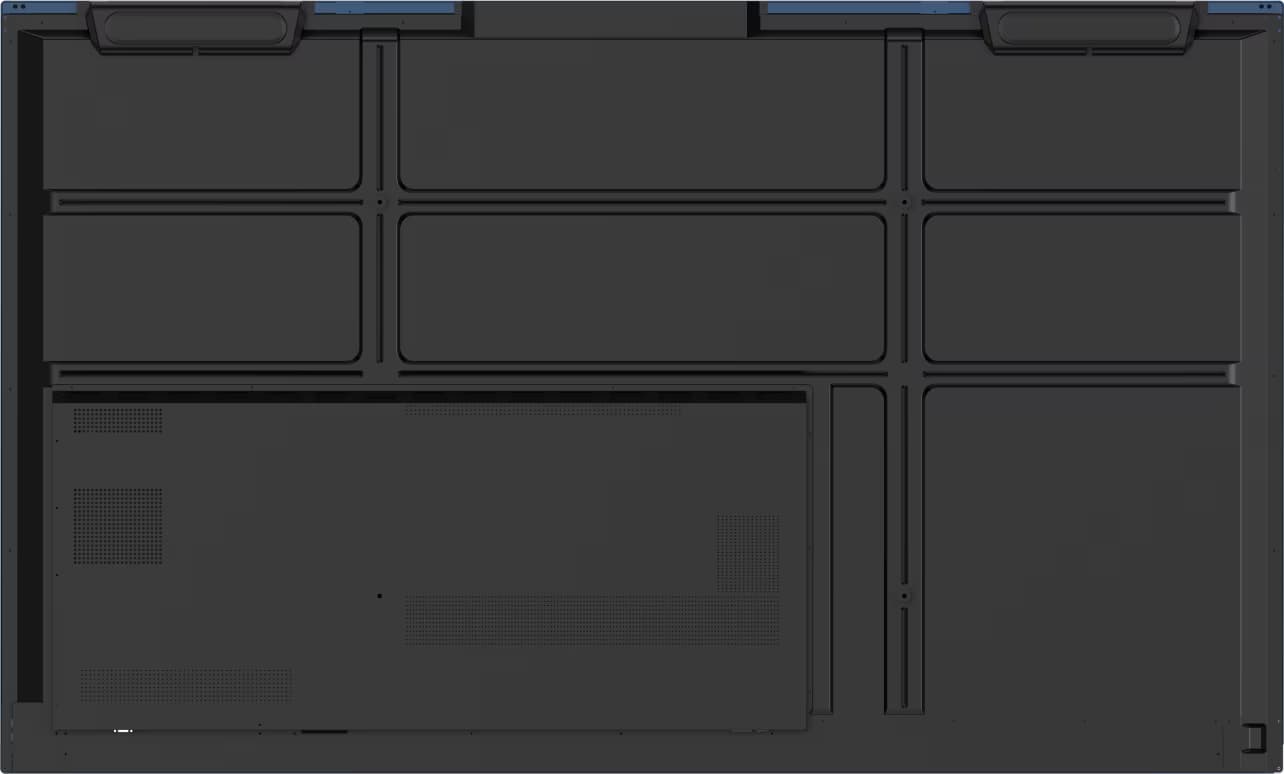
1541323
Clevertouch 65" Impact LUX, EDLA certified
£2,043.04 inc. VAT
Buying for several rooms?
Compare BenQ RE6505E and Clevertouch IMPACT Lux 1541323 with the same mounting, installation, software and support requirements.
Ask for a tailored comparison quoteStart with the teacher’s lesson workflow
Consider BenQ RE05E
EZWrite and BenQ management
BenQ positions Board Essential around EZWrite whiteboarding, InstaShare casting and Google-connected lessons. Its newer RE05E platform also advertises directory synchronisation and device management. Shortlist it where those workflows fit the school’s accounts and IT plans.
Consider Clevertouch IMPACT Lux
LYNX and classroom tools
Clevertouch’s IMPACT Lux combines LYNX lesson tools, Clevershare and a classroom launcher. Shortlist it if teachers use that ecosystem or need its particular pen, sharing and lesson-preparation tools. Check which management services remain included after any initial term.
Neither platform should be selected from its app list alone. Have teachers deliver the same lesson on both boards, while IT checks sign-in, sign-out, updates and account permissions.
Compare the exact products
Published features and buying checks for the shortlisted listings
Display
- BenQ RE6505E
- 65-inch 4K Board Essential RE05E; 450 cd/m² on TopAV's listing
- Clevertouch IMPACT Lux 1541323
- 65-inch 4K IMPACT Lux; 500 cd/m² on TopAV's listing
Google access
- BenQ RE6505E
- Android 16 and Google EDLA listed for RE05E
- Clevertouch IMPACT Lux 1541323
- Google EDLA listed for this IMPACT Lux configuration; confirm supplied version
Lesson tools
- BenQ RE6505E
- EZWrite 6 and InstaShare 2
- Clevertouch IMPACT Lux 1541323
- LYNX Whiteboard and Clevershare
Staff accounts
- BenQ RE6505E
- Ask IT to test directory sync, profiles and sign-out
- Clevertouch IMPACT Lux 1541323
- Test personalised profiles, cloud access and sign-out
Estate management
- BenQ RE6505E
- Confirm BenQ management features and support terms
- Clevertouch IMPACT Lux 1541323
- Confirm CleverLive and remote-management licence term
Support
- BenQ RE6505E
- Confirm warranty duration and service process on the exact SKU
- Clevertouch IMPACT Lux 1541323
- Confirm warranty duration, service method and generation
| Decision | BenQ RE6505E | Clevertouch IMPACT Lux 1541323 |
|---|---|---|
| Display | 65-inch 4K Board Essential RE05E; 450 cd/m² on TopAV's listing | 65-inch 4K IMPACT Lux; 500 cd/m² on TopAV's listing |
| Google access | Android 16 and Google EDLA listed for RE05E | Google EDLA listed for this IMPACT Lux configuration; confirm supplied version |
| Lesson tools | EZWrite 6 and InstaShare 2 | LYNX Whiteboard and Clevershare |
| Staff accounts | Ask IT to test directory sync, profiles and sign-out | Test personalised profiles, cloud access and sign-out |
| Estate management | Confirm BenQ management features and support terms | Confirm CleverLive and remote-management licence term |
| Support | Confirm warranty duration and service process on the exact SKU | Confirm warranty duration, service method and generation |
The BenQ RE05E is newer than the IMPACT Lux listing compared here. This is a buying comparison of available TopAV products, not a same-generation hardware benchmark. See the BenQ UK and Clevertouch product information.
Run the same classroom trial on both
1. Teach a real lesson
Open a current lesson, a PDF with small text and embedded video; annotate, save and reuse it.
2. Try managed accounts
Test teacher sign-in, guest use, app permissions and what the next teacher sees after sign-out.
3. Connect the school laptop
Check touch, audio, casting, cable charging and reconnection after sleep with the actual device.
4. Quote a complete room
Use the same mount, cabling, installation, training, management and support period for both options.
Check the view from the back row and confirm the screen size before standardising across rooms.
Get a quote for your rooms
Common buying questions
Is the Clevertouch model here IMPACT Lux 2?
No. This comparison uses the TopAV listing for 65-inch IMPACT Lux, SKU 1541323. Do not assume Lux 2 specifications or software terms apply. Confirm the generation and order code on your quote.
Do both boards support Google apps?
BenQ lists the RE6505E as Google EDLA certified, and the Clevertouch IMPACT Lux listing describes EDLA access. Test each exact supplied unit with your school’s managed accounts, app licences and network policies.
Can we move LYNX lessons into EZWrite or the reverse?
Do not assume full editing compatibility. Bring representative lesson files to a demonstration and test opening, embedded media, annotation, saving and sharing before choosing a different teaching platform.
Which costs less for a school rollout?
Start with the live display prices, then compare the same size, mounts, cabling, installation, staff training, management licences and support period. Request separate itemised quotes for the same rooms.
Sources and how we compare
Specifications were checked against the sources below on 13 September 2026. Recommendations are TopAV’s interpretation of published information and purchasing requirements, not results from a hands-on comparison test. Product prices and availability in this guide come from the current catalogue; confirm the full supplied specification and quote before ordering.
TopAV is part of StriveAV and is a ViewSonic Platinum Tier 1 Partner. We sell multiple display brands. Our customer map documents organisation supply records across brands; these are not product reviews or endorsements.