
SMART · SMART Board GX Zero series
SMART GX086-V3 86-inch 4K interactive display

SMART Platinum Partner
We work closely with SMART Technologies to secure competitive pricing for your project.
Buying multiple displays? Ask us for a tailored deal.
- Visa
- Mastercard
- American Express
- PayPal
Seen it cheaper? We price-match genuine like-for-like quotes. How it works
- In UK stock, ships from the UK
- UK manufacturer warranty
- UK-based engineers
- No import duty or customs charges
- GBP pricing, UK VAT invoices
An 86-inch 4K interactive display with no embedded operating system, so it runs from a connected computer or an optional SMART PCM OPS module, with Advanced infrared touch for up to 40 points, 400 cd/m2 brightness and two 20W speakers.
TopAV buying advice
Is the SMART GX086-V3 right for your classroom?
For large rooms and back rows, driven by the computer you already manage.
Shortlist the GX Zero when the teaching laptop or desktop is already what lessons run on, and the display only has to show it and take touch. There is no embedded platform to sign into, patch or licence, which is the point of the series and also its limit: unplug the computer and the panel has nothing of its own to fall back on. The 86-inch size earns its cost in a hall, a lecture space or a deep classroom where the back row cannot read a smaller board; in a standard room the 75-inch model usually does the same job for less.
Reasons to shortlist it
- There is no embedded operating system to sign into, patch or licence. The display takes picture and touch from the computer you plug in, so it inherits the estate your IT team already manages instead of adding a second platform beside it.
- One front USB Type-C cable carries 4K at 60Hz video, touch, digital audio and a USB 3.2 Gen 1 connection for peripherals, plus 15W of power delivery for a small device; a 1.8m USB-C cable and a 5m USB 2.0 A to B cable are both in the box.
- Advanced infrared touch registers up to 40 points on Windows, 20 on Mac and 10 on ChromeOS, with a typical touch response of 8ms or less, 1mm accuracy and a 2mm minimum object size, so a group can spread out and write along the full width of an 86-inch panel at once.
- Two 20W speakers, three HDMI 2.0 inputs with HDCP 2.2 (one front, two rear) and an ambient light sensor that trims brightness are all built in, and the 86-inch panel is rated at 119W typical power draw with ENERGY STAR certification.
- We are a SMART Platinum partner, so warranty claims and replacements go through us rather than a queue.
Check before you choose
- 86 inches needs the wall and the room to match it. In a standard classroom the 75-inch GX075-V3 usually reads just as well for less money and less power, so compare viewing distances before committing to the larger panel.
- The display does nothing on its own. A computer has to be connected, or a SMART PCM OPS module fitted in the rear slot, before there is anything to show or touch. The box holds the display, two pens, a remote control with batteries, a USB-C cable, a USB A to B cable and a power cable; the mount, installation and any PC module are quoted separately.
- Simultaneous tool differentiation and Object Awareness need a connected computer running SMART Product Drivers, and tool differentiation is supported in SMART Notebook and SMART Ink rather than across every application. Confirm with your IT team that the drivers can be deployed to the machines that will be plugged in.
See the 86" on your wall, to scale
On a phone, point your camera at the wall and see the 86" there at its real size. On a computer, upload a photo of the wall (or scan the QR code to take one with your phone and it will appear here) and drag the display around it to scale.
Not sure 86" is the right size for the room? The screen size calculator shows how far a 86" display carries for presentations, touch work and video.
What to plan before installing the GX086-V3
01
Size & sightlines
Measure the longest viewing distance and the smallest text people need to read, then check the wall is wide enough and that pupils can still reach the lower part of the glass on a panel this size.
02
Mount & connections
Check wall construction and mounting height against a panel weighing 65kg, which ships with four handles and is a two-person lift at least, and plan power, HDMI and network runs before delivery day. SMART lists a 800 x 600 mm (M8) VESA pattern.
03
Computer & software
Decide which machine drives the board and whether it plugs in at the front or stays behind the panel in the OPS slot, which supports SMART PCM modules drawing up to 90W. SMART Notebook, SMART Product Drivers and SMART Ink are included, so agree their deployment with your IT team. Tell us if you need mounting, cabling or a PC module.
Display price is for the panel. Installation and optional equipment are quoted separately. Purchase-order terms are available to approved education customers.
Build a quote you can compare
Include these details in your project enquiry so the quote covers the room as well as the screen.
- Number of displays, site postcode and required date.
- Furthest viewing distance and available wall space.
- Wall type, fixed mount or adjustable trolley, and cable routes.
- Laptop model, teaching apps, and any camera or Windows PC needs.
Ask for separate equipment, delivery, installation and licence costs, with a total including VAT. Confirm warranty coverage and any registration requirements before placing the order.
Complete your setup
What else the GX086-V3 needs
The price above is for the display on its own. A wall mount or trolley is a separate purchase, and installation is quoted per site. Add what you need here and it joins the same basket.
Choose a mount
Professional Installation
Want it installed by our AV experts? We offer professional on-site installation including mounting, cable management, and system configuration.
Compare your shortlist
SMART GX086-V3 vs GX075-V3: 86-inch or 75-inch?
Choose around the room and the content people need to read, not the model number.
| Feature | GX086-V3 | GX075-V3 |
|---|---|---|
| Screen Size | 86 in | 75 in |
| Resolution | 3840 x 2160 (4K UHD) | 3840 x 2160 (4K UHD) |
| Touch Points | 40 on Windows, 20 on Mac, 10 on Chrome OS | 40 on Windows, 20 on Mac, 10 on Chrome OS |
| Brightness | 400 cd/m² | 400 cd/m² |
| USB-C Power Delivery | 15 W (front port) | 15 W (front port) |
| Speakers | 2 x 20W integrated | 2 x 20W integrated |
Specifications checked on 13 September 2026: SMART Board GX Zero series (opens in a new tab) and SMART Board GX Zero series specifications (PDF) (opens in a new tab). Buying advice is based on published specifications; confirm the supplied configuration for either model.
See this 86-inch display to scaleSMART GX086-V3 specifications and documents
SMART specifications (opens in a new tab)Choose a section to view its specifications.
Display (7)
- Screen Size
- 86 in
- Resolution
- 3840 x 2160 (4K UHD)
- Brightness
- 400 cd/m²
- Touch Technology
- Advanced infrared (Silktouch, Object Awareness, Simultaneous Tool Differentiation)
- Aspect Ratio
- 16:9
- Backlight Life
- 50,000 or more hours
- Touch Points
- 40 on Windows, 20 on Mac, 10 on Chrome OS
Connectivity (3)
- USB-C Power Delivery
- 15 W (front port)
- USB-C Ports
- 2 (1 front, 1 rear)
- HDMI Inputs
- 3 (1 front, 2 rear)
Audio (1)
- Speakers
- 2 x 20W integrated
Power & Physical (4)
- Power Consumption
- 119 W (typical)
- VESA Mount
- 800 x 600 mm (M8)
- Weight
- 65 kg
- Shipping Weight
- 90 kg
Certifications & Warranty (1)
- Warranty
- 5 years SMART Assure (UK & Ireland)
General (5)
- Operating System
- None (OS-free); optional SMART PCM OPS module
- OPS Slot
- 1 (rear), SMART PCM modules, 90W supported
- Glass
- Full heat-tempered, anti-glare, bonded
- Sensors
- Ambient light, infrared
- Manufacturer part number
- GX086-V3
Specifications are SMART's published figures. Checked on 13 September 2026. The buying advice is our own, from specifying and installing equipment like this in UK classrooms and meeting rooms.
SMART GX086-V3 questions answered
Who is the SMART Board GX086 Zero best suited to?
Consider it for a hall, lecture space or deep classroom where the back row cannot read a smaller board, and where a computer is already in the room to teach or present from. If the room is a standard classroom, price the 75-inch model alongside it before deciding.
Does the GX Zero need a computer to work?
Yes. SMART's specification sheet lists the operating system as not available on this series, so there is no embedded whiteboard, browser or app store. A laptop or desktop connects over USB-C or HDMI, or a SMART PCM module can be fitted into the rear OPS slot to give the display a PC of its own.
Can I connect a laptop with a single USB-C cable?
Yes. The front USB Type-C port carries 4K at 60Hz video, touch data, digital audio and a USB 3.2 Gen 1 link for peripherals over one cable, and a 1.8m USB-C cable is supplied. Power delivery on that port is 15W, which suits a phone or a small accessory rather than a laptop, so plan on the laptop keeping its own charger.
How many people can use the GX086 at once?
Up to 40 touch points on Windows, 20 on Mac and 10 on ChromeOS, because the count follows the connected computer's operating system rather than the panel. On an 86-inch board that is enough width for a group to work in parallel rather than taking turns.
Can I add a PC to the display later?
Yes. There is one OPS accessory slot at the rear, and SMART lists support for its own PCM modules with up to 90W available to the module. SMART notes that support and performance of third-party OPS and OPS-C modules can vary, so test compatibility before committing to a module we have not supplied.
What software is included with the GX Zero?
SMART Notebook, SMART Product Drivers and SMART Ink are included. SMART Notebook Plus, Lumio, SMART Meeting Pro and SMART TeamWorks are listed as optional and licensed separately. The drivers matter in practice: tool differentiation and Object Awareness only work through a computer that has them installed.
What comes in the box?
Two pens, magnetic frame-mounted tool holders, a remote control with two AAA batteries, a country-specific power cable, a 5m USB 2.0 A to B cable, a 1.8m USB-C cable, illustrated installation instructions and an important information document. No mount, no computer and no camera are included.
How heavy is the 86-inch panel and what does that mean for installation?
The display weighs 65kg and ships upright on a pallet at a shipping weight of 90kg, with four handles built into the chassis. Plan a lift with enough people, check the wall can carry it, and ask us to quote installation if the room has no suitable structure or the mounting height is awkward.
Is the screen readable in a bright room?
It is rated at 400 cd/m2 behind full heat-tempered, anti-glare, bonded glass with a 178 degree viewing angle, and an ambient light sensor adjusts brightness as the room changes. In a hall with strong direct sunlight on the wall, plan blinds or a different wall rather than relying on the panel alone.
Can TopAV quote for installation and school purchase orders?
Yes. Request a project quote for mounting, cabling and installation, which is quoted separately from the display. Approved education customers can apply for purchase-order terms; eligibility and credit terms are subject to approval.
Trusted by thousands of customers
Explore recent installations
See recent installations supplied by StriveAV, TopAV’s parent company. Customer names are masked for privacy.
Alternative products
Closest matches in this category on price and capability. Not sure which way to go? Our technical team will talk it through.
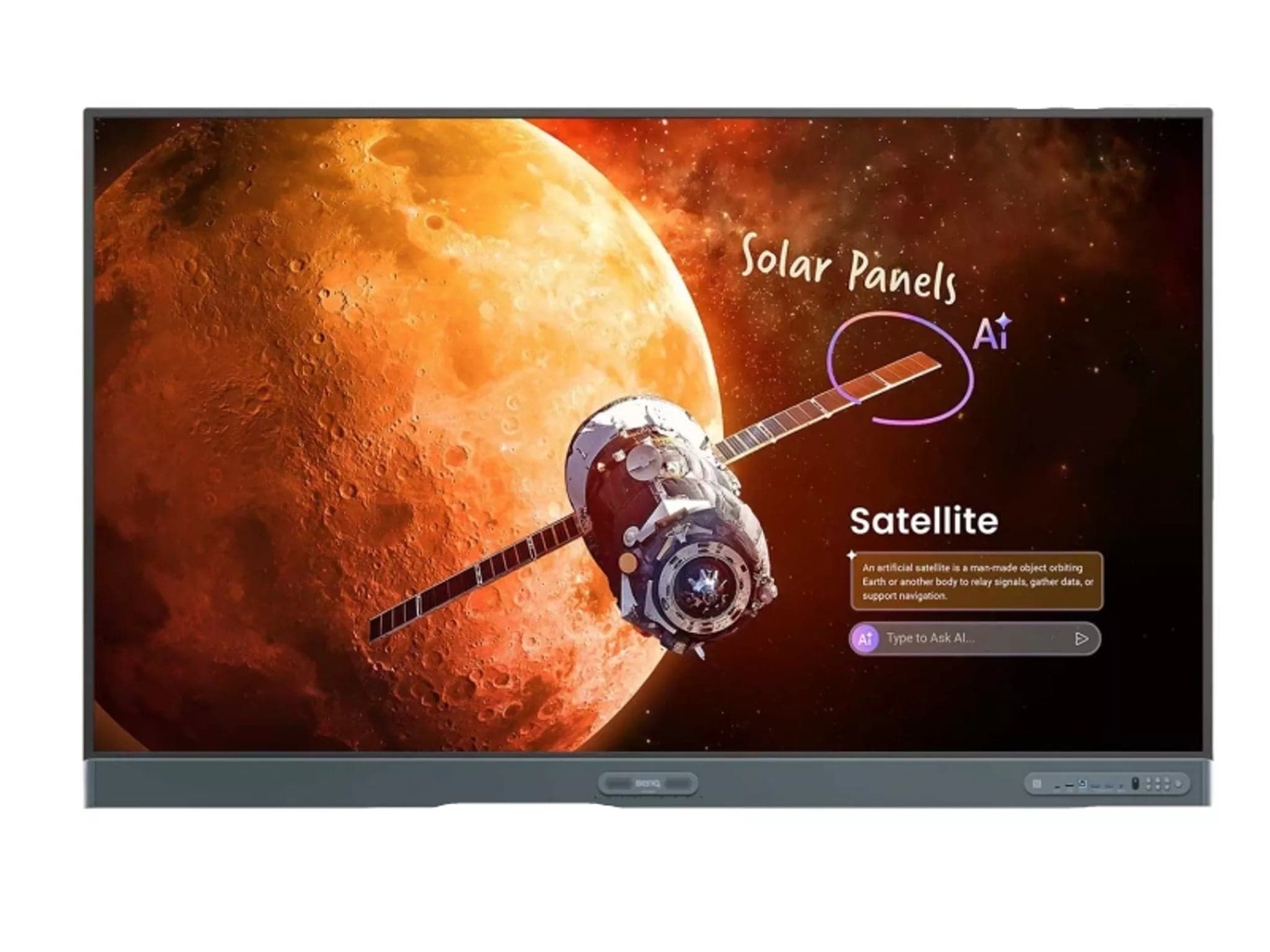
BenQ RP8604 86" 4K Interactive Display
SMART Board GX086-V4 Plus 86" Interactive Display
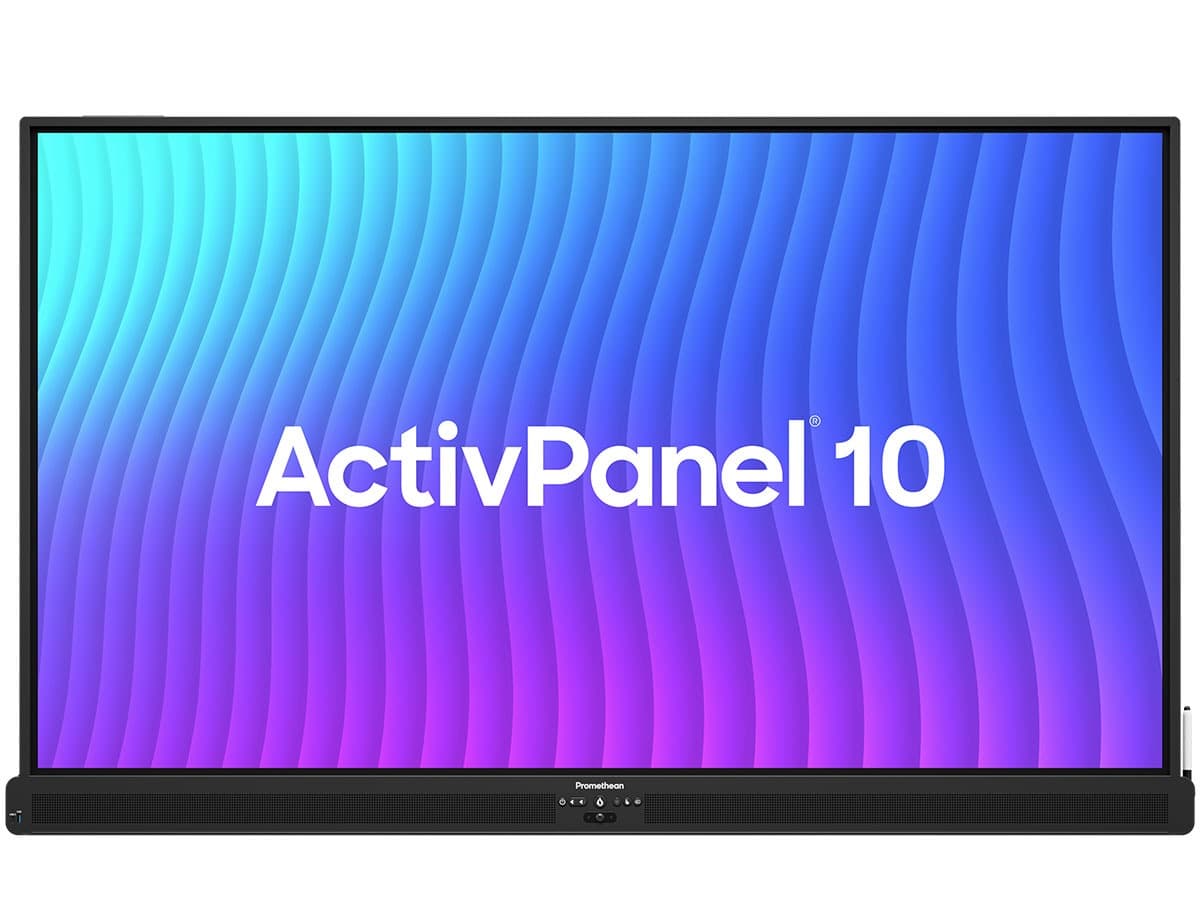
Promethean 86" ActivPanel 10 Interactive Display Android Free
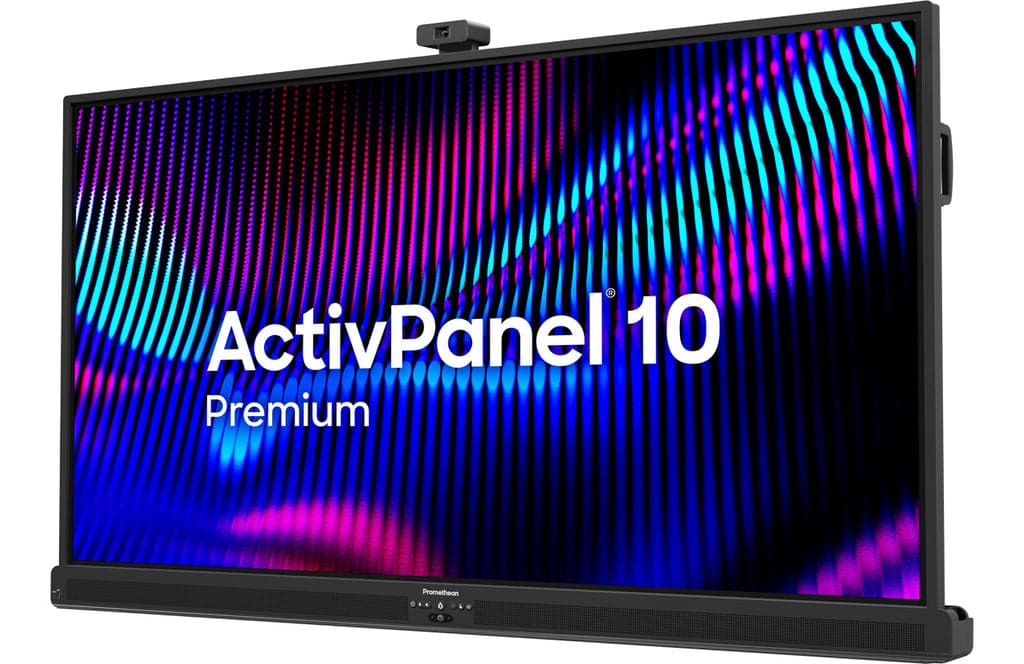
Promethean ActivPanel 10 Premium 86" bundle with OPS-A2
Need help specifying this for your space?
Ask Andrew. He knows the full catalogue and can advise on installation, mounting and compatible AV systems.
Buying the SMART GX086-V3 from TopAV
Free standard mainland delivery
Stock and dispatch information are shown beside the live price. Delivery is separate from installation; confirm site access and any required delivery date with us.
Delivery options5-year manufacturer warranty
Ask us to confirm what the manufacturer cover includes and how service is arranged for your site. Unused items in original packaging can be returned within 14 days of delivery — see the returns policy for how business and consumer returns differ. Faulty items are covered under manufacturer warranty and by your statutory rights.
Returns termsCompare before committing
Already considering another brand or a larger screen? Compare the complete installed cost, your teaching software and long-term support requirements.
Browse other 80 - 99" touch screens