
iiyama · iiyama ProLite TE15 series
iiyama TE7515A-B2AG 75-inch 4K interactive display
- Visa
- Mastercard
- American Express
- PayPal
Or 3 interest-free payments of £566.34 with PayPal Pay in 3.
Independently reviewed on TrustpilotSeen it cheaper? We price-match genuine like-for-like quotes. How it works
- In UK stock, ships from the UK
- UK manufacturer warranty
- UK-based engineers
- No import duty or customs charges
- GBP pricing, UK VAT invoices
A 75-inch 4K UHD interactive flat panel for teaching and meeting spaces, Google EDLA certified with iiWare 21E on Android 14, DeepContrast-IR++ touch with 32-point writing on optically bonded glass, a VA panel quoted at 5000:1 static contrast and an 8-array microphone.
TopAV buying advice
Is the iiyama TE7515A-B2AG right for your classroom?
For a room where a whole group writes on the board at once.
Shortlist the TE7515A-B2AG where the board is written on every day by several people at a time rather than presented to. iiyama lists 40 touch points with 32-point writing on a supported operating system, on optically bonded glass so the ink appears under the pen tip rather than a few millimetres behind it, and the VA panel is quoted at 5000:1 static contrast, which holds dark diagrams and photographs together in a room with the lights down. Connectivity is the trade to weigh: there is a single USB-C input and four USB ports in total, so plan in advance who plugs in where.
Reasons to shortlist it
- DeepContrast-IR++ tracks 40 touch points with 32-point writing on a supported operating system, quoted to +- 1mm accuracy at a 200Hz scan rate and a 5ms touch response, with palm rejection, so a group can write along the width of the board together without a resting hand drawing.
- The writing surface is optically bonded anti-glare glass with an anti-gloss treatment, an anti-bacterial coating, 3.2mm thickness and 7H hardness, which removes the parallax gap between pen tip and ink and stands up to daily contact.
- The VA panel is quoted at 5000:1 static contrast and 550 cd/m2 with a 6.5ms grey-to-grey response, and flicker free operation and a blue light reducer are both listed, which is the combination to look for when the board is in use for hours at a time on dark material.
- iiWare 21E runs on Android 14 and is Google EDLA certified, so managed Google accounts, Google apps, iiControl device management, the whiteboard, iiBrowser, the file manager, cloud drives, iiShare and EShare all run on the display itself with no PC in the room.
- Two 20W front-facing speakers with a 20W subwoofer on the back and an 8-array microphone rated for 8m voice pick-up mean calls and lesson audio work without adding a soundbar or a table microphone.
Check before you choose
- There is one USB-C input, carrying DisplayPort 1.2 alternate mode video, touch data and 100W of charge, and four USB ports in total. Where several people each want to plug a laptop into the board, the TE6513A-B2AG in the TE13 range carries two USB-C connections and six USB ports and is the easier fit.
- Budget the mount, the installation, any OPS PC module and a camera separately, and plan a multi-person lift for a 54.6kg panel that is 67.6kg in its box. Four touch pens, the remote, a wall mounting bracket, a webcam mounting bracket and cable ties are in the box; a PC and a camera are not.
- The panel ships on Android 14 and iiyama lists a later platform release for this series as a future update rather than something in the box. Confirm the build on your delivery, your Google account policy and any app licences with your IT team before rollout.
See the 75" on your wall, to scale
On a phone, point your camera at the wall and see the 75" there at its real size. On a computer, upload a photo of the wall (or scan the QR code to take one with your phone and it will appear here) and drag the display around it to scale.
Not sure 75" is the right size for the room? The screen size calculator shows how far a 75" display carries for presentations, touch work and video.
What to plan before installing the TE7515A-B2AG
01
Size & sightlines
Measure the longest viewing distance and the smallest text people have to read, then check that pupils or presenters can comfortably reach the lower part of the glass at the mounting height you have in mind.
02
Mount & connections
Check the wall construction, the mounting height, power and data, and plan the lift and the access route for a 54.6kg panel. Decide which sources use the two HDMI 2.0 inputs, the DisplayPort input and the single USB-C input, and run a wired drop to one of the two gigabit RJ45 ports if the display will be managed centrally. iiyama lists a 800 x 400 mm VESA pattern.
03
Software & rollout
Decide whether the room runs on the built-in iiWare system, a connected laptop or an optional OPS PC module in the rear slot, and agree Google account policy, app licensing and iiControl device management with your IT team. Tell us if you need mounting, cabling, a trolley or a camera quoted with it.
Display price is for the panel. Installation and optional equipment are quoted separately. Purchase-order terms are available to approved education customers.
Build a quote you can compare
Include these details in your project enquiry so the quote covers the room as well as the screen.
- Number of displays, site postcode and required date.
- Furthest viewing distance and available wall space.
- Wall type, fixed mount or adjustable trolley, and cable routes.
- Laptop model, teaching apps, and any camera or Windows PC needs.
Ask for separate equipment, delivery, installation and licence costs, with a total including VAT. Confirm warranty coverage and any registration requirements before placing the order.
Complete your setup
What else the TE7515A-B2AG needs
The price above is for the display on its own. A wall mount or trolley is a separate purchase, and installation is quoted per site. Add what you need here and it joins the same basket.
Choose a mount
Professional Installation
Want it installed by our AV experts? We offer professional on-site installation including mounting, cable management, and system configuration.
Compare your shortlist
iiyama TE7515A-B2AG vs TE7515A-B1AG: 75-inch or 75-inch?
Choose around the room and the content people need to read, not the model number.
| Feature | TE7515A-B2AG | TE7515A-B1AG |
|---|---|---|
| Screen Size | 75 in | 75 in |
| Resolution | 3840 x 2160 (4K UHD) | 3840 x 2160 (4K UHD) |
| Touch Points | 40 touch points, 32-point writing (HID, with a supported OS) | 40, 32pt writing (HID, only with supported OS, 40-Punkt-Touch mit Android) |
| Brightness | 550 cd/m² | 550 cd/m² |
| Contrast Ratio | 5000:1 | 1200:1 |
| Speakers | 2 x 20W front facing with 20W subwoofer | 2 x 20W front facing plus 20W subwoofer |
Specifications checked on 13 September 2026: iiyama ProLite TE7515A-B2AG (opens in a new tab). Buying advice is based on published specifications; confirm the supplied configuration for either model.
See this 75-inch display to scaleiiyama TE7515A-B2AG specifications and documents
iiyama specifications (opens in a new tab)Choose a section to view its specifications.
Display (9)
- Panel Type
- VA
- Screen Size
- 75 in
- Resolution
- 3840 x 2160 (4K UHD)
- Brightness
- 550 cd/m²
- Contrast Ratio
- 5000:1
- Touch Points
- 40 touch points, 32-point writing (HID, with a supported OS)
- Touch Technology
- DeepContrast-IR++
- Aspect Ratio
- 16:9
- Backlight Life
- 50,000 hours (MTBF, excluding backlight)
Connectivity (2)
- USB-C Power Delivery
- 100 W (USB-C input)
- HDMI Inputs
- 2
Audio (2)
- Speakers
- 2 x 20W front facing with 20W subwoofer
- Microphone
- 8-array (8m voice pick-up)
Power & Physical (5)
- Size Band
- 65 - 79"
- Power Consumption
- 191W typical, 0.5W standby, 0.3W off
- VESA Mount
- 800 x 400 mm
- Weight
- 54.6 kg
- Shipping Weight
- 67.6 kg
Certifications & Warranty (1)
- Warranty
- 5 years
General (11)
- EAN # :
- 4948570127498
- Energy efficiency class
- G
- Operating System
- iiWare 21E (Android 14, Google EDLA certified)
- Orientation
- Landscape
- RAM
- 8GB
- Storage
- 128GB
- OPS Slot
- Yes (Intel OPS 80-pin)
- Glass
- Anti-glare with anti-gloss treatment, anti-bacterial coating, optical bonding, 3.2mm, 7H
- Sensors
- Ambient light, NFC reader, PIR motion, pen pick-up
- Manufacturer part number
- TE7515A-B2AG
- GTIN
- 4948570127498
Specifications are iiyama's published figures. Checked on 13 September 2026. The buying advice is our own, from specifying and installing equipment like this in UK classrooms and meeting rooms.
iiyama TE7515A-B2AG questions answered
Who is the iiyama ProLite TE7515A-B2AG best suited to?
Consider it for a classroom, a training room or a meeting room where people come up to the board and write rather than only watch it, and where the display has to work without a PC in the room. At 75 inches it suits a standard to large room; measure the furthest reading position against the smallest text you use before deciding between this and a larger panel in the same family.
Does the TE7515A-B2AG need a computer to work?
No. iiWare 21E runs on the display's own Android 14 system with a whiteboard, the iiBrowser web browser, a file manager, cloud drive access, iiShare and EShare wireless sharing built in. A laptop connects over HDMI, DisplayPort or USB-C when you want to work from your own files, and an Intel OPS 80-pin module can be fitted in the rear slot if you want a full Windows PC behind the screen.
How many people can write on it at once?
iiyama lists 40 touch points with 32-point writing on a supported operating system, quoted to +- 1mm accuracy, with palm rejection so a resting hand does not draw. In practice that lets a group work side by side across the width of a 75-inch panel using the four supplied pens, a finger or a gloved hand. The scan rate is 200Hz with a 5ms touch response.
What does Google EDLA certification mean in practice?
It means the display is licensed to run Google's mobile services, so managed Google accounts, the Google app catalogue and Google sign-in work natively on the panel rather than through a workaround. For an organisation already using Google Workspace, that is what lets the board be enrolled and managed like any other device. Confirm account policy and app licences with your IT team, as those are separate from the hardware.
Can I connect a laptop with one cable?
Yes. The USB-C input carries DisplayPort 1.2 alternate mode video at 3840 x 2160, touch data back to the laptop and 100W of power delivery on a single lead. Your laptop and cable both have to support DisplayPort over USB-C, and a machine drawing more than 100W will still want its own charger. There is one USB-C input on this model, so a room with several visiting laptops needs either a plan or a second connection on HDMI or DisplayPort.
Which version of Android does it run?
It ships with iiWare 21E on Android 14, Google EDLA certified. iiyama has published a later platform release for this series as a future roadmap item rather than a shipped version, so plan around Android 14 and ask us to confirm the build installed on your delivery if a particular app or policy depends on it.
How much memory and storage does it have?
8GB of memory and 128GB of internal storage, on an RK3576 octa-core processor with Mali G52 MC3 graphics, plus a micro SD card slot for extra media. Both figures are published in the specification table on this page.
What sensors and connectivity are built in?
An ambient light sensor, an NFC reader, a PIR motion sensor and a pen pick-up sensor, alongside built-in WiFi 6E and Bluetooth 5.0 and two gigabit RJ45 ports wired as in and out with automatic switching between the PC and the Android side. Kiosk mode and picture-in-picture are both listed. The motion and pen sensors are what let the display wake and switch to writing mode without anyone touching a menu.
How much power does it use?
iiyama lists 191W typical, 0.5W in standby and 0.3W in off mode, on an internal power supply running from 100V to 240V AC at 50Hz to 60Hz. That is the figure to use when working out how many displays a circuit will carry, and it is on the specification table on this page rather than estimated.
How does this compare with the TE7515A-B1AG?
They are two revisions of the same 75-inch model, so the suffix is the part to check on a quote. This B2AG revision uses DeepContrast-IR++ touch on a VA panel quoted at 5000:1 static contrast and 550 cd/m2, with 8GB of memory and 128GB of storage. Rather than repeating the other model's numbers here, use the comparison table on this page: it reads both product records directly, so the figures stay right if either specification changes. Ask us for written confirmation of the differences before you order if the choice is close.
Trusted by thousands of customers
Explore recent installations
See recent installations supplied by StriveAV, TopAV’s parent company. Customer names are masked for privacy.
Alternative products
Closest matches in this category on price and capability. Not sure which way to go? Our technical team will talk it through.
Samsung LH75WEFWLGCXEN 75" Interactive Display WEFX
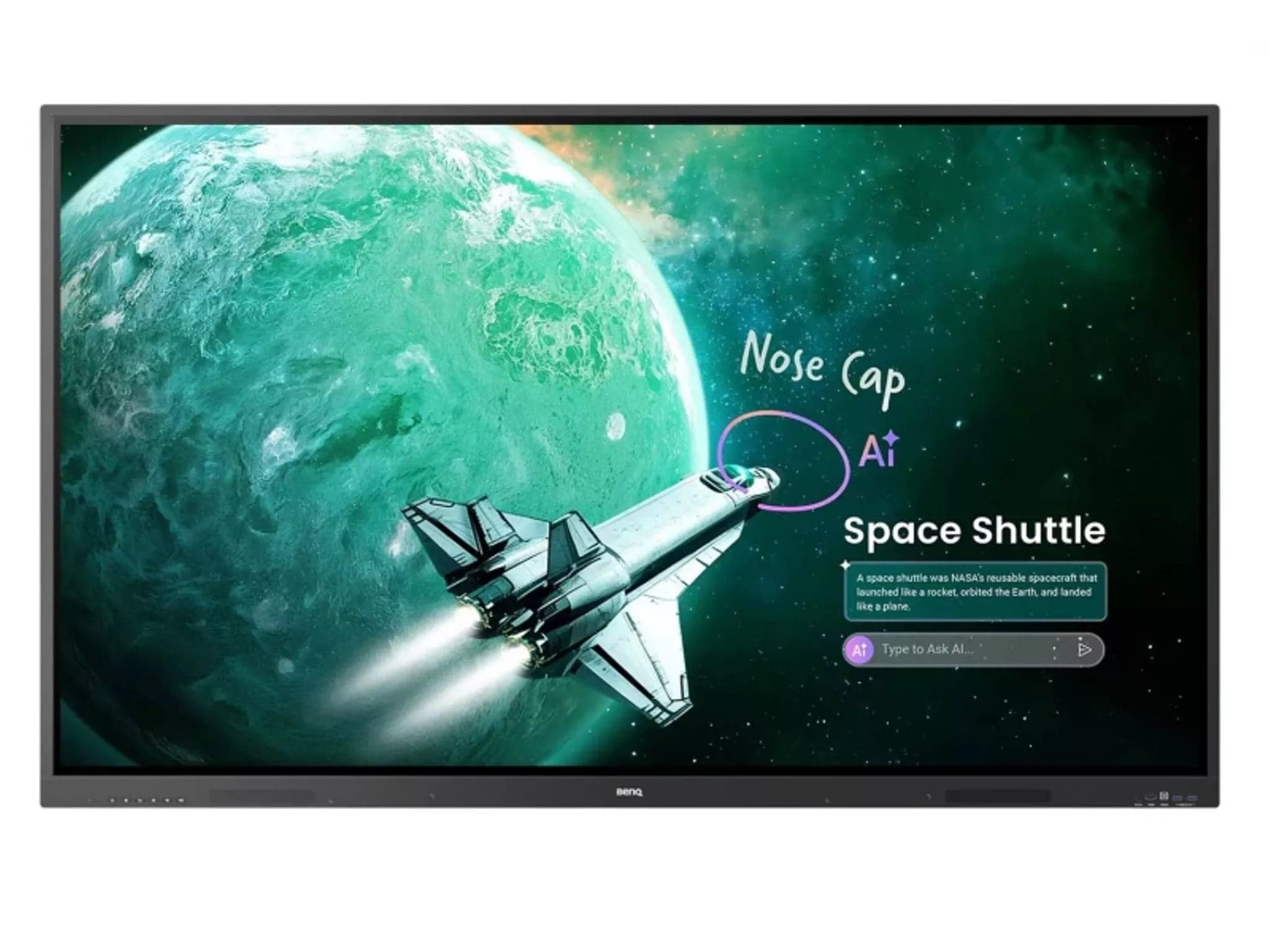
BenQ RE7504A 75" Interactive Display
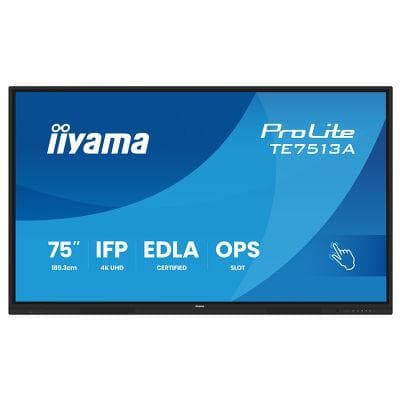
iiyama 75" TE7513A-B2AG Interactive Display
Promethean 75" ActivPanel LE
Need help specifying this for your space?
Ask Andrew. He knows the full catalogue and can advise on installation, mounting and compatible AV systems.
Buying the iiyama TE7515A-B2AG from TopAV
Free standard mainland delivery
Stock and dispatch information are shown beside the live price. Delivery is separate from installation; confirm site access and any required delivery date with us.
Delivery options5-year manufacturer warranty
Ask us to confirm what the manufacturer cover includes and how service is arranged for your site. Unused items in original packaging can be returned within 14 days of delivery — see the returns policy for how business and consumer returns differ. Faulty items are covered under manufacturer warranty and by your statutory rights.
Returns termsCompare before committing
Already considering another brand or a larger screen? Compare the complete installed cost, your teaching software and long-term support requirements.
Browse other 65 - 79" touch screens