
Screen size is set by the furthest viewer, not by the size of the room or the width of the wall. Measure from the screen to the furthest seat, then divide that distance by 4, 6 or 8 depending on what people will be reading. The result is the minimum image height, and on a 16:9 panel the diagonal is roughly twice the height. A room whose furthest seat is 4 m away needs about 53 inches of diagonal for presentations, which rounds up to a 55 inch panel.
Which divisor to use is the part people get wrong, and it costs real money in both directions. Divide by 4 for detailed work: spreadsheets, CAD, code, and anything the room will annotate on a touch panel. Divide by 6 for ordinary presentations and video calls, which is most meeting rooms. Divide by 8 for passive video and digital signage, where nobody is reading small text. A room specified at 8 when it is really doing detailed work will have people walking to the screen to read it, which is the complaint that arrives six months after handover.
| What people are reading | 2 m | 3 m | 4 m | 5 m | 6 m | 8 m |
|---|---|---|---|---|---|---|
| Detailed work (touch, spreadsheets) | 43" | 65" | 86" | Over 98", use two | Over 98", use two | Over 98", use two |
| Presentations & video calls | 32" | 43" | 55" | 75" | 86" | Over 98", use two |
| Video & signage | 32" | 32" | 43" | 55" | 65" | 86" |
Calculated from image height on a 16:9 panel, then rounded up to the nearest standard commercial size. Where a room needs more than 98 inches, the practical answer is usually two panels, a video wall or a projector rather than a single sheet of glass.
The gap between the rows is the useful part. At 4 m, the same room needs a 55 inch panel for presentations and an 86 inch panel for touch work. That is not a small upgrade, and it is why the honest first question is what the room is actually for rather than what size will fit the wall. Buying to the wall rather than to the seating is the most common way a display ends up wrong.
Two practical limits sit on top of the arithmetic. Interactive panels have a reach constraint that viewing distance does not capture: whoever is presenting has to be able to touch the whole working area, which is why interactive displays rarely go beyond 98 inches and are mounted lower than passive signage. And mounting height matters as much as size, because a panel hung too high is uncomfortable to watch and impossible to write on. For a room doing both, size for the reading distance and then check that someone of average height can still reach the top of the writing area.
In stock now around 55 inches, the size most small meeting rooms and huddle spaces land on:
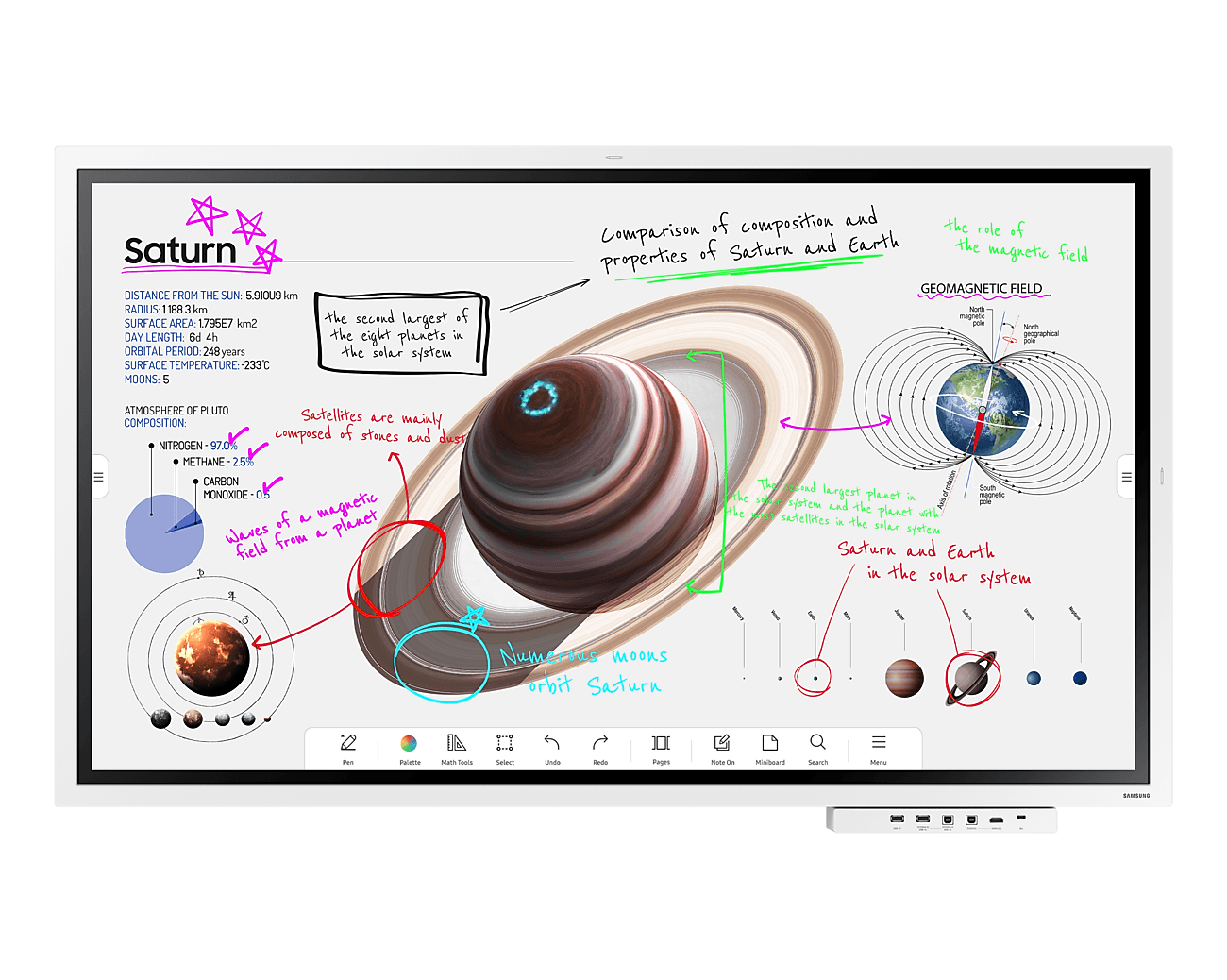
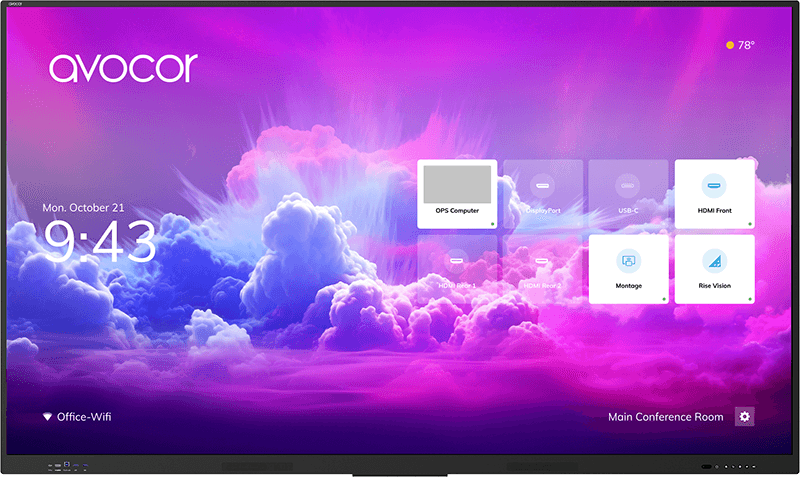 Avocor AVE-5550 55-inch E50 Series Interactive Display£1,140 inc VAT
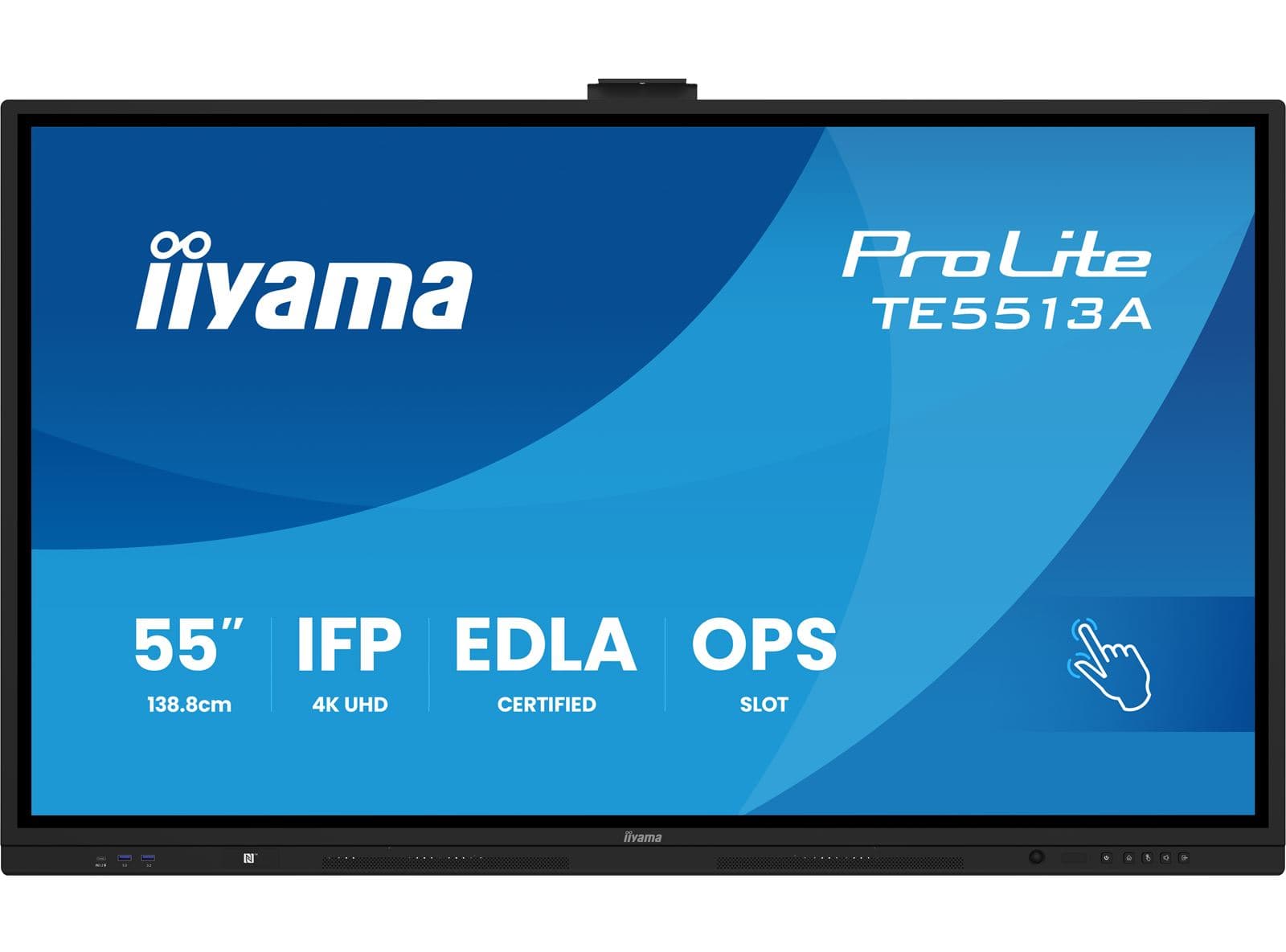 iiyama 55" TE5513A-B2AG Interactive Display£1,159 inc VAT
In stock now between 65 and 79 inches, which covers most classrooms and medium meeting rooms:
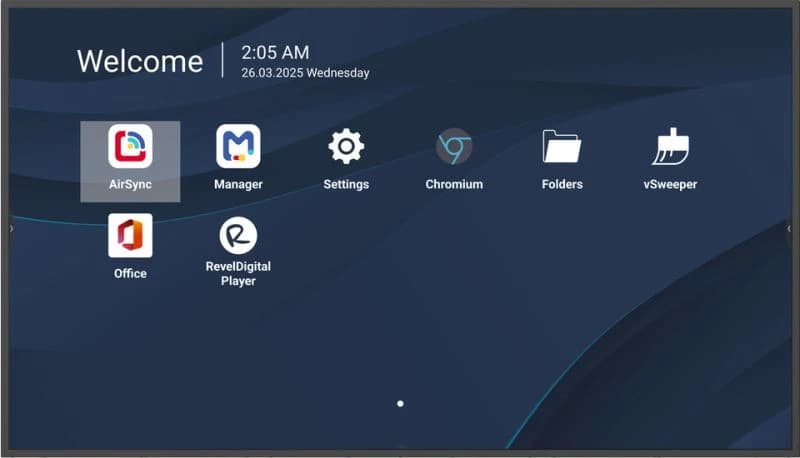 Viewsonic CDE6514-2C 65" ViewBoard LED Display£1,014 inc VAT
In stock now at 80 inches and above, for large classrooms, lecture spaces and rooms with deep seating:
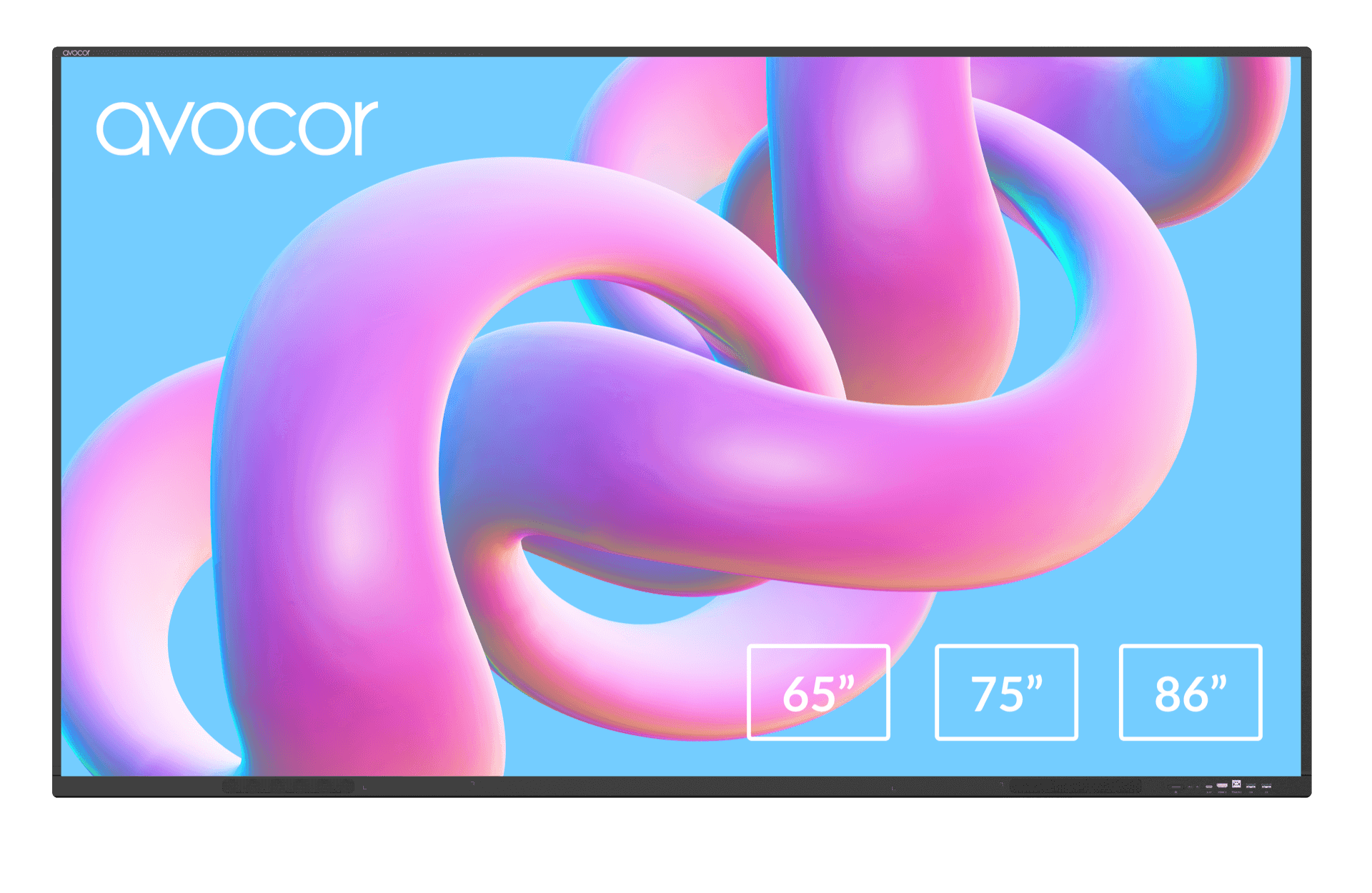 Avocor AVS-8610E 86-inch S Series Interactive Display£1,653 inc VAT
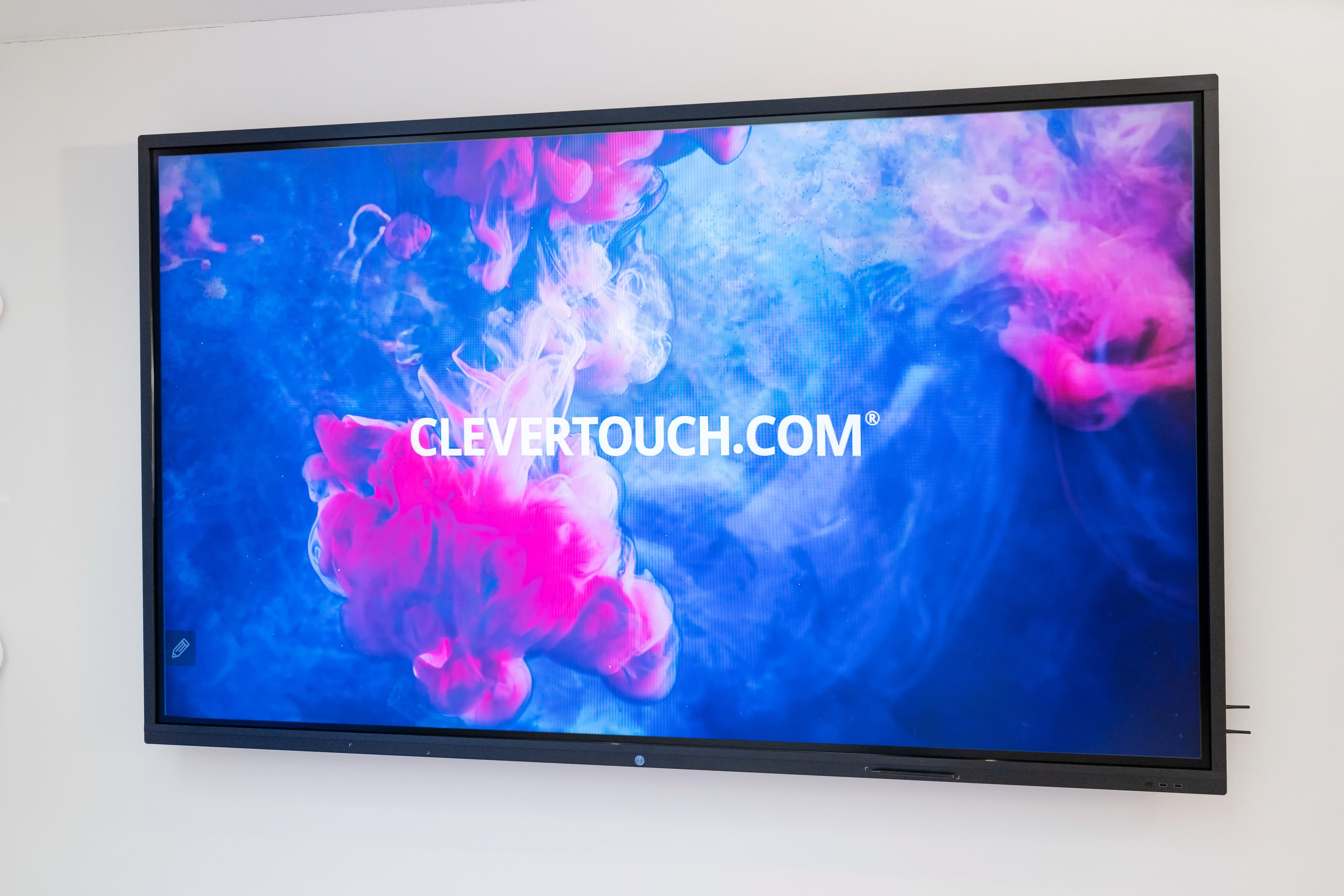 Clevertouch 98" PRO Series Interactive Display£1,798 inc VAT
Across the 1235 displays published here, the screen size calculator will take your measured distance and return the panels that actually fit it, including the ones ruled out for being too large for the room as well as too small. If the room is unusual, or you are fitting several at once to a standard, our team will size them with you at no charge.