
AV decisions made clearer
What Size Screen Does Your Meeting Room Need?
Use the screen-size calculator to explore a suitable conference room display size for your viewing distance and the content you need to show.
Use the screen-size calculatorSize the display for your room
Enter the distance to the furthest viewer. These results use the 4/6/8 image-height rule for landscape 16:9 screens. Confirm viewing conditions, mounting and connections separately.
A viewer 4.0 m away reading presentations & video calls needs an image at least 0.67 m high (4.0 m ÷ 6), which is a 54-inch diagonal on a 16:9 panel. 55 inches is the next standard size up; it carries presentations & video calls to 4.1 m.
295 catalogue displays fit this room, from 55 to 73 inches. Lowest-priced first within each size.
55-inch displays 145 in catalogue, the recommended size
All 55-inch touch screens All 55-inch signage displays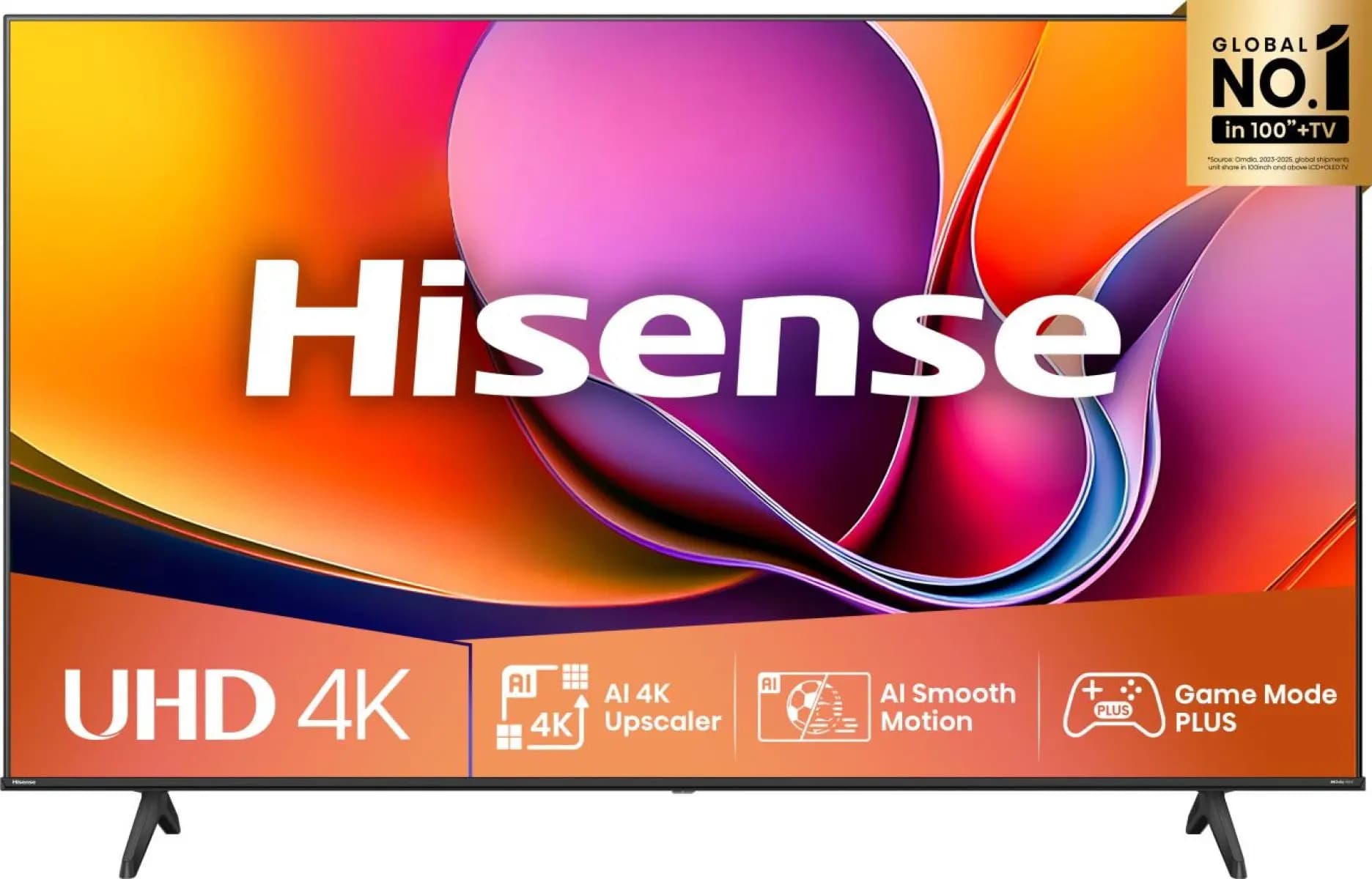
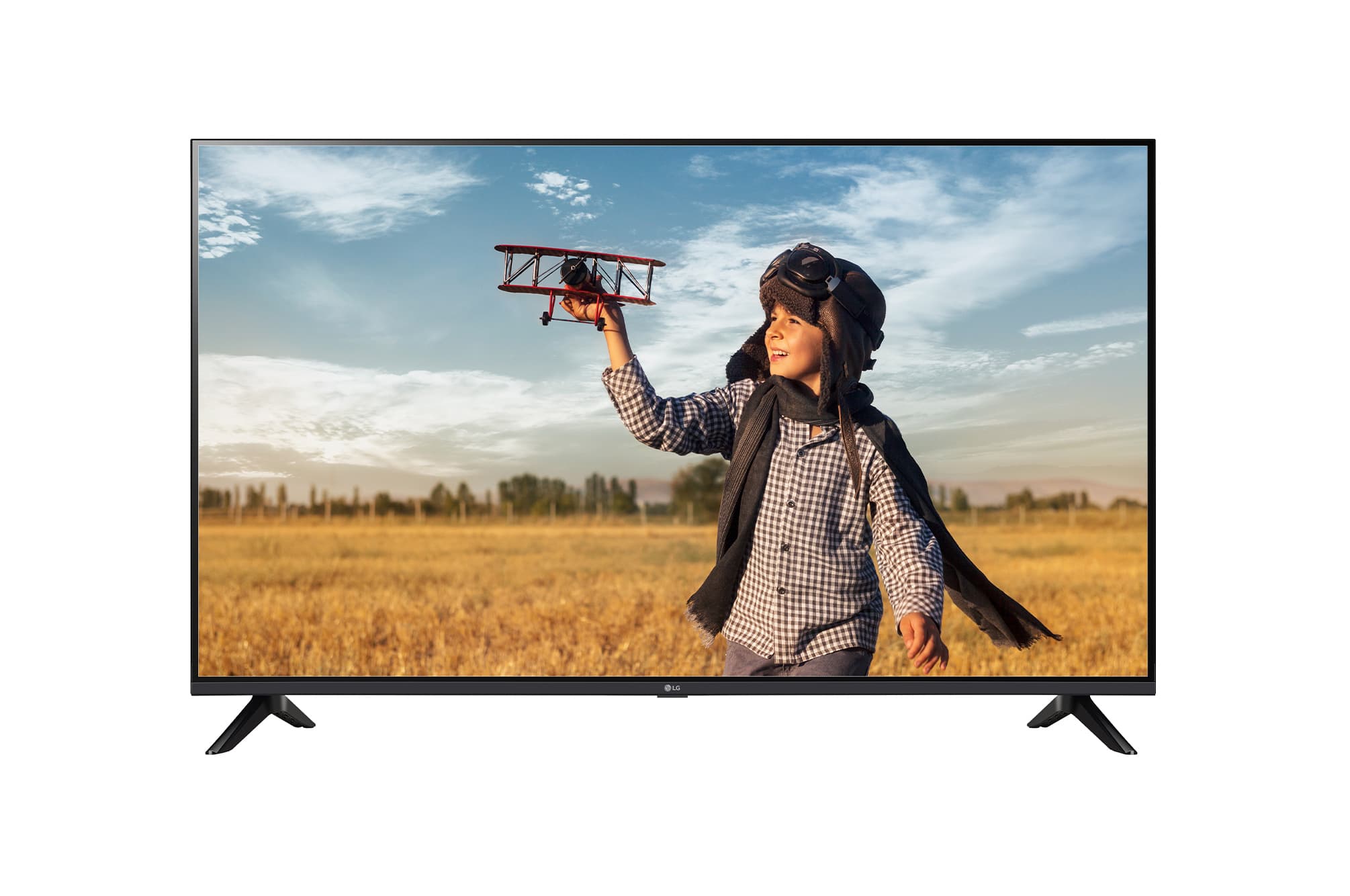
58-inch displays 1 in catalogue
All 58-inch touch screens All 58-inch signage displays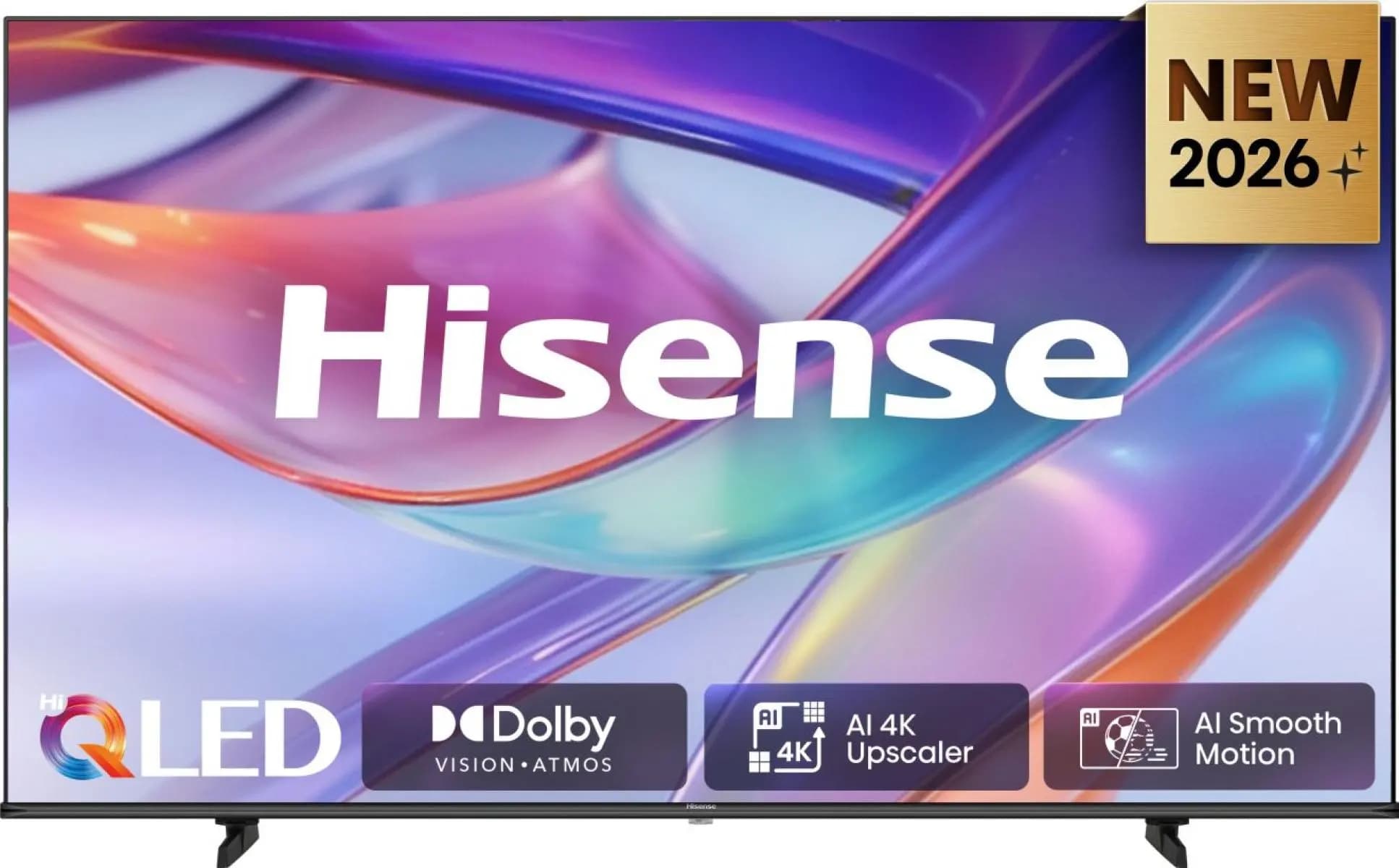
65-inch displays 148 in catalogue
All 65-inch touch screens All 65-inch signage displays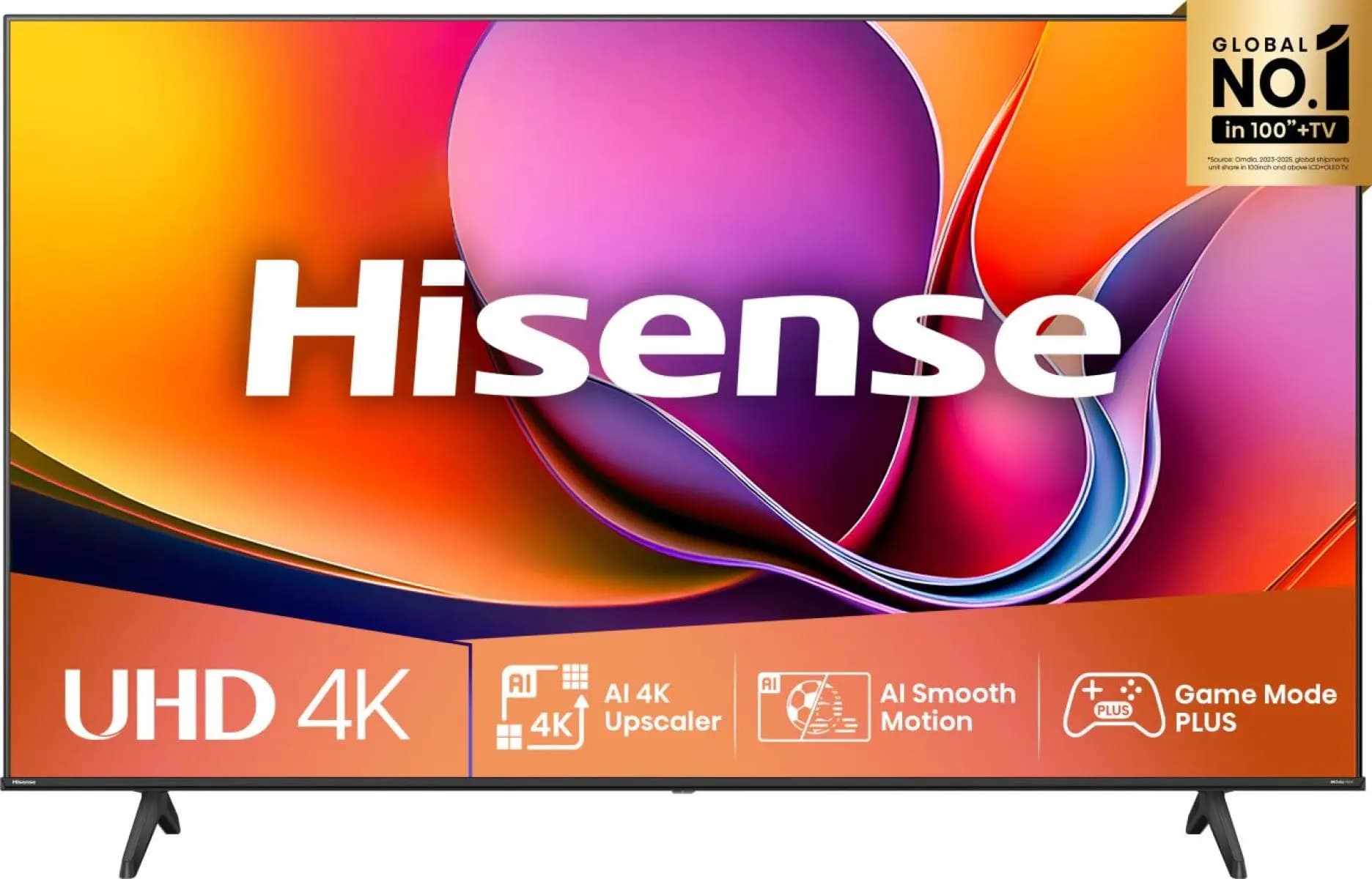

Before you choose
- 01
Measure from the screen to the furthest seat, rather than using the room length. Include seats at the sides when checking sightlines.
- 02
Choose detailed content for spreadsheets and small text, presentations for slides, or passive video for video viewing. The calculator uses the existing 4/6/8 image-height rule.
- 03
Check mounting height, camera position, reflections and usable wall space. The result is a sizing guide, not a complete room design.
Your questions answered
Does a conference room TV need to be larger for spreadsheets?
Detailed text needs a larger image or closer seating than passive video. Select detailed content in the calculator and check your real content from the back seat.
Does the calculator use diagonal or height?
It calculates image height from viewing distance, then converts that to a 16:9 diagonal and rounds up to a standard panel size.
What if the recommended screen will not fit?
Consider changing seating, adding a second display or using projection. Check wall dimensions and sightlines before ordering.
Take the next step
Review product specifications and current availability, or discuss your requirements with our team before ordering.