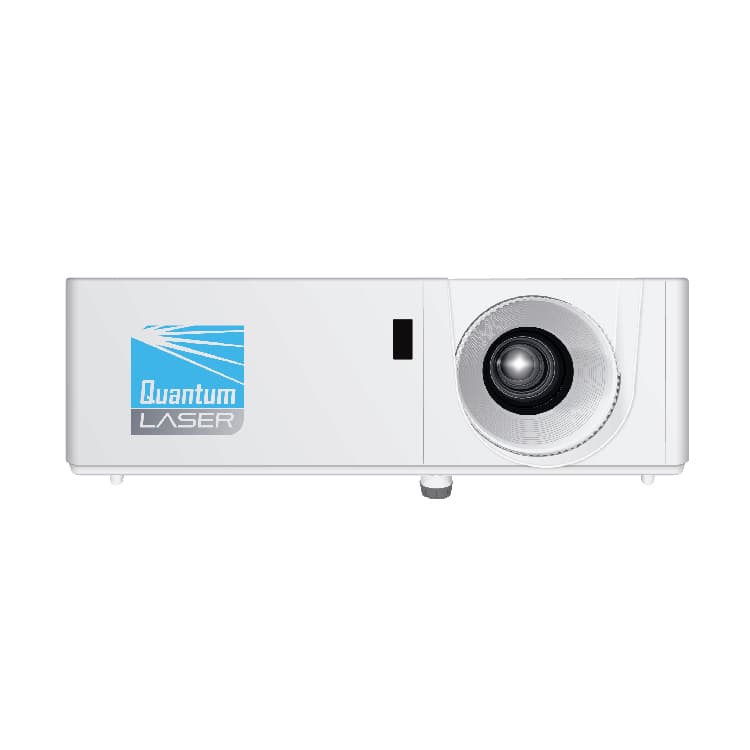
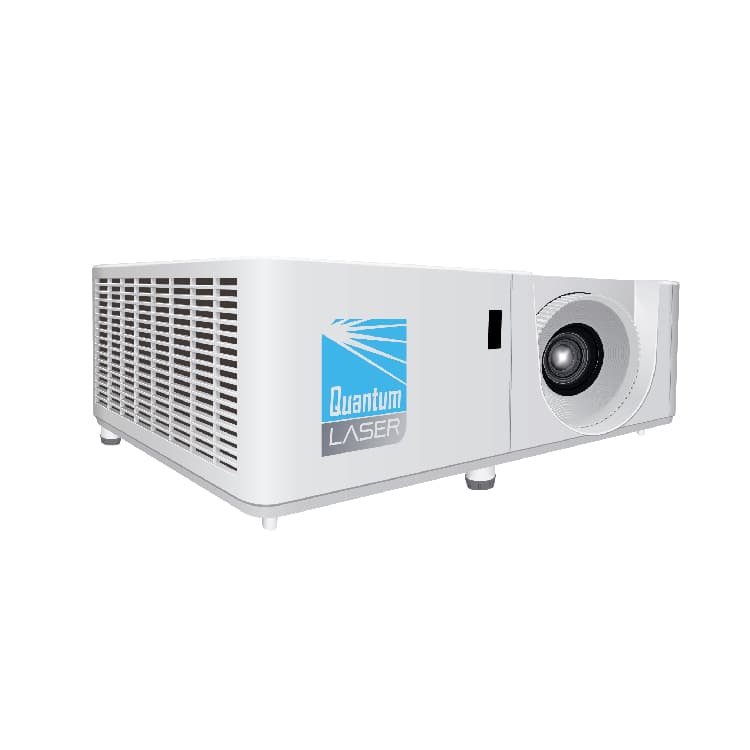
Distance equals image width multiplied by throw ratio. That is the whole calculation, and the only trap in it is that the ratio works from the picture's width, not its diagonal. A 120 inch 16:9 screen sounds like it is 120 inches across, but the diagonal is what is being measured: the actual width is 2.66 m. Put a 1.5:1 lens on it and the projector belongs about 4.0 m back. Work from the diagonal by mistake and you will site it over a metre too far away.
Throw ratio is printed on every projector's spec sheet, usually as a range such as 1.35 to 2.2:1 because the lens zooms. The range is the useful part: it tells you the nearest and furthest the projector can sit and still fill your screen exactly. Anywhere between those two figures works. Outside them, the image is either too big for the screen or too small to fill it, and no amount of digital correction fixes that properly, because digital keystone and zoom throw away pixels to fake an optical adjustment.
| Lens class | 80" | 100" | 120" | 150" | 200" |
|---|---|---|---|---|---|
| Ultra short throw (under 0.4:1) | 0.6 m | 0.8 m | 0.9 m | 1.2 m | 1.5 m |
| Short throw (0.4:1 to 1.0:1) | 1.4 m | 1.8 m | 2.1 m | 2.7 m | 3.5 m |
| Standard (1.0:1 to 2.0:1) | 2.7 m | 3.3 m | 4.0 m | 5.0 m | 6.6 m |
| Long throw (over 2.0:1) | 4.4 m | 5.5 m | 6.6 m | 8.3 m | 11.1 m |
Calculated as image width multiplied by a representative ratio for each class. Ultra short throw and long throw are open-ended, so treat those two rows as indicative rather than a boundary. A 16:10 image at the same diagonal is about 3 percent wider, so add roughly 3 percent to the distance.
Read it by finding the lens class down the side and your screen size across the top. The spread is the point: a 120 inch image can be produced from 1.1 m or from 6.6 m depending entirely on the lens. This is why a room measurement on its own never answers the question, and why a projector that was perfect in one room can be impossible in the next one along.
Two practical constraints decide which class you actually need. The first is the ceiling void and the mount: a long-throw projector at the back of a small room may be optically correct but physically unmountable, or sit where nobody can reach it to clean a filter. The second is shadows and eyes. In a classroom or a small meeting room, anyone presenting will walk through a standard-lens beam and cast a shadow across their own slides, and will be looking into the lens when they turn around. That is the real reason short and ultra short throw sell so well into teaching spaces, rather than anything to do with image quality.
- Measure the screen width, not the diagonal, and not the wall.
- Take the throw ratio range off the spec sheet, both ends of it.
- Multiply width by each end of the range: that is your usable mounting window.
- Check that window against the ceiling void, the mount and where power and signal actually reach.
- Aim to land mid-range rather than at a zoom endpoint, so there is room to adjust on site.
Lens shift matters too, and is often confused with throw ratio. Throw ratio sets how far back the projector sits; lens shift moves the image up, down or sideways without moving the projector and without introducing keystone distortion. A model with generous vertical shift can be mounted well above the top of the screen and still project square, which is usually what a ceiling installation needs. Across the 482 projectors published here, the room planner will take your measured wall-to-lens distance and return only the models that can actually make your image at that distance, which is faster than reading throw ratios off spec sheets one at a time.
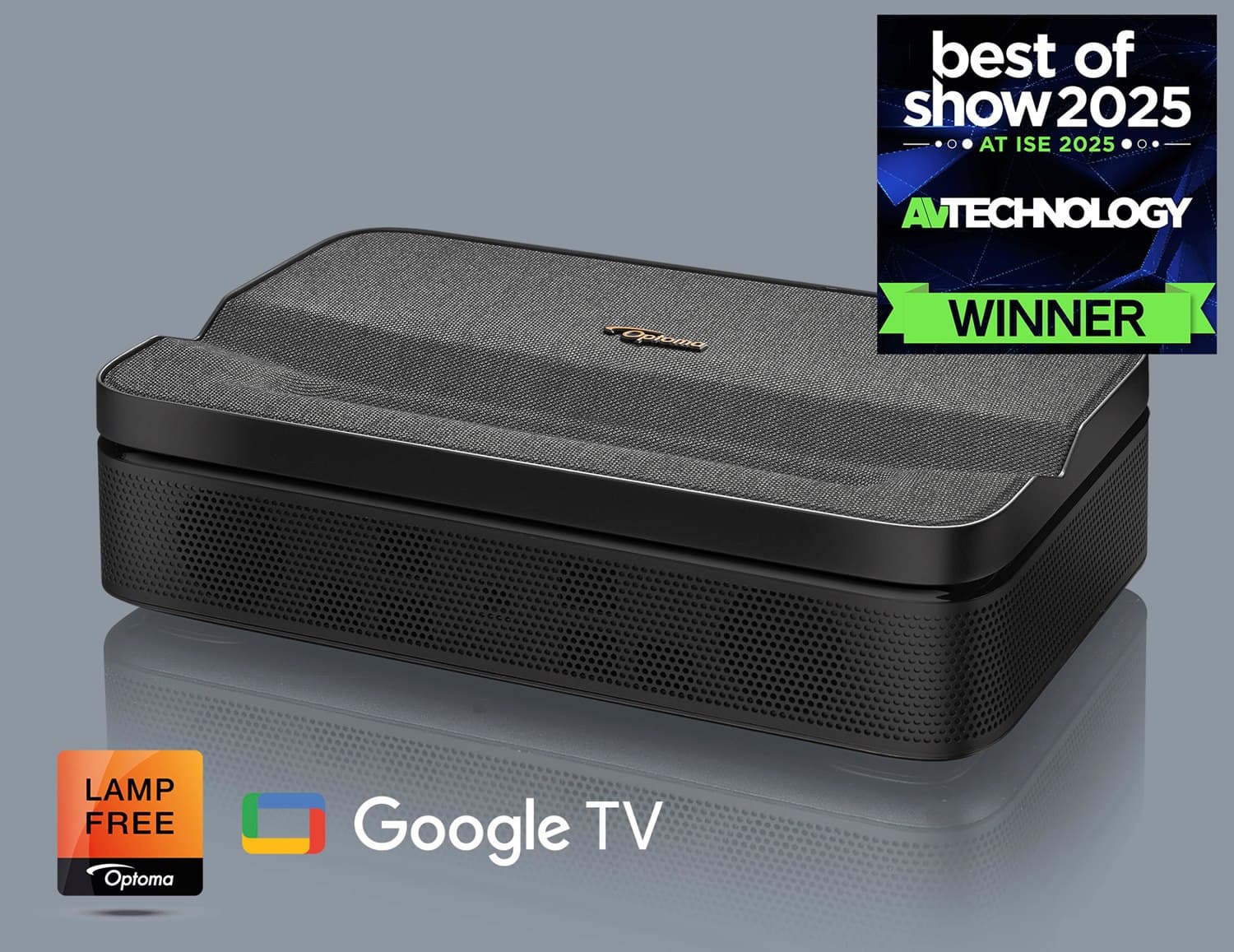
Ultra short throw models in stock now, for when the projector has to sit on the furniture or just above the screen:
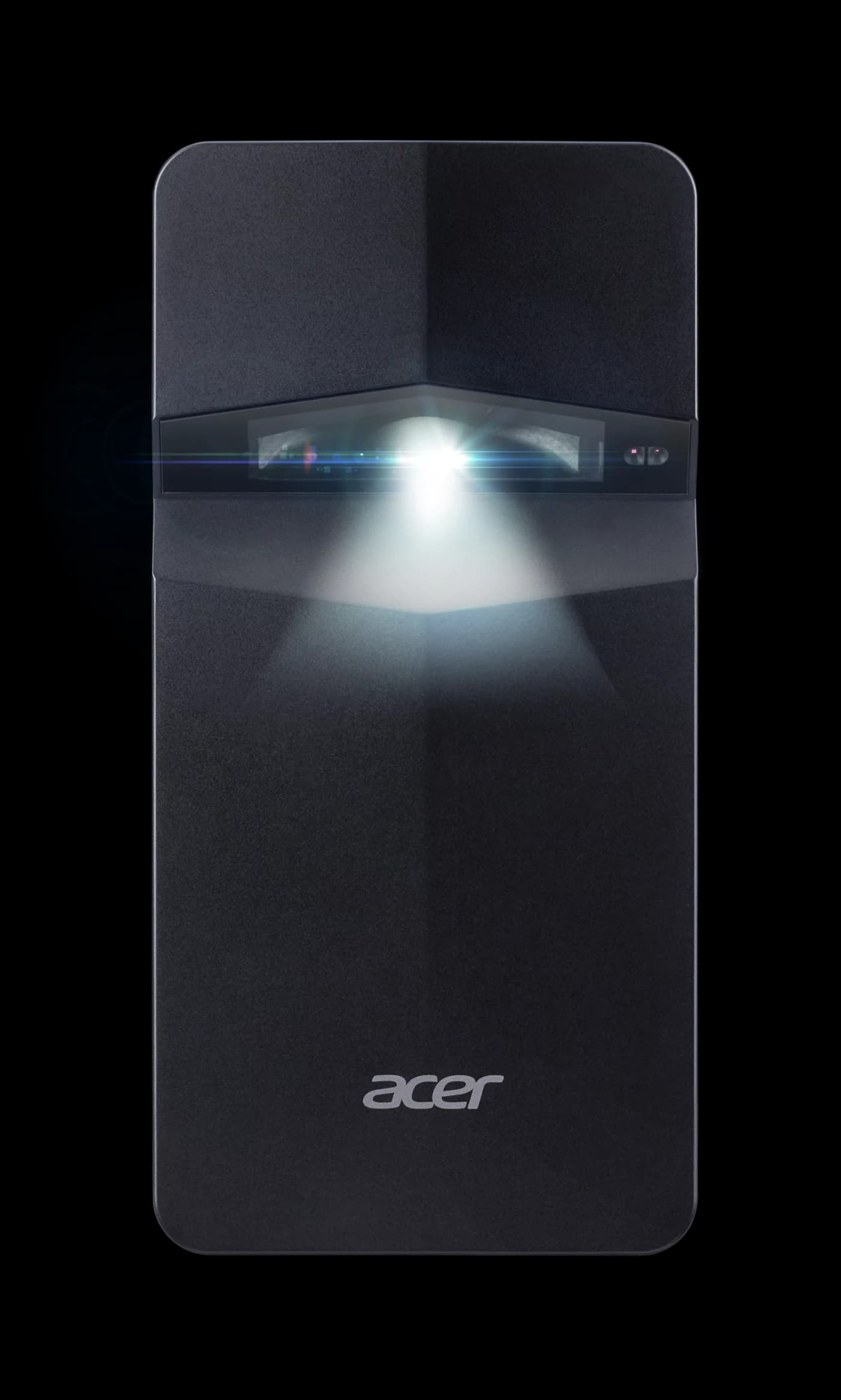
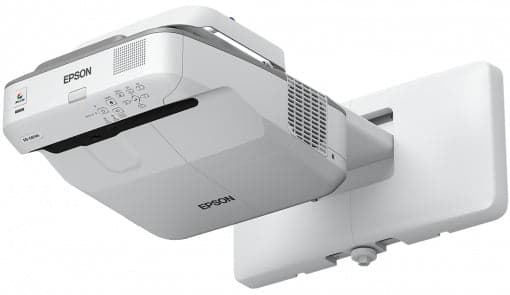
Standard-lens business projectors in stock now, the class that suits most ceiling-mounted meeting rooms:
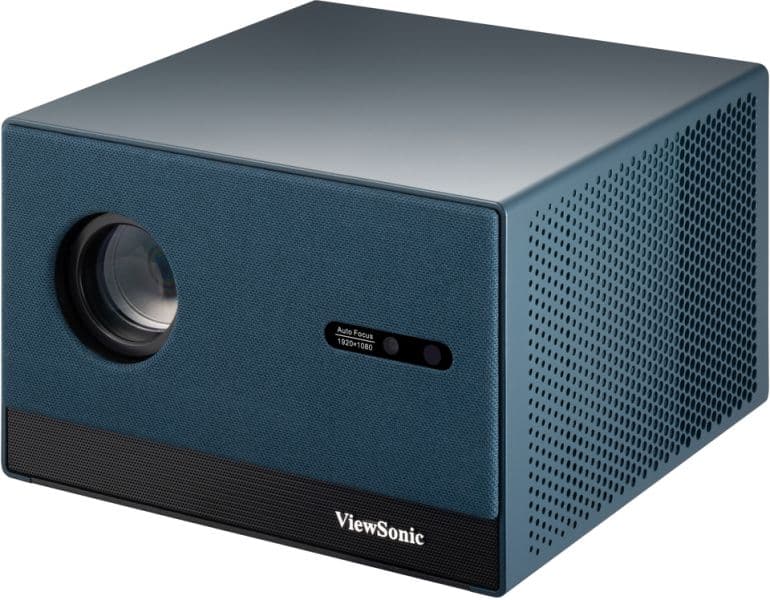
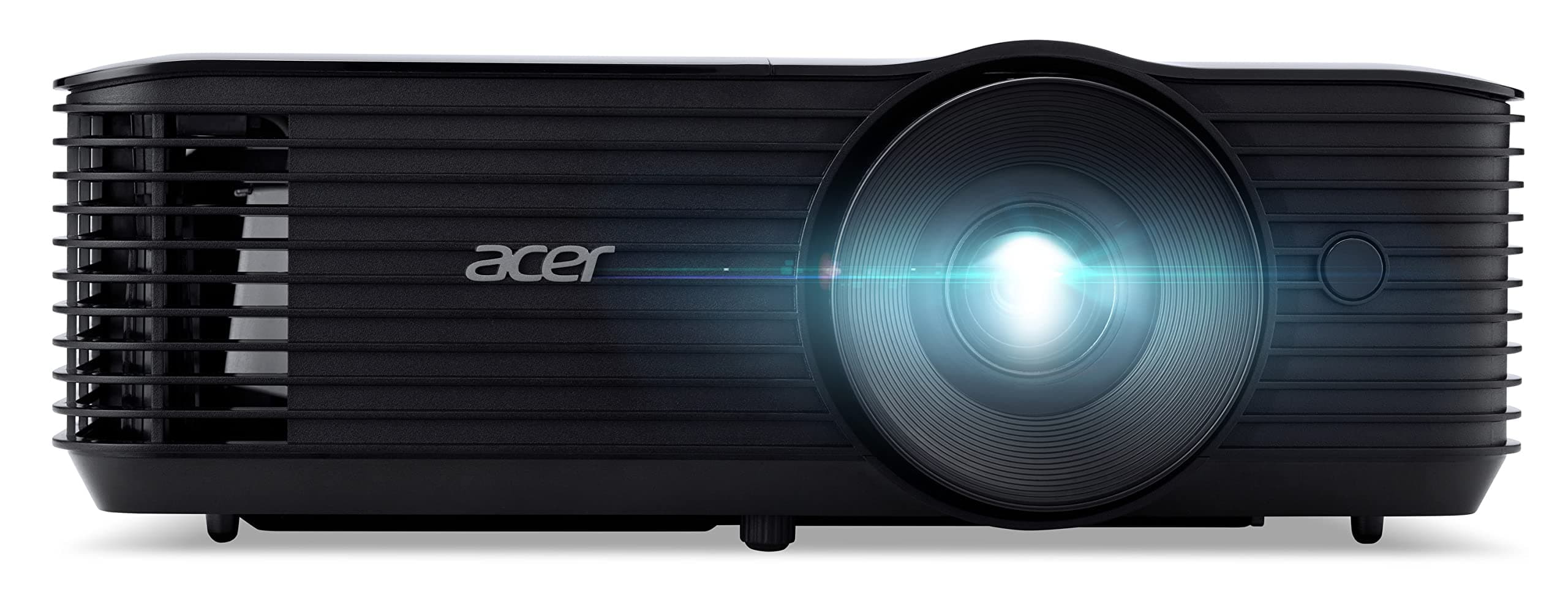
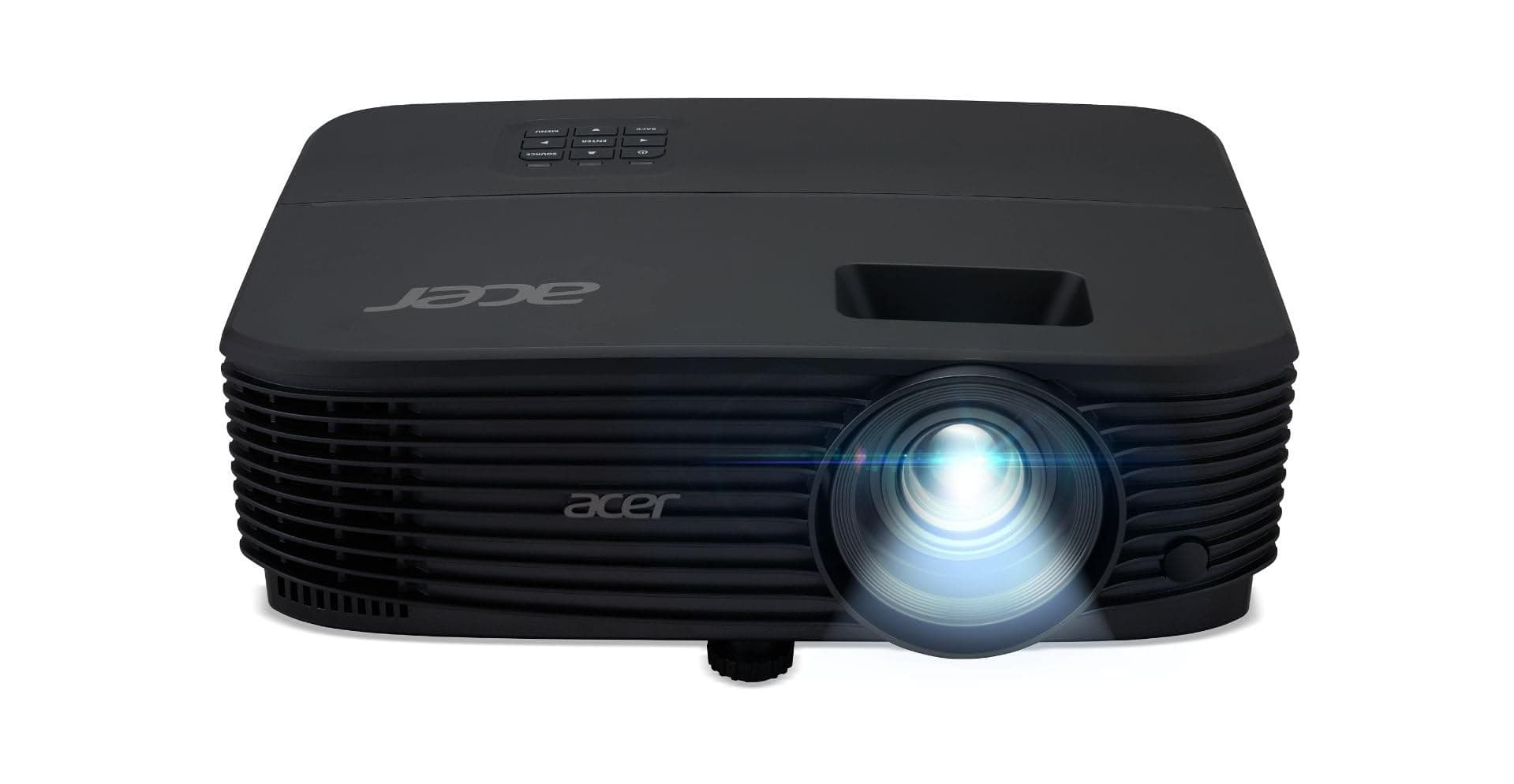 Acer X1123HP SVGA DLP Meeting Room Projector£338 inc VAT
Installation and large-venue models in stock now, most of which take interchangeable lenses so the throw ratio becomes a choice rather than a fixed property: