Turn the TVs you already have into managed signage screens with a low-cost player stick, or fit a commercial display with Android built in and no player at all. Both run MassCasts, the digital signage software from Mass Coms.
Pairs with MassCasts in about a minute
Keeps playing from its cache if the network drops
Emergency takeover when you use Mass Coms alerts
Android displays
from£559.00
inc VAT, player built in
MassCasts software
£99.00/screen/yr
One licence free from 3 screens. No Mass Coms subscription needed.
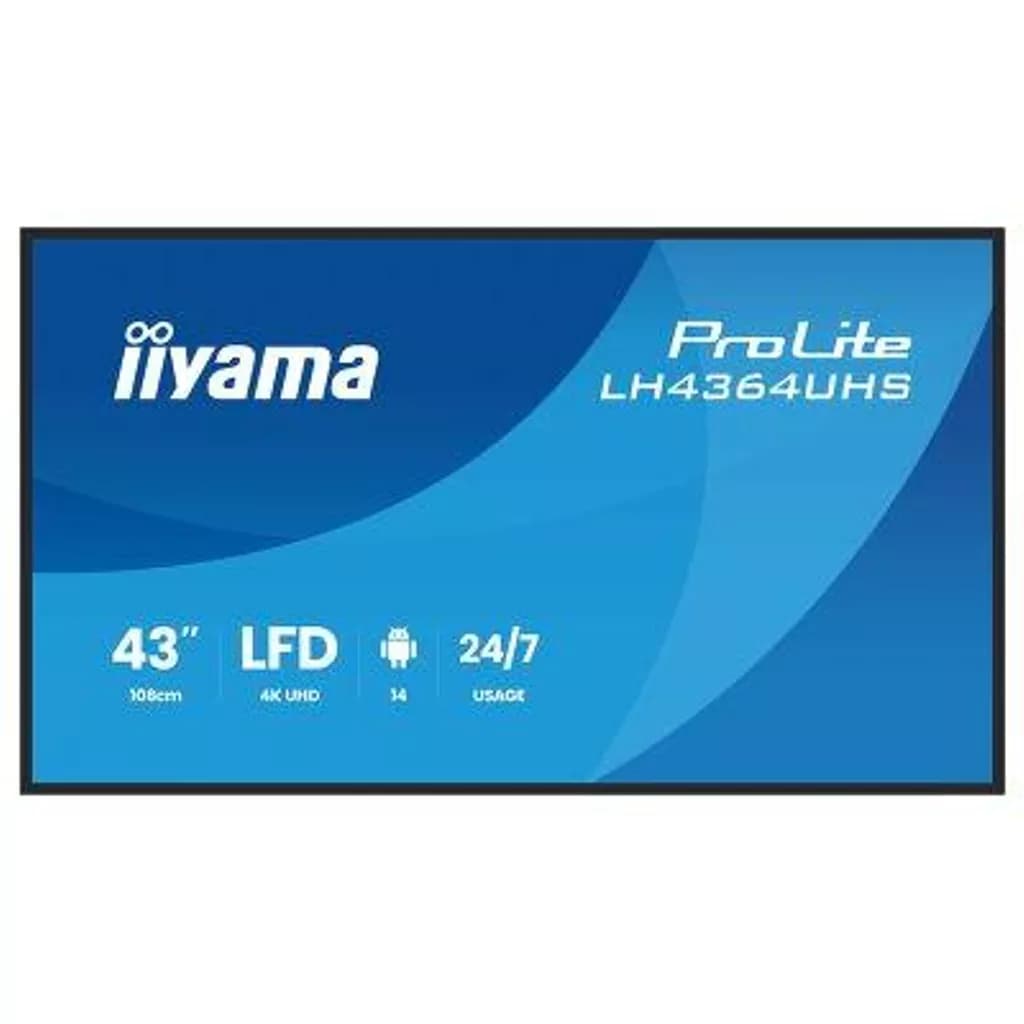
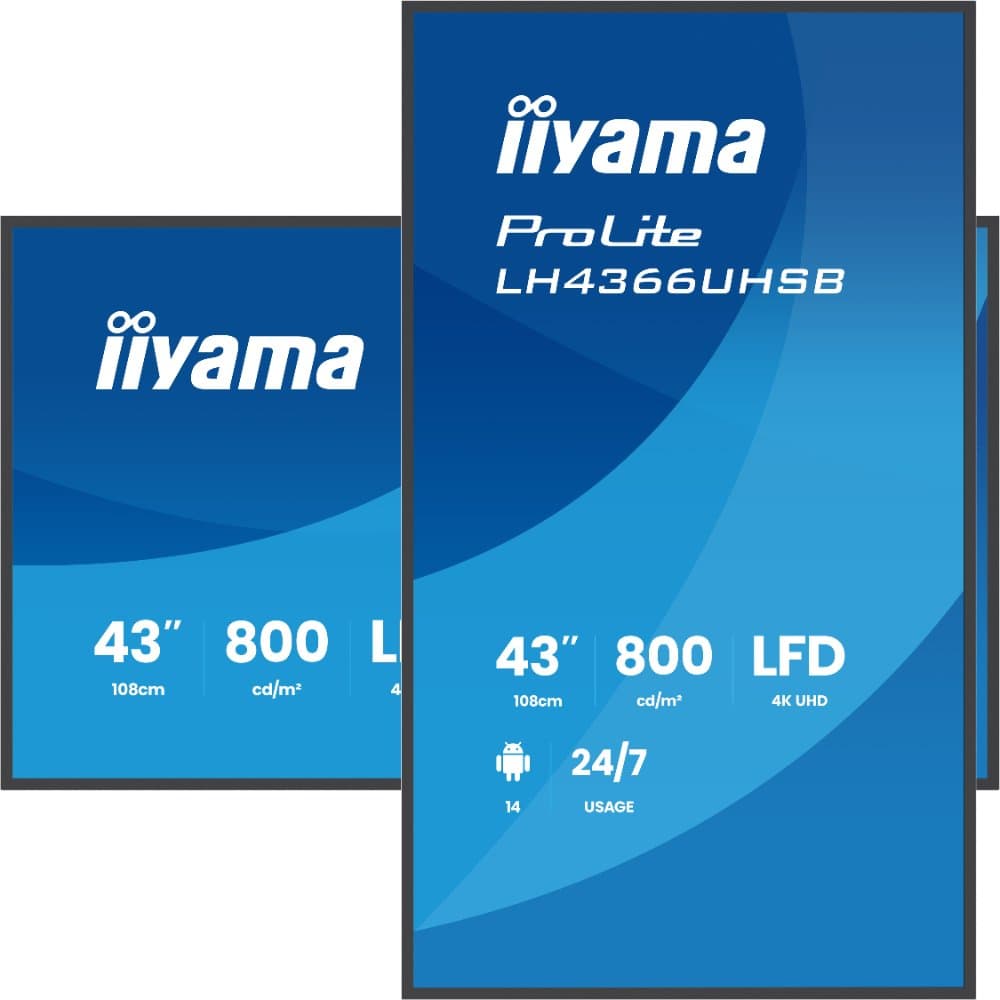
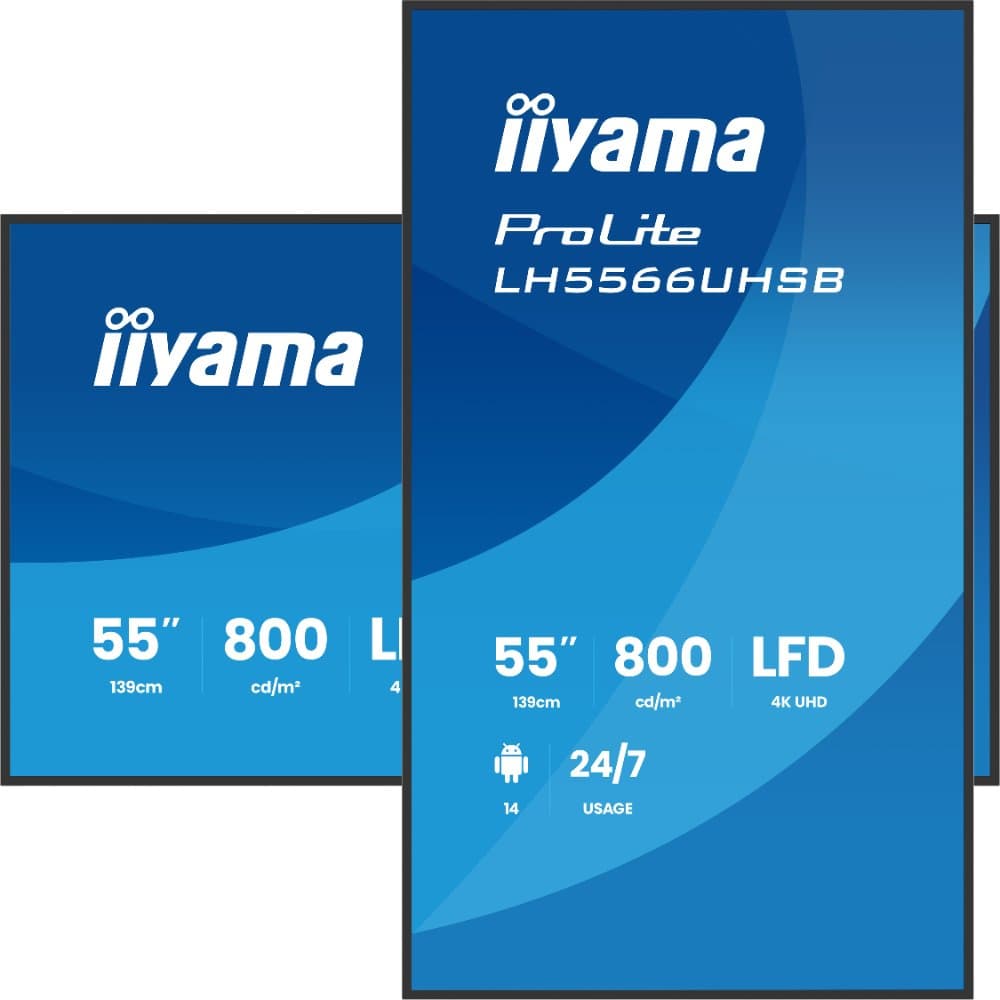
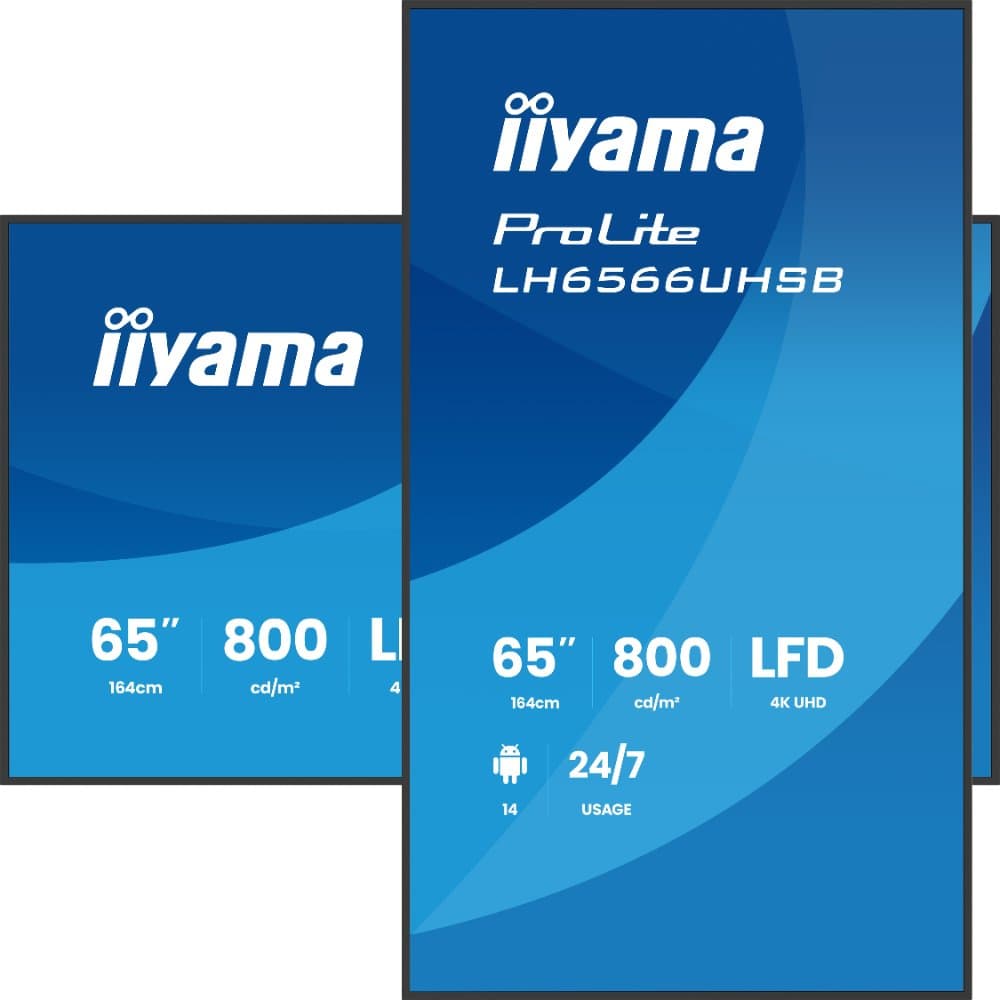
To run MassCasts you need a screen and a player on Android 8.0 or newer (or a Fire TV Stick on Fire OS 7 or newer). Use a player stick in any TV with an HDMI port, or a commercial display with Android built in, such as the iiyama ProLite range from £559.00 inc VAT.
MassCasts itself is £99.00 per screen per year from Mass Coms, with one licence free when you book 3 or more screens. There is no proprietary media player to buy.
MassCasts digital signage player key facts
Player requirement
Android 8.0 or newer with Android System WebView 87 or newer, or Fire OS 7 or newer
For existing TVs
Xiaomi TV Stick 4K (2nd gen): Google TV, 4K HDR, Wi-Fi 6
MassCasts, £99.00 per screen per year, one free from 3 screens
Subscription
No Mass Coms subscription needed
Use the TVs you already have
A player stick plugs into the HDMI port of any TV or monitor and turns it into a MassCasts screen.
Signage player stick
Xiaomi TV Stick 4K (2nd gen)
A compact Google TV stick that powers from USB and hides behind the screen. Faster than the first Xiaomi stick, with Wi-Fi 6 for a steady connection to MassCasts.
Google TV (Android TV)
Quad-core Cortex-A55, 2 GB RAM, 8 GB storage
4K output with Dolby Vision and HDR10+
Wi-Fi 6 and Bluetooth 5.2
107 x 30 x 14 mm, 44 g
Remote included
Mass Coms is testing the MassCasts app on this stick. Tell us how many screens you have and we will confirm and price sticks set up for MassCasts. There is no network port, so it connects over Wi-Fi.
No stick, no box. These iiyama signage displays run Android 14, so the MassCasts app installs on the screen itself. Built for 24/7 use, with a 3-year iiyama on-site exchange warranty.
Plug the stick into the TV's HDMI port, or power up the Android display. Connect it to Wi-Fi or a network cable.
2
Install the MassCasts app
The MassCasts player app installs from a link. Open it once and it starts by itself after every restart.
3
Pair with a 6-digit code
The screen shows a code. Type it into Screens, Pair a screen in MassCasts and pick a playlist.
Will my player run MassCasts?
MassCasts needs Android 8.0 or newer, or Fire OS 7 or newer. Check before you buy, or ask us about the screens you already have.
Signage players and whether they meet the MassCasts requirements
Player
Runs
Runs MassCasts?
Notes
iiyama ProLite Android 14 signage displays
Android 14
Yes
Android 14 is well above the Android 8.0 minimum. No separate player needed.
Xiaomi TV Stick 4K (2nd gen)
Google TV
Being tested
Google TV is built on Android TV. Mass Coms is testing the app on this stick; ask us before you order in volume.
Amazon Fire TV Stick (3rd gen), Lite, 4K Max
Fire OS 7 or newer
Yes
The stick MassCasts recommends for existing TVs.
Allsee standalone Android media player (PPHD9)
Android 7.1
No
Below the Android 8.0 minimum, so the app cannot install.
Fire TV Stick 4K Select and Vega OS devices
Vega OS
No
Not Android, so they cannot run the app.
Smart TV built-in browser
Varies
Works
Usually cannot start by itself or stay awake.
Requirements from masscasts.com, checked November 2026.
What the MassCasts software costs
MassCasts is £99.00 per screen per year, billed annually, with every template and app included and no per-user fees. Book 3 or more screens and one licence is free. It works on its own, so you do not need a Mass Coms subscription.
MassCasts software cost per year by number of screens
Screens
Licences you pay for
Per year
1
1
£99.00
3
2
£198.00
5
4
£396.00
10
9
£891.00
Prices from Mass Coms, November 2026. The software is billed by Mass Coms, the screens and players by TopAV.
Stays on, all day
The MassCasts player holds the screen awake, so it never drops into standby mid-morning.
Keeps playing offline
Content is cached on the player, so a network drop or a reboot during one does not blank the screen.
Recovers by itself
After a power cut or network outage the player restarts the app and reconnects without anyone touching it.
Digital signage player questions
What is a digital signage player?
A digital signage player is the small computer that shows your signage content on a screen. It can be a stick or box plugged into the screen's HDMI port, or it can be built into the screen itself, as it is in an Android signage display. With MassCasts, the player runs the MassCasts app, which downloads your playlists and schedules and keeps playing them, even if the network drops.
Do I need a media player with an Android signage display?
No. The iiyama ProLite displays on this page run Android 14, and MassCasts needs Android 8.0 or newer, so the MassCasts app installs on the screen itself. The only cables are power and, if you want it wired, a network cable.
Can I use the TVs I already have?
Yes. Any TV or monitor with an HDMI port can become a MassCasts screen with a player stick. A smart TV's own browser can show MassCasts too, but most cannot start by themselves after a power cut or stay awake, so a stick is better for a permanent screen.
Does the Allsee standalone Android media player work with MassCasts?
No. The Allsee standalone Android media player (PPHD9) runs Android 7.1, and the MassCasts app needs Android 8.0 or newer. The standalone version also has no network connection unless it is upgraded, so it is designed for content loaded from a USB stick rather than managed online.
Do I need a Mass Coms subscription to use MassCasts?
No. MassCasts works on its own at £99.00 per screen per year, billed annually by Mass Coms, and one licence is free when you book 3 or more screens. If you already use Mass Coms or MassVisit, your screens sit alongside them.
How do I connect a screen to MassCasts?
Open the MassCasts player app on the screen or stick and it shows a 6-digit code. In the MassCasts dashboard go to Screens, Pair a screen, type the code, name the screen and pick a playlist. From then on the screen starts the app by itself after every restart.
Fitting out a whole building, or want the screens delivered, mounted and paired with MassCasts? Our team can supply, configure and install: talk to us.
We use essential cookies to run the site, and analytics cookies to understand how it's used. Analytics is on by default — switch it off here, or any time from Cookie settings. Advertising cookies are only set if you accept. See our Cookie Policy.