
iiyama · iiyama ProLite LH64 signage series
iiyama LH5564UHS-B1AG 55-inch 4K commercial display
- Visa
- Mastercard
- American Express
- PayPal
Or 3 interest-free payments of £253.00 with PayPal Pay in 3.
Independently reviewed on TrustpilotSeen it cheaper? We price-match genuine like-for-like quotes. How it works
- In UK stock, ships from the UK
- UK manufacturer warranty
- UK-based engineers
- No import duty or customs charges
- GBP pricing, UK VAT invoices
A 55-inch 4K UHD commercial signage display rated for 24/7 use, with a VA panel at 5000:1 contrast and Android 14 with iiSignage2 content management built in, so a foyer or retail screen runs a managed schedule without an external player.
TopAV buying advice
Is the iiyama LH5564UHS-B1AG right for your reception?
The volume size for a foyer, a retail floor or a canteen.
Shortlist the LH5564UHS-B1AG where the screen has to be read across a room rather than from a step away: a reception wall, a retail floor, a canteen, a waiting area, a corridor junction or a modest meeting space used for presenting. The VA panel is rated at 5000:1 static contrast, so dark imagery and video look solid rather than washed grey, which matters more than people expect in a dimly lit foyer. At 13kg it is a straightforward two-person wall install, and it is the size most commonly specified when nobody has a reason to go bigger or smaller.
Reasons to shortlist it
- The VA panel is rated at 5000:1 static contrast, so photography, video and dark backgrounds keep their depth in a low-lit foyer or an evening retail floor instead of turning grey. Contrast does more for how a signage screen looks across a room than another few inches of size will.
- The whole content system is inside the display. Android 14 runs iiSignage2 for scheduling and playlists, iiControl for managing the device remotely, iiShare and EShare for casting from a laptop or phone, a browser, a PDF and media player and a file manager on a 4GB and 32GB platform, so no separate player box sits behind the screen.
- It is rated for 24/7 non-stop operation with a 50,000 hour MTBF figure and a fanless chassis, with anti image retention for static logos and banners. Nothing in it spins, so there is no fan to clog in a dusty space and nothing to hum in a quiet room.
- FailOver watches the incoming signal and switches to a backup source on its own when the primary one drops, and TeamViewer is installed for remote support, so an unattended screen recovers by itself rather than showing a no-signal message all afternoon.
- It mounts landscape or portrait with a wall mounting kit in the box, on a 1238.4 x 709.2 x 70mm chassis weighing 13kg, and takes two HDMI 2.0 inputs at 3840 x 2160 and 60Hz plus a USB-C input that carries picture and returns 15W down the same cable.
Check before you choose
- 500 cd/m2 is an indoor brightness. It is right for a foyer, a retail floor or a canteen away from direct sun, but a screen facing a glazed shop front or sitting in a sunbeam will look washed out. Measure the light at the actual position, and ask us about the high-brightness tier if daylight falls on the glass.
- The built-in speakers are 2 x 10W. That is enough for close range in a quiet room and not enough for a busy retail floor or a hall with hard surfaces, so budget for an external amplifier and speakers on the 3.5mm audio output if the message depends on sound.
- The USB-C port returns 15W, which keeps a phone or a small stick player topped up but will not charge a working laptop, and the two USB Type A ports are USB 2.0, so loading a large video file from a stick is slow. Deliver content over the network where you can.
See the 55" on your wall, to scale
On a phone, point your camera at the wall and see the 55" there at its real size. On a computer, upload a photo of the wall (or scan the QR code to take one with your phone and it will appear here) and drag the display around it to scale.
Not sure 55" is the right size for the room? The screen size calculator shows how far a 55" display carries for presentations, touch work and video.
What to plan before installing the LH5564UHS-B1AG
01
Position & light
Fix the viewing position and measure the daylight falling on it, because 500 cd/m2 is an indoor figure and a sunlit wall will wash the picture out. Then size the type for the furthest reader you care about rather than for the nearest, and settle landscape or portrait now, since it changes both the bracket and the content template.
02
Mounting & power
The chassis is 1238.4 x 709.2 x 70mm and 13kg without its box, 18.5kg boxed, and a wall mounting kit is included. Treat it as a two-person lift, check the wall construction, allow for a 135W typical draw and a 0 to 40C operating range, and keep the rear connections reachable. The mounting pattern is in the specification table. iiyama lists a 400 x 400 mm VESA pattern.
03
Content & network
Decide whether the schedule runs on the built-in Android system with iiSignage2 or on an external player over HDMI, and agree network access with your IT team early, because iiControl and remote support both need it. Tell us if you want the bracket, the cabling or the installation quoted alongside the display.
Display price is for the panel. Installation and optional equipment are quoted separately. Purchase-order terms are available to approved education customers.
Build a quote you can compare
Include these details in your project enquiry so the quote covers the room as well as the screen.
- Number of displays, site postcode and required date.
- Furthest viewing distance and available wall space.
- Wall type, fixed mount or adjustable trolley, and cable routes.
- Laptop model, teaching apps, and any camera or Windows PC needs.
Ask for separate equipment, delivery, installation and licence costs, with a total including VAT. Confirm warranty coverage and any registration requirements before placing the order.
Complete your setup
What else the LH5564UHS-B1AG needs
The price above is for the display on its own. A wall mount or trolley is a separate purchase, and installation is quoted per site. Add what you need here and it joins the same basket.
Choose a mount
Professional Installation
Want it installed by our AV experts? We offer professional on-site installation including mounting, cable management, and system configuration.
Compare your shortlist
iiyama LH5564UHS-B1AG vs LH6564UHS-B1AG: 55-inch or 65-inch?
Choose around the room and the content people need to read, not the model number.
| Feature | LH5564UHS-B1AG | LH6564UHS-B1AG |
|---|---|---|
| Screen Size | 55 in | 65 in |
| Resolution | 3840 x 2160 (4K UHD) | 3840 x 2160 (4K UHD) |
| Brightness | 500 cd/m² | 500 cd/m² |
| Contrast Ratio | 5000:1 | 5000:1 |
| Speakers | 2 x 10W | 2 x 10W |
| Power Consumption | 135 W | 184 W |
Specifications checked on 13 September 2026: iiyama ProLite LH5564UHS-B1AG (opens in a new tab) and iiyama VisionCare warranty table (opens in a new tab). Buying advice is based on published specifications; confirm the supplied configuration for either model.
See this 55-inch display to scaleiiyama LH5564UHS-B1AG specifications and documents
iiyama specifications (opens in a new tab)Choose a section to view its specifications.
Display (7)
- Screen Size
- 55 in
- Resolution
- 3840 x 2160 (4K UHD)
- Aspect Ratio
- 16:9
- Brightness
- 500 cd/m²
- Contrast Ratio
- 5000:1
- Panel Type
- VA, anti-glare coated glass, matte finish
- Backlight Life
- 50,000 hours MTBF (excluding backlight)
Connectivity (4)
- USB-C Power Delivery
- 15 W
- HDMI Inputs
- 2
- WiFi
- Built-in, 2.4G/5G
- USB Ports
- 2 x USB 2.0
Audio (1)
- Speakers
- 2 x 10W
Power & Physical (7)
- Size Band
- 50 - 64"
- Power Consumption
- 135 W
- VESA Mount
- 400 x 400 mm
- Weight
- 13 kg
- Shipping Weight
- 18.5 kg
- Product Dimensions (W x H x D)
- 1238.4 x 709.2 x 70 mm
- Housing Material
- Plastic
Certifications & Warranty (1)
- Warranty
- 3 years iiyama VisionCare (onsite exchange, mainland UK and Ireland)
General (14)
- Energy efficiency class
- G
- Operating System
- Android 14
- Orientation
- Landscape / Portrait
- RAM
- 4GB
- Storage
- 32GB
- Glass
- Anti-glare coated, matte finish, 25% haze
- Max Non-stop Operating Time
- 24/7
- Response Time (GTG)
- 6.5 ms
- Integrated Software
- iiSignage², iiControl, iiShare, EShare, FailOver, TeamViewer, PDF & Media Player, iiBrowser, File manager
- Fanless Design
- Yes
- Operating Temperature Range
- 0 to 40 °C
- Processor / Memory
- CPU A73x4, GPU G52 MC1, 4GB RAM / 32GB storage
- Manufacturer part number
- LH5564UHS-B1AG
- GTIN
- 4948570125319
Specifications are iiyama's published figures. Checked on 13 September 2026. The buying advice is our own, from specifying and installing equipment like this in UK classrooms and meeting rooms.
iiyama LH5564UHS-B1AG questions answered
Who is the iiyama ProLite LH5564UHS-B1AG best suited to?
Consider it for a reception wall, a retail floor, a canteen, a waiting area or a corridor junction where content is read across a room. It is a commercial signage display built to play managed content all day in a public space, not a meeting-room screen and not a television.
Does it need a separate media player?
No. Android 14 runs on the display itself with 4GB of memory and 32GB of storage, iiSignage2 for scheduling and playlists, iiControl for remote device management, iiShare and EShare for casting and a built-in browser, media player and file manager. Two HDMI 2.0 inputs and a USB-C input are there if you would rather drive it from a player or a PC you already own.
Is it bright enough for a shop window?
No, not for a window with daylight on it. The panel is 500 cd/m2, which is the indoor signage tier and is right for a foyer, a retail floor or a corridor away from the sun. A glazed shop front or a sunlit atrium needs the high-brightness tier instead, so measure the light at the position and ask us before committing to a window.
Will dark video and photography look good on it?
Yes, better than the panel brightness alone suggests. The VA panel is rated at 5000:1 static contrast, so blacks stay dark instead of lifting to grey, which is what makes video and photography hold up in a dim foyer or an evening retail floor. Contrast, not size, is usually what decides whether a signage screen looks expensive or cheap across a room.
Can it be mounted in portrait?
Yes. iiyama lists landscape and portrait orientation for this model, so the same display works as a horizontal information board or a vertical wayfinding panel. Decide which before you order the bracket and build the content template to match, because rotating a landscape playlist after installation usually means reauthoring it.
Can it be left on all the time?
Yes. It is rated for 24/7 non-stop operation with a 50,000 hour MTBF figure and no cooling fan, which is what separates a commercial signage display from a consumer television pressed into the same job. Anti image retention also makes a static logo or a fixed banner less likely to leave a ghost on the panel.
What can I plug into it?
Two HDMI 2.0 inputs, each taking 3840 x 2160 at 60Hz, and one USB-C input carrying picture over DP Alt Mode with 15W of power returned down the same cable. There are also two USB 2.0 ports, a 3.5mm audio output, built-in 2.4G and 5G WiFi and wired LAN, plus RS-232C and IR control inputs for a room control system.
How do I manage several of these at once?
iiSignage2 handles the content, scheduling playlists out to a group of screens, and iiControl handles the hardware, so power states and settings can be changed without visiting each display. TeamViewer is installed for remote support on top of that. All three need the screens on a network your IT team is happy with, so raise it at the design stage rather than on installation day.
How heavy is it and what does installation involve?
The chassis is 1238.4 x 709.2 x 70mm and 13kg without its box, 18.5kg boxed, and a wall mounting kit is supplied. Treat it as a two-person lift onto a bracket. Allow for a 135W typical draw, a socket within reach and a wall that can carry the load, and keep the rear connections accessible for service.
Should I choose the 55-inch LH5564UHS-B1AG or the 65-inch LH6564UHS-B1AG?
Both use the same VA panel at 5000:1 contrast, the same 500 cd/m2 brightness, the same Android 14 platform and the same 2 x 10W speakers, so this is a pure size and install decision. The 55-inch is 13kg and draws 135W typical; the 65-inch is 17.7kg and 184W, and needs a larger mounting pattern and a stronger wall. Choose the 65-inch if the furthest reader is across a wide foyer, and the 55-inch if the room is ordinary sized or the wall and the budget are the constraint.
Trusted by thousands of customers
Explore recent installations
See recent installations supplied by StriveAV, TopAV’s parent company. Customer names are masked for privacy.
Alternative products
Closest matches in this category on price and capability. Not sure which way to go? Our technical team will talk it through.
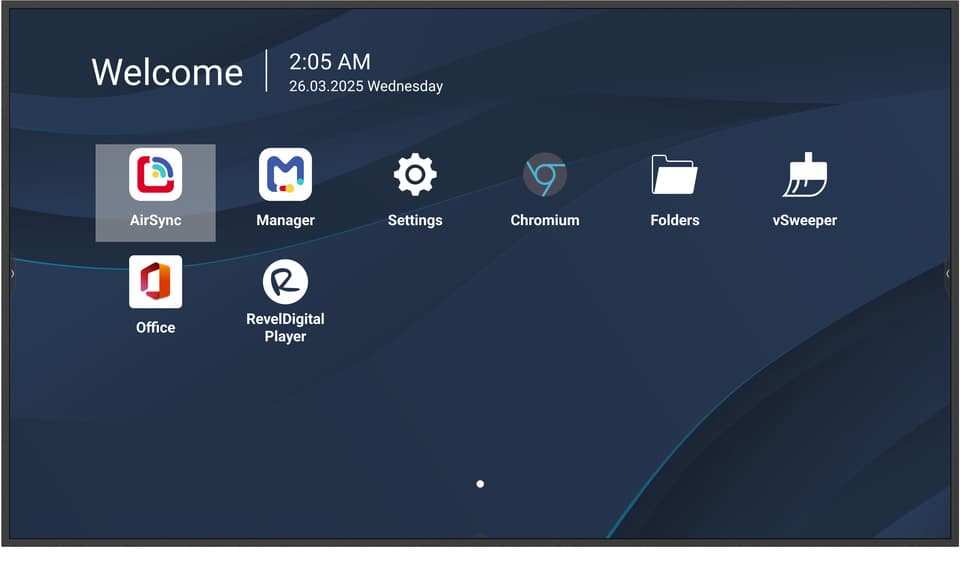
ViewSonic CDE5514-2C 55" 4K Commercial Display
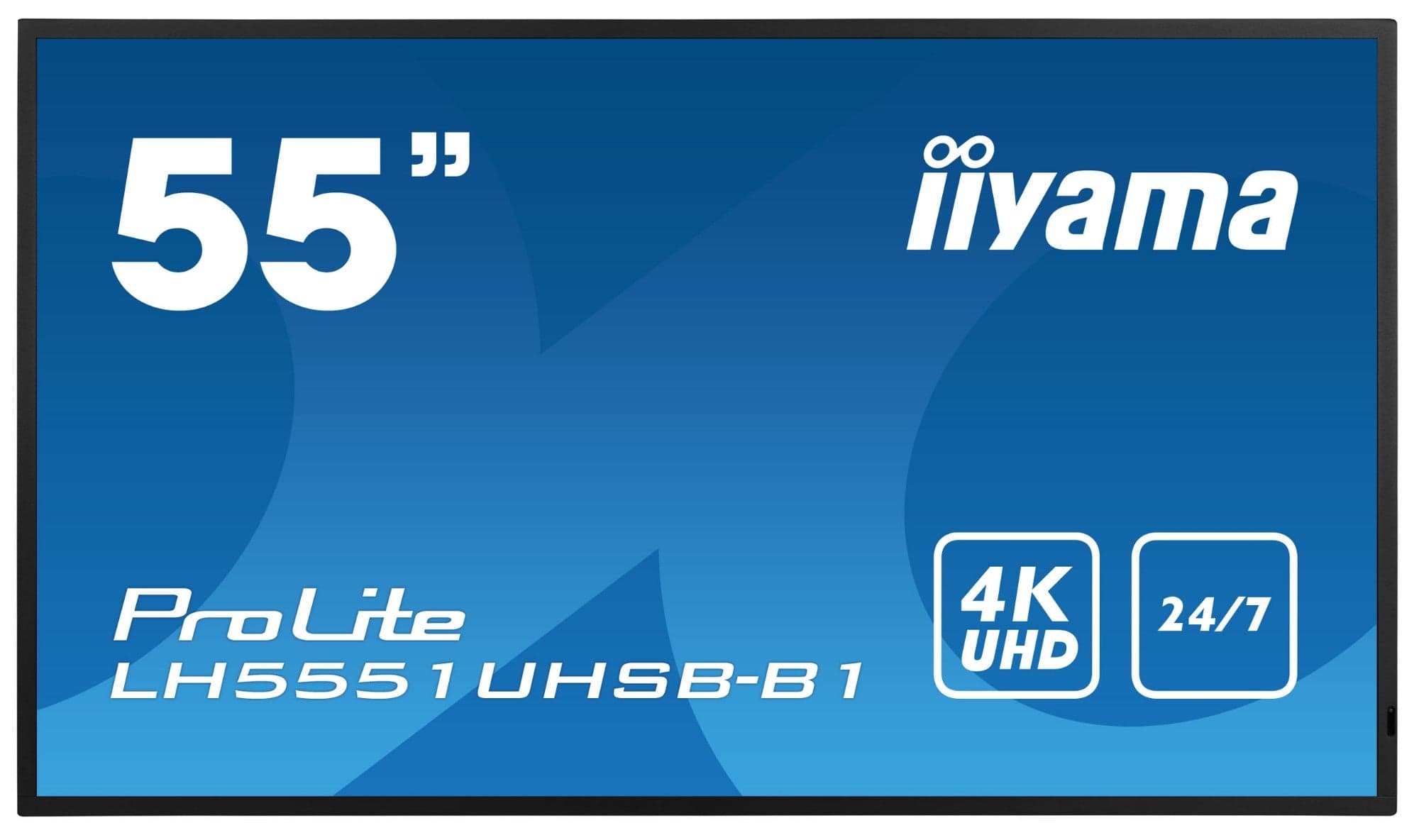
iiyama LH5565UHSB-B1 55" 4K Signage Display
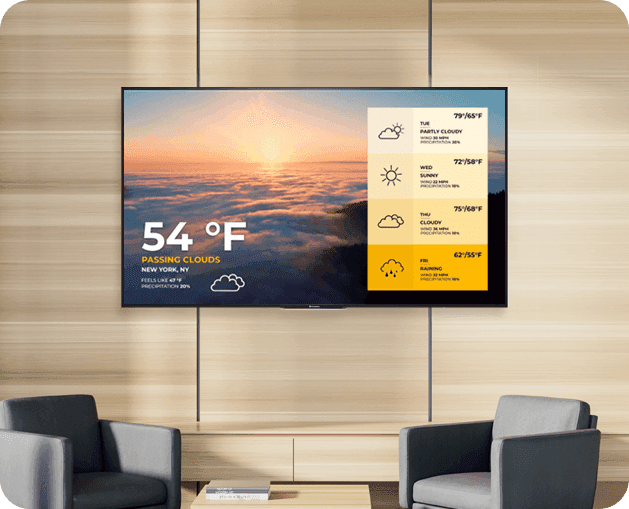
Promethean ActivPanel D-Series 55" Digital Signage Display
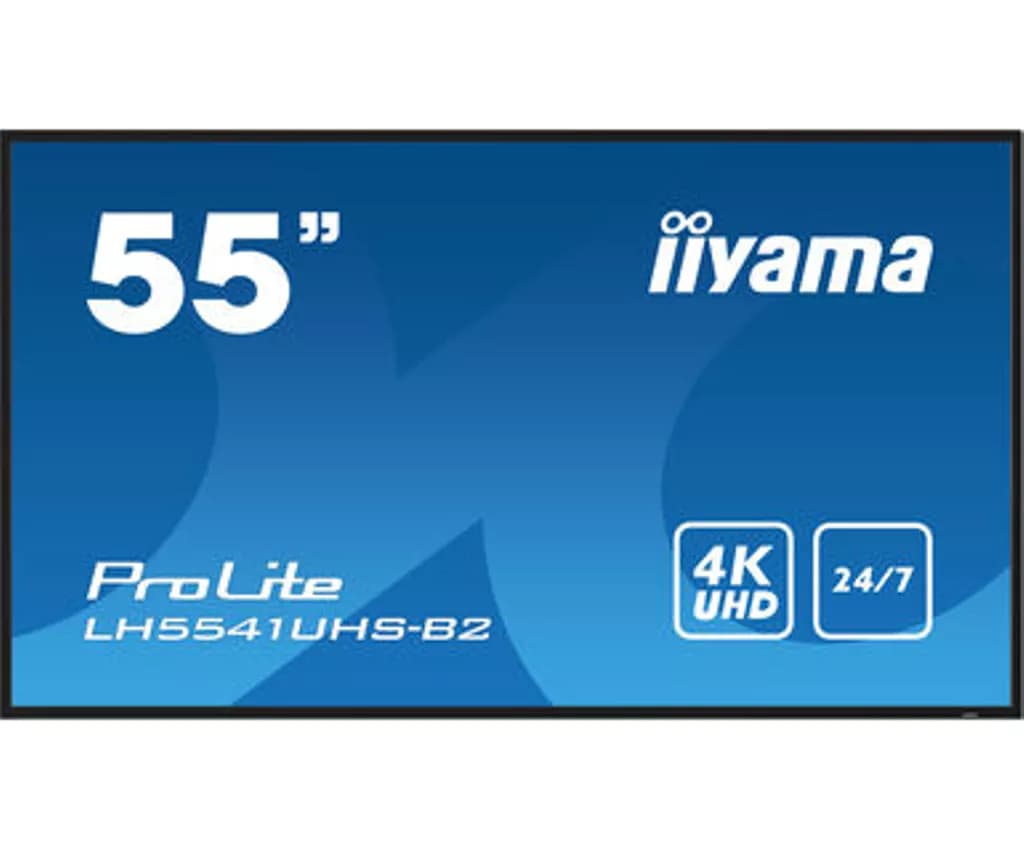
iiyama LH5541UHS-B2 55" 4K UHD Professional Digital Signage Display
Need help specifying this for your space?
Ask Andrew. He knows the full catalogue and can advise on installation, mounting and compatible AV systems.
Buying the iiyama LH5564UHS-B1AG from TopAV
Free standard mainland delivery
Stock and dispatch information are shown beside the live price. Delivery is separate from installation; confirm site access and any required delivery date with us.
Delivery options3-year manufacturer warranty
Ask us to confirm what the manufacturer cover includes and how service is arranged for your site. Unused items in original packaging can be returned within 14 days of delivery — see the returns policy for how business and consumer returns differ. Faulty items are covered under manufacturer warranty and by your statutory rights.
Returns termsCompare before committing
Already considering another brand or a larger screen? Compare the complete installed cost, your teaching software and long-term support requirements.
Browse other commercial displays