
SMART · SMART Board NX series
SMART NX165-5A 65-inch 4K non-touch signage display

SMART Platinum Partner
We work closely with SMART Technologies to secure competitive pricing for your project.
Buying multiple displays? Ask us for a tailored deal.
- Visa
- Mastercard
- American Express
- PayPal
Or 3 interest-free payments of £354.40 with PayPal Pay in 3.
Independently reviewed on TrustpilotSeen it cheaper? We price-match genuine like-for-like quotes. How it works
- In UK stock, ships from the UK
- UK manufacturer warranty
- UK-based engineers
- No import duty or customs charges
- GBP pricing, UK VAT invoices
A 65-inch 4K commercial signage display with wireless screen sharing, a built-in Android 13 media player and browser, 16/7 rated operation and RS-232 and network control.
TopAV buying advice
Is the SMART NX165-5A right for your reception?
For a front-of-house screen that shows content all day without a PC behind it.
Shortlist the NX165 for a reception, a waiting area, a corridor or a retail space where the job is showing scheduled content and letting someone share a screen to it wirelessly. The Android system, browser and media player are built in, so a signage schedule or a welcome screen can run on the display alone. Check the longest sightline first: a wide atrium or a deep waiting room usually reads better on the 75-inch or 86-inch model.
Reasons to shortlist it
- 4K UHD (3840 x 2160) at 60Hz with 400 nits of brightness and a 178 degree viewing angle, so names, schedules and wayfinding stay readable for people crossing the space rather than sitting square to the screen.
- Rated for 16/7 commercial operation with a panel lifespan of 50,000 hours or more, which is the duty cycle a display needs when it runs every working day rather than in short meeting-length bursts.
- Wireless screen sharing, a web browser and an integrated media player run on the display's own quad-core Android 13 system with 8GB of DDR4 memory and 64GB of storage, so content goes up without a separate PC or player in the room.
- Input detect failover switches and recovers the source automatically, and RS-232, two 1000BASE-T RJ45 ports and SMART Remote Management let an unattended screen be driven and restarted from a desk.
- We are a SMART Platinum partner, so warranty claims and replacements go through us rather than a queue.
Check before you choose
- 65 inches suits a reception desk or a corridor where people read the screen from a few metres away. For a large atrium or a long sightline, compare viewing distances against the 75-inch NX175 or the 86-inch NX186 before ordering.
- Budget separately for the mount, installation and any SMART OPS PC module or AMG1 appliance. The box holds the display, a 1.8 m USB-C cable, the power cable, two Wi-Fi antennas, the remote control and the printed documents, not a PC or a camera.
- SMART lists the orientation for this display as landscape, and its SMART Remote Management subscription runs for the warranty period. Confirm mounting orientation, network access for over-the-air updates and who will own the content schedule with your IT team before rollout.
See the 65" on your wall, to scale
On a phone, point your camera at the wall and see the 65" there at its real size. On a computer, upload a photo of the wall (or scan the QR code to take one with your phone and it will appear here) and drag the display around it to scale.
Not sure 65" is the right size for the room? The screen size calculator shows how far a 65" display carries for presentations, touch work and video.
What to plan before installing the NX165-5A
01
Size & sightlines
Measure the longest distance people will read from and the smallest text you need them to read. Reception screens are often viewed while walking, so size up if the sightline is long.
02
Mount & connections
Check wall construction, mounting height, power and data. Plan a wired RJ45 run if the screen will be managed remotely, and decide which of the three HDMI inputs, DisplayPort, VGA or USB-C the local sources will use. SMART lists a 600 x 400 mm (M8) VESA pattern.
03
Content & installation
Decide whether the schedule runs on the built-in Android system, a SMART OPS PC module or a third-party platform, and confirm network access and account sign-in with your IT team. Tell us if you need mounting, cabling or a signage build.
Display price is for the panel. Installation and optional equipment are quoted separately. Purchase-order terms are available to approved education customers.
Build a quote you can compare
Include these details in your project enquiry so the quote covers the room as well as the screen.
- Number of displays, site postcode and required date.
- Furthest viewing distance and available wall space.
- Wall type, fixed mount or adjustable trolley, and cable routes.
- Laptop model, teaching apps, and any camera or Windows PC needs.
Ask for separate equipment, delivery, installation and licence costs, with a total including VAT. Confirm warranty coverage and any registration requirements before placing the order.
Complete your setup
What else the NX165-5A needs
The price above is for the display on its own. A wall mount or trolley is a separate purchase, and installation is quoted per site. Add what you need here and it joins the same basket.
Choose a mount
Professional Installation
Want it installed by our AV experts? We offer professional on-site installation including mounting, cable management, and system configuration.
Compare your shortlist
SMART NX165-5A vs NX175-5A: 65-inch or 75-inch?
Choose around the room and the content people need to read, not the model number.
| Feature | NX165-5A | NX175-5A |
|---|---|---|
| Screen Size | 65 in | 75 in |
| Resolution | 3840 x 2160 (4K UHD) | 3840 x 2160 (4K UHD) |
| Brightness | 400 cd/m² | 400 cd/m² |
| Operating System | Android 13 | Android 13 |
| Speakers | 2 x 20W integrated | 2 x 20W integrated |
| Storage | 64GB | 64GB |
Specifications checked on 13 September 2026: SMART Board NX series (opens in a new tab) and SMART NX series specifications (PDF) (opens in a new tab). Buying advice is based on published specifications; confirm the supplied configuration for either model.
See this 65-inch display to scaleSMART NX165-5A specifications and documents
SMART specifications (opens in a new tab)Choose a section to view its specifications.
Display (5)
- Screen Size
- 65 in
- Resolution
- 3840 x 2160 (4K UHD)
- Brightness
- 400 cd/m²
- Aspect Ratio
- 16:9
- Backlight Life
- 50,000 hours or more
Connectivity (3)
- USB-C Power Delivery
- 15 W (front port)
- USB-C Ports
- 2 (1 front, 1 rear)
- HDMI Inputs
- 3 (1 front, 2 rear)
Audio (1)
- Speakers
- 2 x 20W integrated
Power & Physical (4)
- Power Consumption
- 79 W
- VESA Mount
- 600 x 400 mm (M8)
- Weight
- 37 kg
- Shipping Weight
- 54 kg
Certifications & Warranty (1)
- Warranty
- 5 years SMART Assure (UK & Ireland)
General (8)
- Operating System
- Android 13
- Orientation
- Landscape
- RAM
- 8GB DDR4
- Storage
- 64GB
- OPS Slot
- Yes (1 rear)
- Glass
- Full heat-tempered, anti-glare, bonded
- Sensors
- Ambient light, infrared
- Manufacturer part number
- NX165-5A
Specifications are SMART's published figures. Checked on 13 September 2026. The buying advice is our own, from specifying and installing equipment like this in UK classrooms and meeting rooms.
SMART NX165-5A questions answered
Who is the SMART Board NX165 best suited to?
Consider it for a reception, waiting area, school or office corridor or retail space that needs a screen showing content all day, with the option for staff or visitors to share a screen to it wirelessly. Check that your content is readable from the furthest point people will read it before choosing 65 inches; a large or open space may need the 75-inch or 86-inch model.
Does the NX165 need a PC or a separate media player?
No. A quad-core Android 13 system is built into the display with 8GB of DDR4 memory, 64GB of storage, a web browser and an integrated media player, so it can run a signage schedule on its own. A SMART OPS PC module or SMART AMG1 appliance can be fitted in the rear OPS slot if you want a Windows PC or an appliance behind the screen, and the sheet lists a 90 W power supply for that slot.
How do people put content on the screen?
Either wirelessly through the display's built-in screen sharing, or over a cable into one of its inputs. There are three HDMI 2.0 inputs with HDCP support (one on the front, two at the rear), DisplayPort 1.2, VGA and a front USB-C port that carries 4K at 60Hz over DisplayPort alternate mode along with 15W of power delivery. SMART's specification sheet does not name the wireless sharing protocols, so tell us which devices you need to support and we will confirm before you order.
Why is this display listed as both NX165 and NX065?
They are the same product: NX165 is the order number and NX065 is the model name. SMART's NX series specification sheet lists order number NX165 against the description 'SMART Board NX065 digital display with screen sharing'. The catalogue SKU NX165-5A adds the regional suffix.
Can the display be managed remotely?
Yes. SMART Remote Management is used to manage what is shown on the display, and a subscription is included for the duration of the warranty period. The display also takes RS-232 over a DB-9 connector and has two 1000BASE-T RJ45 ports (LAN in and LAN out) for wired control, plus automatic input detect failover so an unattended screen recovers its source on its own.
How much power does the NX165 use?
SMART lists 79 W typical for the 65-inch model and under 0.5 W in standby. The 75-inch model is listed at 88 W and the 86-inch at 119 W. The series carries an ENERGY STAR listing, and the display runs on 100V to 240V AC at 50Hz to 60Hz.
Can it run all day, every day?
SMART rates the NX series for 16/7 commercial runtimes, with a panel lifespan of 50,000 hours or more. That is the specification to check when comparing against a consumer television, which is not built or warranted for that pattern of use. An ambient light sensor is fitted, and the glass is full heat-tempered, anti-glare and bonded.
What is included in the box?
A country-specific power cable, a 6 ft (1.8 m) USB 3.2 Gen 1 Type-C cable rated 5A, two external dual-band Wi-Fi and Bluetooth antennas, a remote control with Air Mouse mode, two AAA batteries, illustrated installation instructions and an important information document. A mount, a PC module and a camera are all separate items.
Does it work with third-party signage platforms?
Yes. SMART's specification sheet lists Rise Vision and The Scholastic Network for content delivery, and CrisisGo for safety management and emergency response, alongside its own digital signage content management system. Confirm the licences and subscriptions those platforms need separately, as they are not included with the display.
Should I choose the 65-inch NX165 or the 75-inch NX175?
Choose by viewing distance and the smallest text your content uses, not by room size alone. Both share the same 4K resolution, 400 nit brightness, Android system, ports and 2 x 20W speakers, so the larger panel adds size rather than detail. Use the screen-size calculator and check the available wall space and weight before deciding.
Trusted by thousands of customers
Explore recent installations
See recent installations supplied by StriveAV, TopAV’s parent company. Customer names are masked for privacy.
Alternative products
Closest matches in this category on price and capability. Not sure which way to go? Our technical team will talk it through.
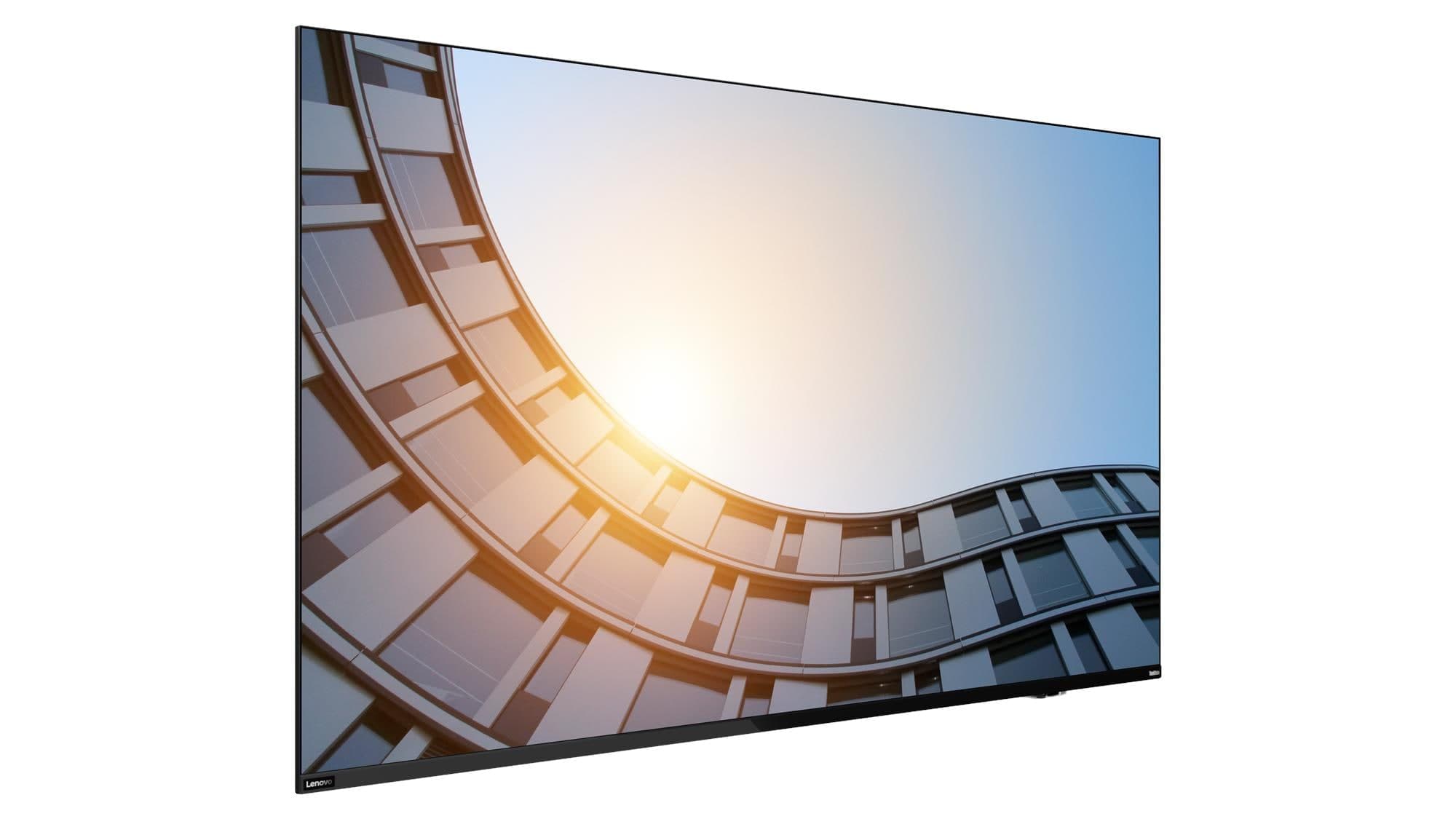
Lenovo ThinkVision E65 LFD 65-inch 4K Commercial Display
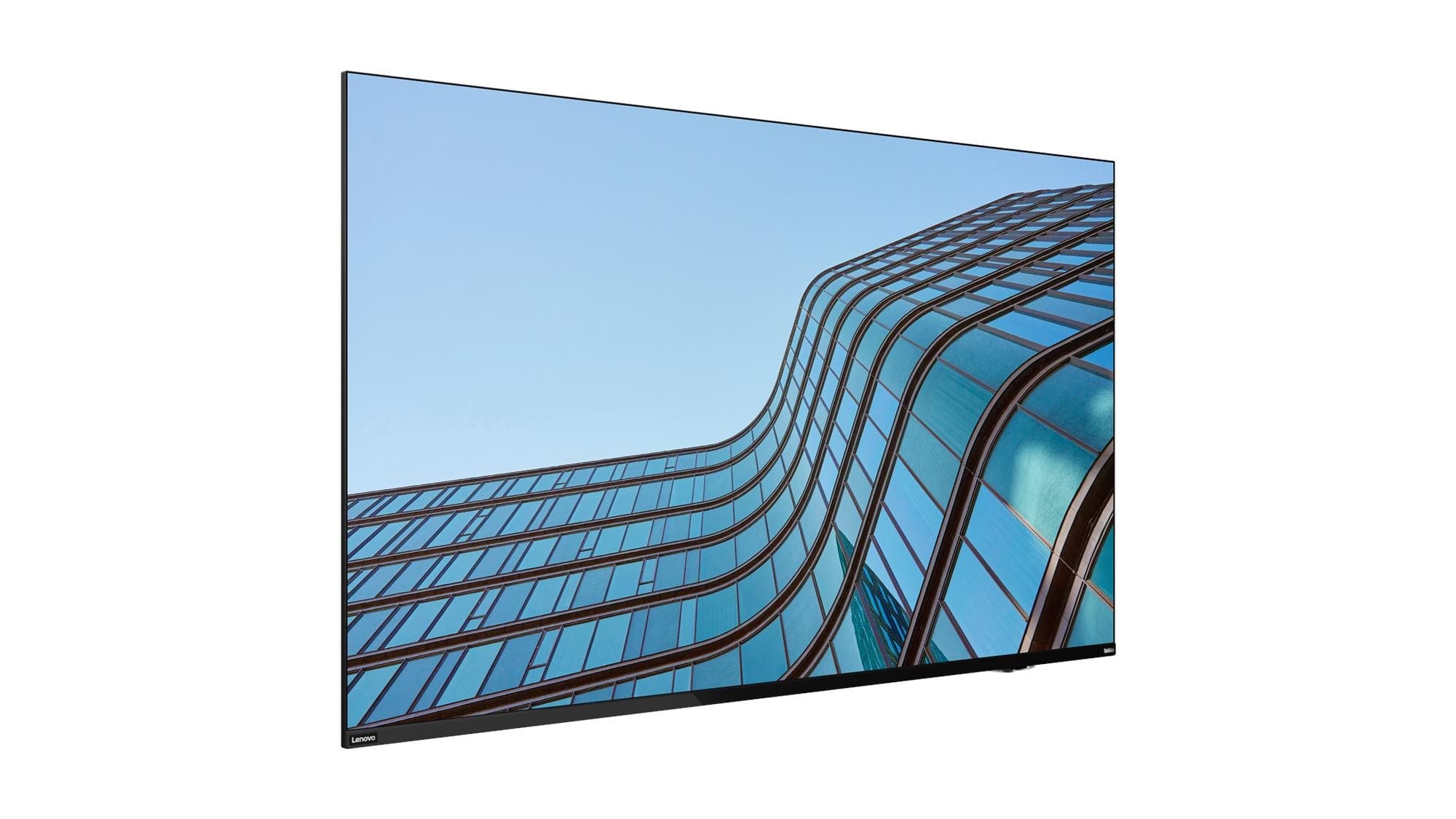
Lenovo ThinkVision E55 LFD 55-inch 4K Commercial Display
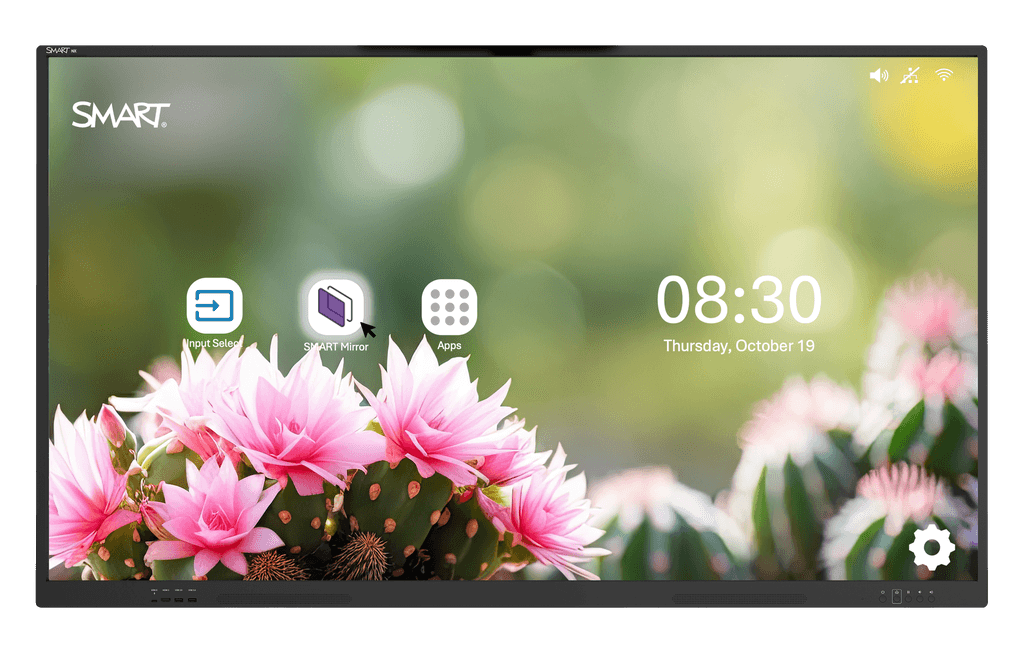
SMART Board NX075 75" Commercial Display with Screen Sharing
BenQ SH5504 55-inch Pantone Validated High-Brightness Signage Display
Need help specifying this for your space?
Ask Andrew. He knows the full catalogue and can advise on installation, mounting and compatible AV systems.
Buying the SMART NX165-5A from TopAV
Free standard mainland delivery
Stock and dispatch information are shown beside the live price. Delivery is separate from installation; confirm site access and any required delivery date with us.
Delivery options5-year manufacturer warranty
Ask us to confirm what the manufacturer cover includes and how service is arranged for your site. Unused items in original packaging can be returned within 14 days of delivery — see the returns policy for how business and consumer returns differ. Faulty items are covered under manufacturer warranty and by your statutory rights.
Returns termsCompare before committing
Already considering another brand or a larger screen? Compare the complete installed cost, your teaching software and long-term support requirements.
Browse other non-touch signage displays