
iiyama · iiyama ProLite LE41 signage series
iiyama LE4341S-B2 43-inch commercial display
- Visa
- Mastercard
- American Express
- PayPal
Or 3 interest-free payments of £115.30 with PayPal Pay in 3.
Independently reviewed on TrustpilotSeen it cheaper? We price-match genuine like-for-like quotes. How it works
- Sourced through UK distribution
- UK manufacturer warranty
- UK-based engineers
- No import duty or customs charges
- GBP pricing, UK VAT invoices
A 43-inch Full HD commercial signage display with an IPS panel at 350 cd/m2, three HDMI inputs and RS-232C, LAN and IR control, with no operating system on board so the content comes from an external player, PC or signage box.
TopAV buying advice
Is the iiyama LE4341S-B2 right for your reception?
For an indoor screen whose content already comes from somewhere else.
Shortlist the LE4341S-B2 where a 43-inch screen has to show content that a media player, a PC or a signage box already generates, and the budget matters more than having a computer inside the panel. It is a Full HD IPS panel, so names, menus and wayfinding read cleanly from a few metres in ordinary indoor light, and at 8.4kg in a 968 x 557.5 x 54mm chassis it is straightforward bracket work. Settle the orientation first, because iiyama lists this model for landscape mounting only.
Reasons to shortlist it
- An IPS panel at 1920 x 1080 with 350 cd/m2 of brightness, 1200:1 static contrast and an 8ms grey-to-grey response, which is the combination that keeps text and colour consistent for people reading it while walking past rather than sitting square to it.
- Three HDMI 2.0 inputs, each accepting up to 1920 x 1080 at 60Hz, so a signage player, a room PC and a switcher can all stay plugged in at once without an external selector, and two 10W speakers plus an RCA line output handle the audio.
- RS-232C, RJ45 network and IR control inputs are all fitted, so the screen can be switched, muted and powered from a control system or a desk instead of somebody walking over to it with a remote.
- The design is fanless with a 50,000 hour MTBF figure quoted excluding the backlight, and it is specified for a 0 to 40 degrees C operating range, so there is no fan pulling foyer dust through the chassis and nothing mechanical to seize in a warm ceiling void.
- It draws 53W typical, 0.5W in standby and 0.3W switched off, and weighs 8.4kg without its box, which is the lowest running cost and the lightest lift of the 43-inch options in this range.
Check before you choose
- iiyama lists this model for landscape orientation only, and does not list portrait. If the site needs a vertical poster format, or you want the freedom to rotate it later, choose one of the LH41 models in the range instead, which are listed for landscape or portrait.
- 350 cd/m2 is an indoor figure. It suits a foyer, a corridor, a canteen, a back-of-house area or a meeting room, but not a shop window or a glazed frontage where daylight falls directly on the glass. That job needs a high-brightness display, and this is not one.
- iiyama publishes no maximum non-stop operating time for this model and no media playback line, so do not assume it matches the 24/7-rated models beside it or that it will play a file from a USB stick on its own. Plan on an external source for the content, and tell us the running hours you need before an estate is committed to it.
See the 43" on your wall, to scale
On a phone, point your camera at the wall and see the 43" there at its real size. On a computer, upload a photo of the wall (or scan the QR code to take one with your phone and it will appear here) and drag the display around it to scale.
Not sure 43" is the right size for the room? The screen size calculator shows how far a 43" display carries for presentations, touch work and video.
What to plan before installing the LE4341S-B2
01
Position & sightlines
Measure the furthest point people will read from and the smallest text your content uses, then check the light falling on the position. This panel is specified at 350 cd/m2 for indoor light, and the mounting orientation is fixed at landscape, so both have to work at the chosen spot.
02
Mount & connections
Plan for a 968 x 557.5 x 54mm chassis weighing 8.4kg without its box; the mounting pattern is in the specification table. Decide which of the three HDMI inputs the local sources will use, allow for the RCA audio output if the sound goes anywhere but the built-in speakers, and run an RJ45 cable if the screen will be controlled over the network. iiyama lists a 200 x 200 mm VESA pattern.
03
Content & source
Nothing runs on the display itself, so decide what generates the content: a signage player, a small PC, a room system or a switcher feeding it over HDMI. Cable management is in the box and a remote control with batteries is supplied. Tell us if you want the player, the bracket or the installation quoted alongside the screen.
Display price is for the panel. Installation and optional equipment are quoted separately. Purchase-order terms are available to approved education customers.
Build a quote you can compare
Include these details in your project enquiry so the quote covers the room as well as the screen.
- Number of displays, site postcode and required date.
- Furthest viewing distance and available wall space.
- Wall type, fixed mount or adjustable trolley, and cable routes.
- Laptop model, teaching apps, and any camera or Windows PC needs.
Ask for separate equipment, delivery, installation and licence costs, with a total including VAT. Confirm warranty coverage and any registration requirements before placing the order.
Complete your setup
What else the LE4341S-B2 needs
The price above is for the display on its own. A wall mount or trolley is a separate purchase, and installation is quoted per site. Add what you need here and it joins the same basket.
Choose a mount
Professional Installation
Want it installed by our AV experts? We offer professional on-site installation including mounting, cable management, and system configuration.
Compare your shortlist
iiyama LE4341S-B2 vs LH4341UHS-B2: 43-inch or 43-inch?
Choose around the room and the content people need to read, not the model number.
| Feature | LE4341S-B2 | LH4341UHS-B2 |
|---|---|---|
| Screen Size | 43 in | 43 in |
| Resolution | 1920 x 1080 (Full HD) | 3840 x 2160 (4K UHD) |
| Brightness | 350 cd/m² | 500 cd/m² |
| Contrast Ratio | 1200:1 | 1200:1 |
| Speakers | 2 x 10W | 2 x 10W |
| Power Consumption | 53 W (typical) | 107 W (typical) |
Specifications checked on 13 September 2026: iiyama ProLite LE4341S-B2 (opens in a new tab) and iiyama VisionCare warranty terms (opens in a new tab). Buying advice is based on published specifications; confirm the supplied configuration for either model.
See this 43-inch display to scaleiiyama LE4341S-B2 specifications and documents
iiyama specifications (opens in a new tab)Choose a section to view its specifications.
Display (6)
- Screen Size
- 43 in
- Resolution
- 1920 x 1080 (Full HD)
- Brightness
- 350 cd/m²
- Contrast Ratio
- 1200:1
- Aspect Ratio
- 16:9
- Backlight Life
- 50,000 hours MTBF (excluding backlight)
Connectivity (1)
- HDMI Inputs
- 3 (HDMI 2.0, max 1920 x 1080 at 60Hz)
Audio (1)
- Speakers
- 2 x 10W
Power & Physical (4)
- Size Band
- 32 - 49"
- Power Consumption
- 53 W (typical)
- VESA Mount
- 200 x 200 mm
- Weight
- 8.4 kg
Certifications & Warranty (1)
- Warranty
- 3 years iiyama VisionCare (onsite exchange, mainland UK and Ireland)
General (5)
- Energy efficiency class
- G
- Orientation
- Landscape only
- Operating System
- None (external media player or source required)
- Manufacturer part number
- LE4341S-B2
- GTIN
- 4948570123513
Specifications are iiyama's published figures. Checked on 13 September 2026. The buying advice is our own, from specifying and installing equipment like this in UK classrooms and meeting rooms.
iiyama LE4341S-B2 questions answered
Who is the iiyama ProLite LE4341S-B2 best suited to?
Consider it for a reception, a corridor, a canteen, a waiting area or a back-of-house board where a 43-inch screen has to show content that something else generates. It is an entry-level signage panel: no computer inside, no scheduling on the screen, just a bright indoor display with three inputs and proper commercial control. That makes it cheap per screen when a central player or a PC already exists.
Does the LE4341S-B2 need a media player or a PC?
Yes. iiyama's specification for this model lists no integrated software, so nothing on the display stores content, schedules it or connects to a signage service. A player, a PC, a signage box or a switcher feeds it over one of the three HDMI inputs. That hardware, and any subscription it needs, is a separate line on the quote.
Can it be mounted in portrait?
No. iiyama lists landscape orientation for this model and does not list portrait. If a vertical format matters, or might matter later, look at the LH41 models in the same range, which are listed for landscape or portrait. This is the single biggest specification difference between this display and its neighbours, so settle it before ordering.
Where can a 350 cd/m2 screen go?
Indoors, away from direct sun. 350 cd/m2 is comfortable in a lit foyer, an office, a corridor or a canteen. It is not enough for a shop window, a glazed atrium or any position where daylight lands on the glass, which is what the high-brightness tier at around 800 cd/m2 exists for. If you are not sure, measure the light at the actual position before you commit.
How is the display controlled remotely?
It has RS-232C, an RJ45 network connection and an IR input for monitor control, so power, input and volume can be driven from a control processor or over the network rather than by hand. A remote control with batteries is supplied in the box for local use, along with cable management.
How many sources can it take at once?
Three. It has three HDMI 2.0 inputs, each rated to 1920 x 1080 at 60Hz, which matches the panel's native resolution. That is enough for a player, a laptop plate and a spare without adding a switcher. Audio comes out through two 10W speakers or an RCA line output to an amplifier.
Can it run around the clock?
iiyama does not publish a maximum non-stop operating time for this model, so we will not claim one. Several models in the wider range are rated 24/7 and this one carries no such figure, which is worth knowing before you plan a site that never switches off. What iiyama does quote is a 50,000 hour MTBF figure excluding the backlight and a fanless design. Ask us and we will get the duty cycle confirmed for your deployment.
How much power does it use and how heavy is it?
53W typical, 0.5W in standby and 0.3W switched off. The chassis is 968 x 557.5 x 54mm and weighs 8.4kg without its box, which is a comfortable one or two person lift onto a bracket. Across a large estate the difference between this and a 4K model in the same size is real: the 43-inch LH4341UHS-B2 draws 107W typical.
Does it have speakers?
Yes, two 10W speakers are built in, and there is an RCA left and right line output if the sound needs to go to a ceiling system or an amplifier instead. For a reception or a corridor the built-in pair is usually enough for a short announcement, but not for background music across an open space.
Should I choose the LE4341S-B2 or the 43-inch LH4341UHS-B2?
They are the same size and very different screens. This one is Full HD at 350 cd/m2 and mounts landscape only, and iiyama publishes no duty cycle for it. The LH4341UHS-B2 is 4K at 3840 x 2160, 500 cd/m2, rated 24/7, mounts landscape or portrait, has a metal housing and plays media from its own USB port, at 107W typical against 53W. Choose this one when the content is simple, read from a distance and driven from elsewhere; choose the LH4341UHS-B2 when people stand close to the screen, the position is brighter, or it has to run continuously.
Trusted by thousands of customers
Explore recent installations
See recent installations supplied by StriveAV, TopAV’s parent company. Customer names are masked for privacy.
Alternative products
Closest matches in this category on price and capability. Not sure which way to go? Our technical team will talk it through.
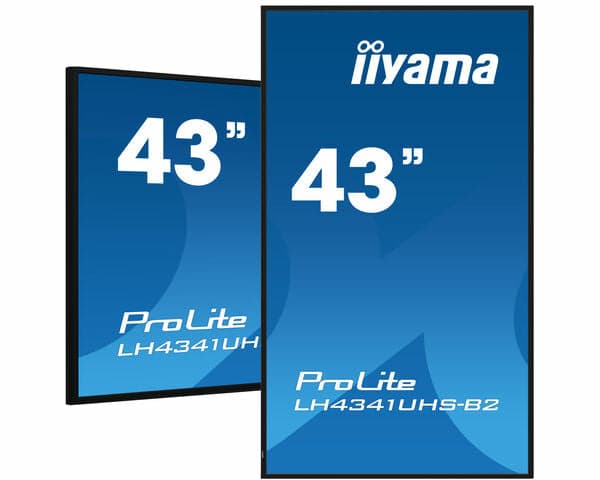
iiyama LH4341UHS-B2 43" 4k 500 cd/m² Signage Display
Samsung BE43FX-H 43" Commercial Display
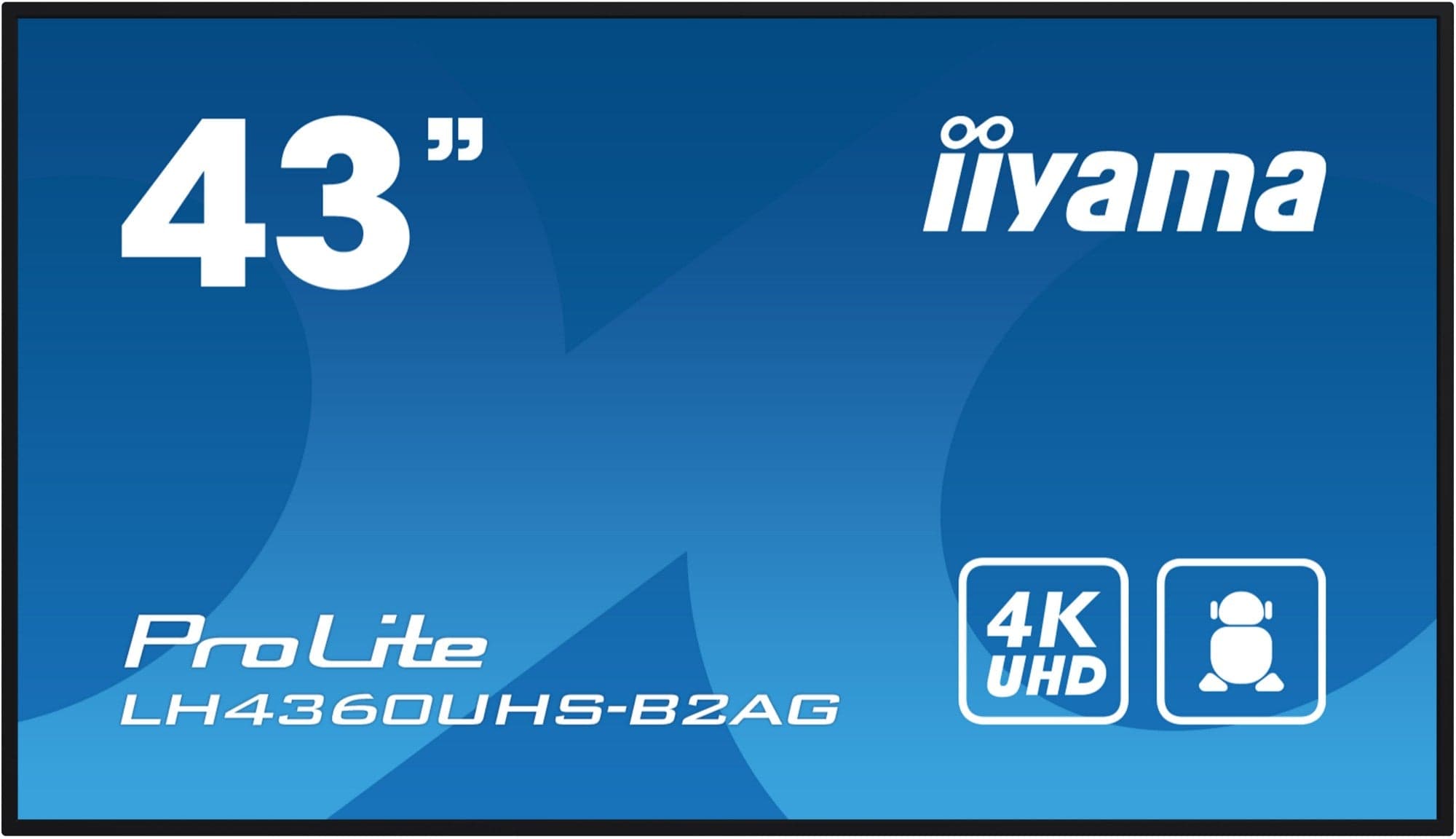
iiyama LH4360UHS-B2AG 43" Signage Display
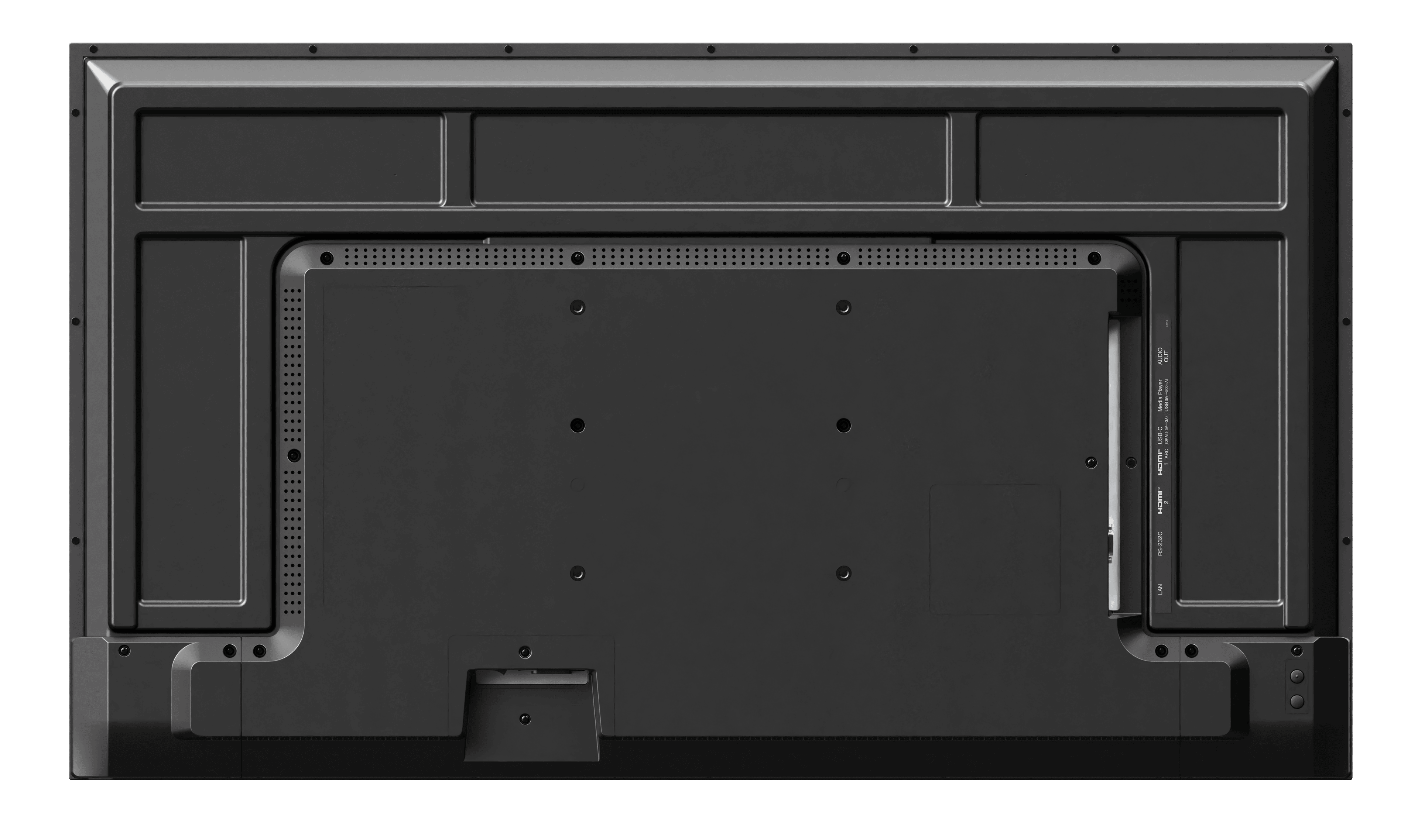
Sharp PN-E439 43" Signage Display
Need help specifying this for your space?
Ask Andrew. He knows the full catalogue and can advise on installation, mounting and compatible AV systems.
Buying the iiyama LE4341S-B2 from TopAV
Free standard mainland delivery
Stock and dispatch information are shown beside the live price. Delivery is separate from installation; confirm site access and any required delivery date with us.
Delivery options3-year manufacturer warranty
Ask us to confirm what the manufacturer cover includes and how service is arranged for your site. Unused items in original packaging can be returned within 14 days of delivery — see the returns policy for how business and consumer returns differ. Faulty items are covered under manufacturer warranty and by your statutory rights.
Returns termsCompare before committing
Already considering another brand or a larger screen? Compare the complete installed cost, your teaching software and long-term support requirements.
Browse other commercial displays